

WALLL
Install latest/stable of WALLL
Ubuntu 16.04 or later?
Make sure snap support is enabled in your Desktop store.
Details for WALLL
Package name
- walll
License
- Proprietary
Last updated
- 15 January 2026 - latest/stable
Donations
External link warning
You are about to open
Do you wish to proceed?
Report a Snap Store violation
Report WALLL for a Snap Store violation
Snap Store Violation Report submitted successfully
Thank you for your report. Information you provided will help us investigate further.
Error submitting report
There was an error while sending your report. Please try again later.
Share this snap
Generate an embeddable card to be shared on external websites.
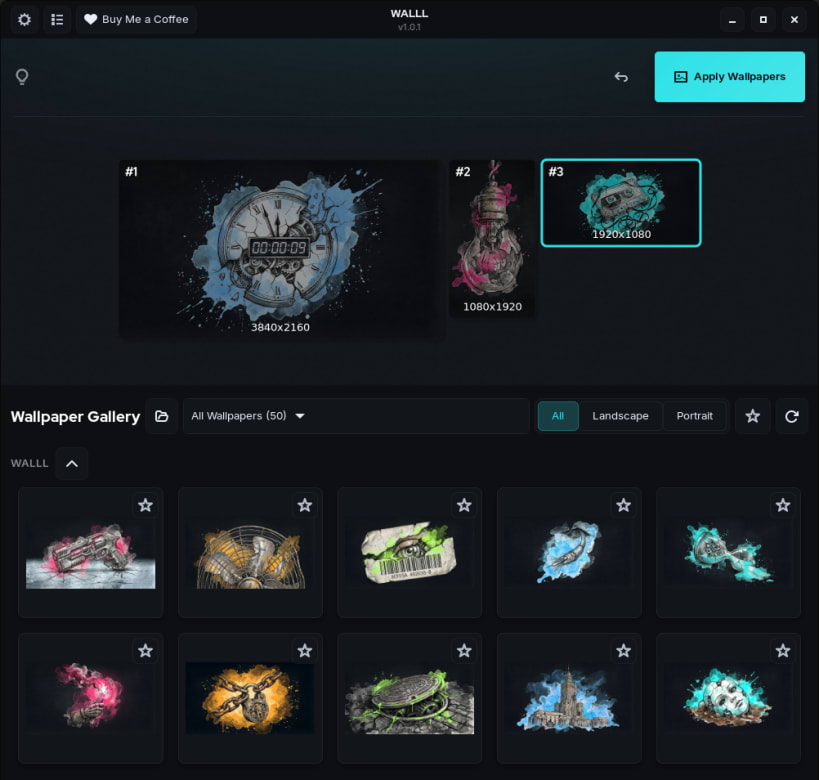
Elegant multi-monitor wallpaper manager for pixel-perfect desktop setups.
WALLL: Power, Beauty, and Your Monitors in Harmony.
Because your wallpapers shouldn't look like they were resized in 1995.
Let's face it: GNOME is great, but multi-monitor wallpaper management can feel like a game of Tetris where the pieces never fit. Stretched backgrounds, misaligned horizons, and that one monitor that always looks "off."
Augmented Entropy presents WALLL: the antidote to desktop chaos on GNOME.
Stop wrestling with system settings and start enjoying your pixels. WALLL gives you the precision of a scalpel in a world of blunt tools, ensuring your monitors finally look like they belong on the same planet.
What’s inside the box?
- Take full control over how your wallpapers sit on every single monitor with pixel-perfect precision.
- Effortlessly manage different vibes for each screen without losing your mind in sub-menus.
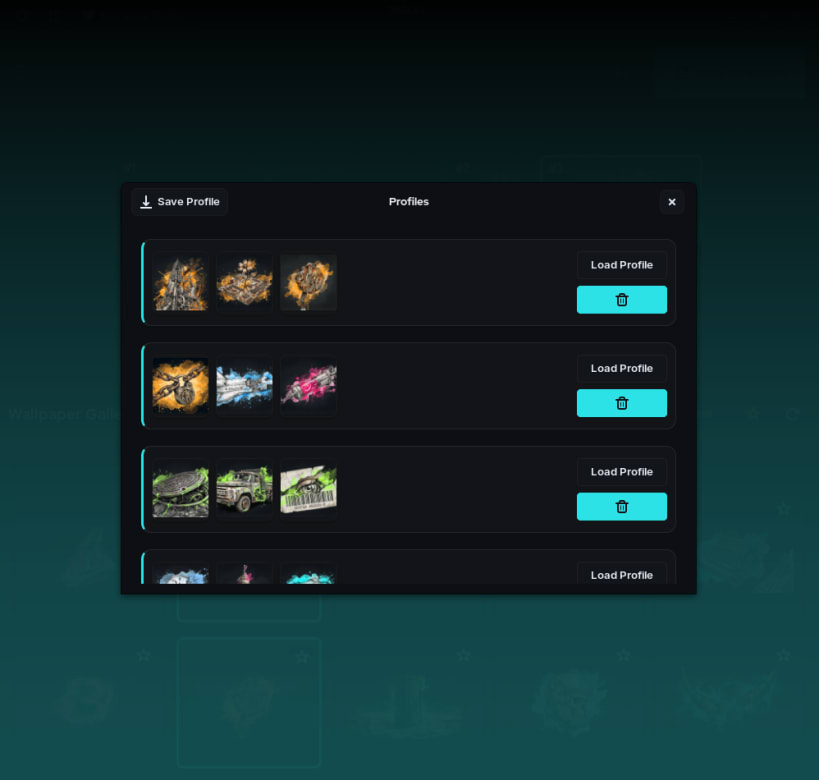
- Switch between your custom-tailored desktop layouts in seconds with our profile system.
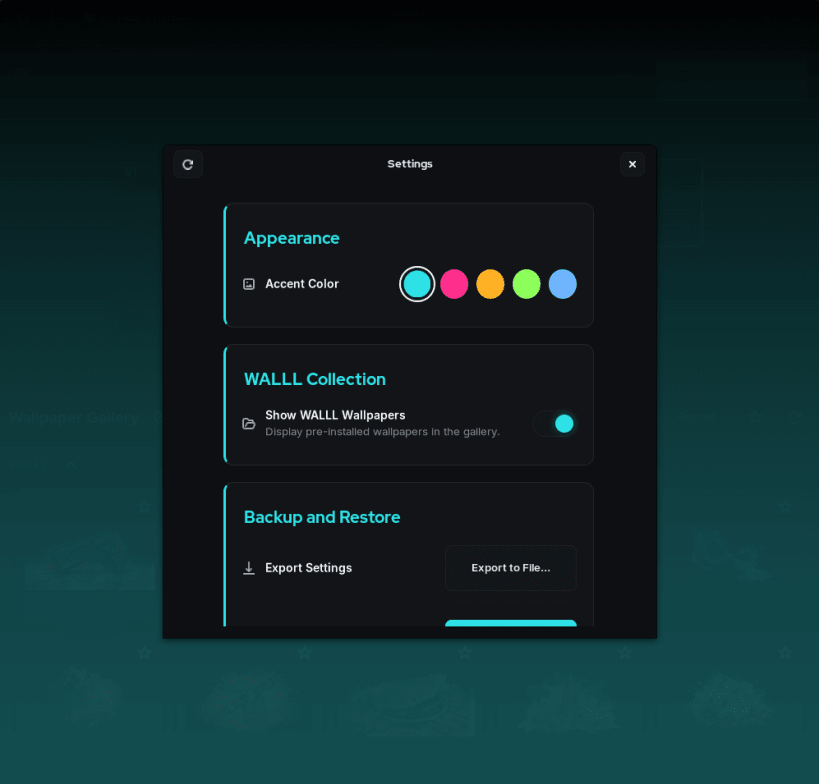
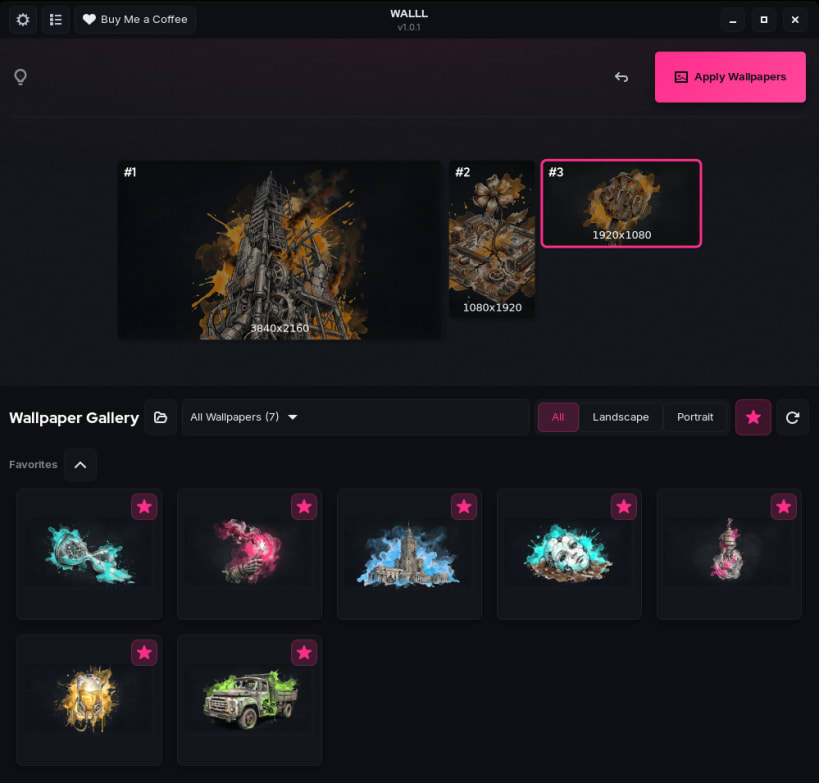
- Enjoy an interface so clean and dark, it makes your terminal look jealous.
- Experience a lightweight, fast, and local-first tool that respects your resources.
No wallpapers? No problem. WALLL comes with a curated gallery of pre-installed, high-quality wallpapers, so you can start beautifying your setup right after installation.
Note: WALLL is specifically designed and optimized for the GNOME desktop environment.
Augment your order. Fight the entropy.
| Revision | Channel | Version | Build | Commit | Download SBOM |
|---|
The build and commit information is derived from build infrastructure records.
Install WALLL on your Linux distribution
Choose your Linux distribution to get detailed installation instructions. If yours is not shown, get more details on the installing snapd documentation.











