

Install latest/stable of Whatly
Ubuntu 16.04 or later?
Make sure snap support is enabled in your Desktop store.
Details for Whatly
Package name
- whatly
License
- MIT
Last updated
- 10 October 2026 - latest/stable
- Today - latest/edge
Websites
Contact
Donations
Source code
Report a bug
External link warning
You are about to open
Do you wish to proceed?
Report a Snap Store violation
Report Whatly for a Snap Store violation
Snap Store Violation Report submitted successfully
Thank you for your report. Information you provided will help us investigate further.
Error submitting report
There was an error while sending your report. Please try again later.
Share this snap
Generate an embeddable card to be shared on external websites.
Feature-rich WhatsApp Web client for the Linux desktop
Whatly is a native desktop wrapper for WhatsApp Web, built on Qt and QtWebEngine. It brings WhatsApp out of the browser tab and into a proper desktop application with system integration, privacy controls, and customization options unavailable in a plain browser.
This is a fork maintained by Ángel Guzmán Maeso, based on the original WhatSie created by Keshav Bhatt and released under the MIT licence.
Core features:
- Multiple WhatsApp accounts: as separate windows or as tabs in one window, each with its own session and settings
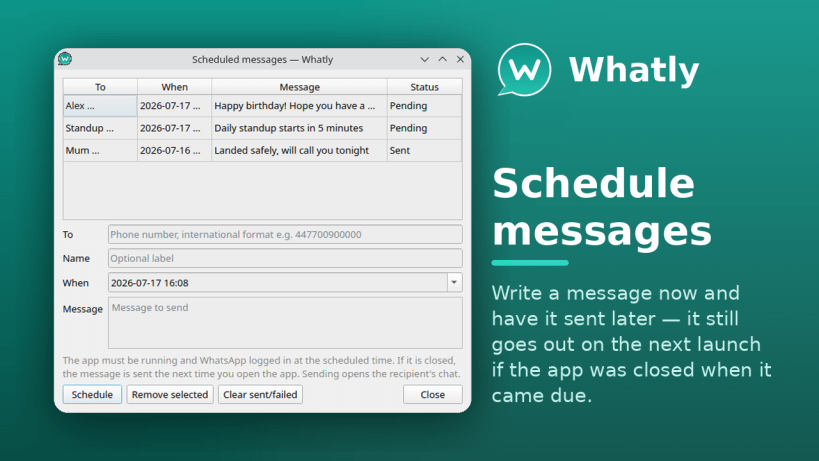
- Scheduled messages, sent later and delivered on the next launch if the app was closed when they came due
- Fourteen chat themes, a chat wallpaper and custom CSS
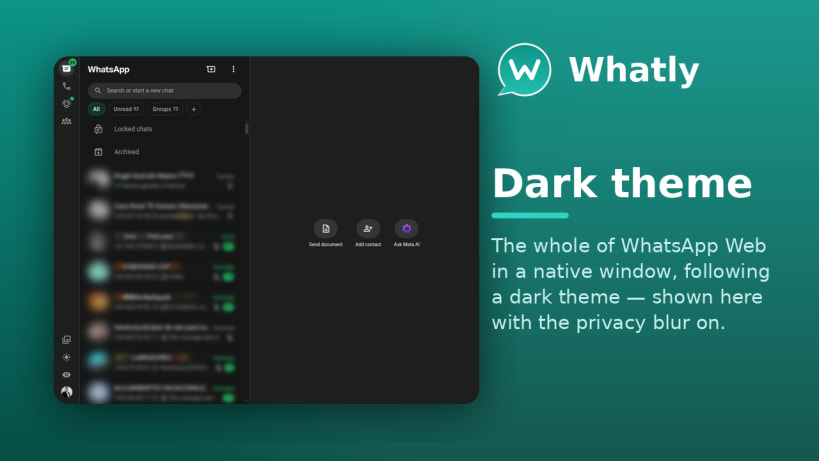
- Privacy blur that hides the chat list and open conversation until you hover
- Choose the font family WhatsApp Web renders in, plus an adjustable interface font size
- Spell checker with 31 languages, several checked at once
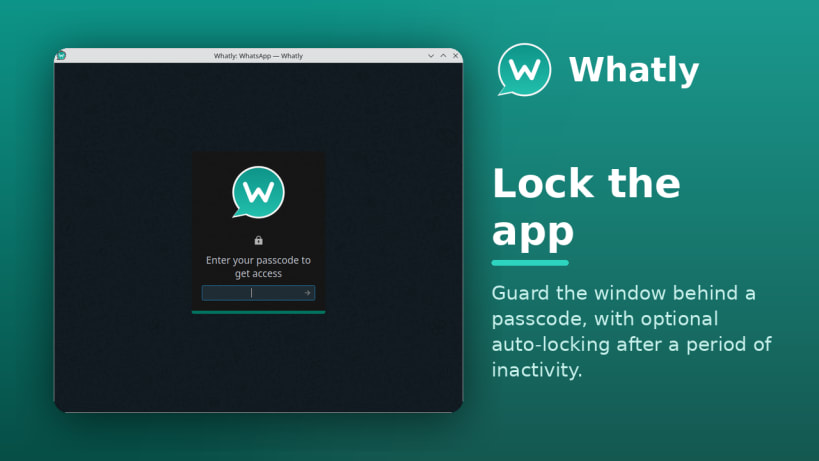
- App lock with PIN protection and a configurable auto-lock timeout
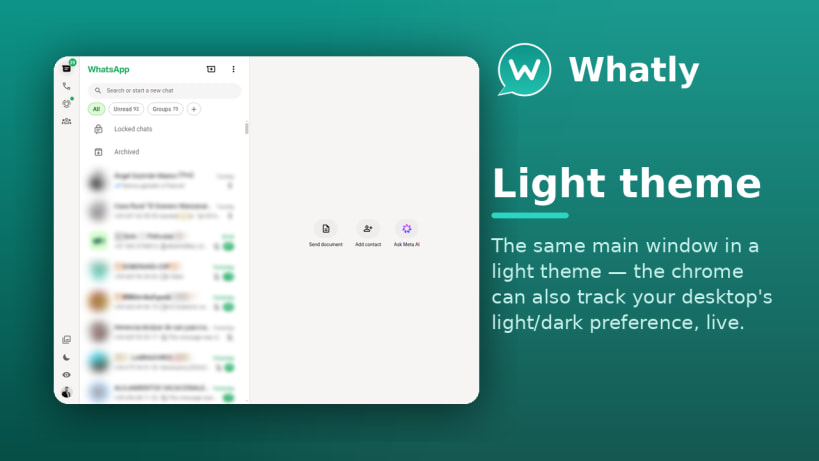
- Light and Dark themes, optionally following the system preference live
Desktop integration:
- Native system notifications and custom in-app notification popups
- System tray with an unread badge, an optional monochrome icon and a connection-status indicator
- Unread count shown on the taskbar (Unity LauncherEntry: KDE, Dash-to-Dock and others)
- Connection watchdog that reloads a stalled session, and optional automatic reload after a page crash
- Global keyboard shortcuts and a built-in download manager
- Per-session audio mute and notification suppression
- HiDPI/4K scaling, configurable zoom and a custom user-agent string
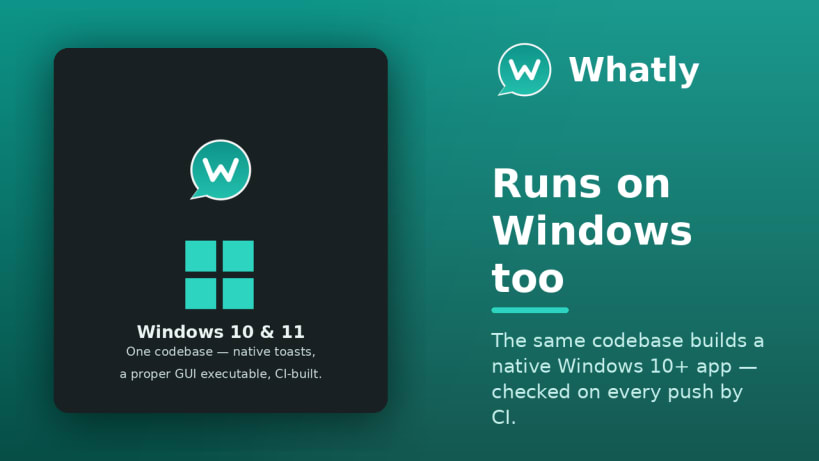
- Runs on Linux and Windows (plus an experimental macOS build); interface translated into 30 languages
| Revision | Channel | Version | Build | Commit | Download SBOM |
|---|
The build and commit information is derived from build infrastructure records.
Install Whatly on your Linux distribution
Choose your Linux distribution to get detailed installation instructions. If yours is not shown, get more details on the installing snapd documentation.











