

WiFi Signal Analyzer
Install latest/stable of WiFi Signal Analyzer
Ubuntu 16.04 or later?
Make sure snap support is enabled in your Desktop store.
Install using the command line
sudo snap install wifi-signal-analyzerDon't have snapd? Get set up for snaps.
Details for WiFi Signal Analyzer
Package name
- wifi-signal-analyzer
License
- MIT
Last updated
- Yesterday - latest/stable
Report a Snap Store violation
Report WiFi Signal Analyzer for a Snap Store violation
Snap Store Violation Report submitted successfully
Thank you for your report. Information you provided will help us investigate further.
Error submitting report
There was an error while sending your report. Please try again later.
Share this snap
Generate an embeddable card to be shared on external websites.
WiFi Signal Analyzer - Wi-Fi Networks, Channels and Live Signal Viewer
Wi-Fi Signal Analyzer is a Linux desktop tool that shows nearby wireless networks and the live signal of your own adapters. A lightweight Linux alternative to WifiInfoView for Wi-Fi scanning, channel and signal analysis.
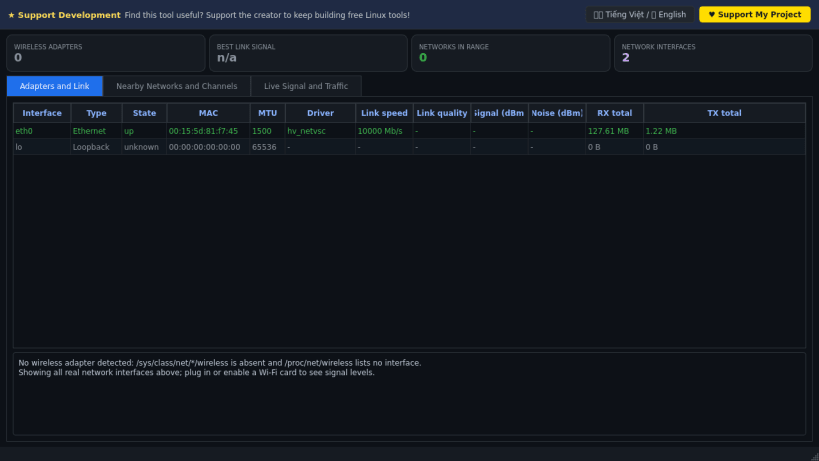
It reads real data only: /sys/class/net (every interface, driver, MAC, state, link speed, byte counters), /proc/net/wireless (link quality, signal level and noise in dBm) and, when the system allows it inside the sandbox, NetworkManager (nmcli) or iw for the scan list of SSID, BSSID, channel, frequency, band, signal and security.
Key Features:
- Adapters & Link tab: all network interfaces with type, state, driver, speed, link quality, signal and noise.
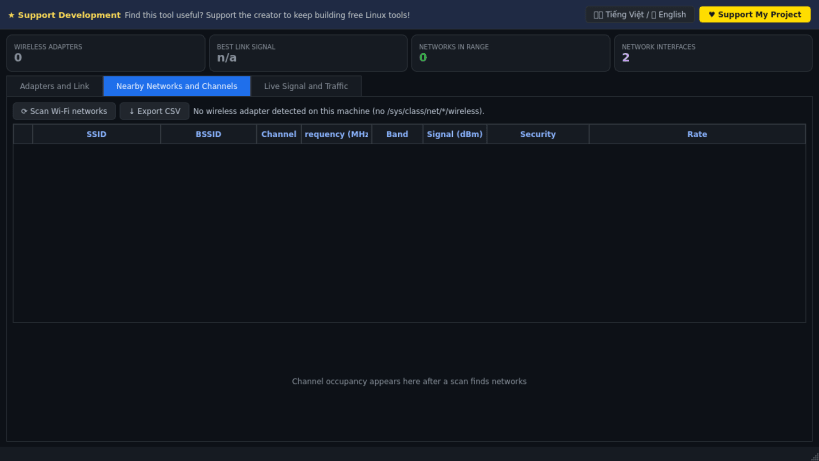
- Nearby Networks tab: scan list with channel/band columns, per-channel occupancy bar chart and CSV export.
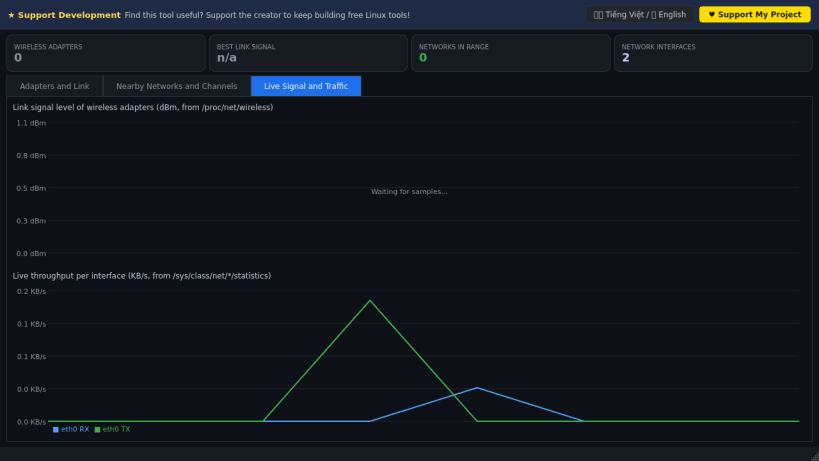
- Live Signal & Traffic tab: real-time charts of signal level (dBm) and per-interface throughput (KB/s).
- If the machine has no Wi-Fi adapter, or scanning is not permitted by the sandbox, the app says so honestly instead of showing fake networks.
- Bilingual donate banner (Vietnamese / English).
Disclaimer: This project is an independent open-source tool and is not affiliated with, sponsored by, or endorsed by NirSoft.
| Revision | Channel | Version | Build | Commit | Download SBOM |
|---|
The build and commit information is derived from build infrastructure records.
Install WiFi Signal Analyzer on your Linux distribution
Choose your Linux distribution to get detailed installation instructions. If yours is not shown, get more details on the installing snapd documentation.


