

Install latest/stable of Win's VPN (by Winthos AI)
Ubuntu 16.04 or later?
Make sure snap support is enabled in your Desktop store.
Details for Win's VPN (by Winthos AI)
Package name
- wins-vpn
License
- Proprietary
Last updated
- Today - latest/stable
Websites
Contact
External link warning
You are about to open
Do you wish to proceed?
Report a Snap Store violation
Report Win's VPN (by Winthos AI) for a Snap Store violation
Snap Store Violation Report submitted successfully
Thank you for your report. Information you provided will help us investigate further.
Error submitting report
There was an error while sending your report. Please try again later.
Share this snap
Generate an embeddable card to be shared on external websites.
Privacy-focused VPN with free and premium access
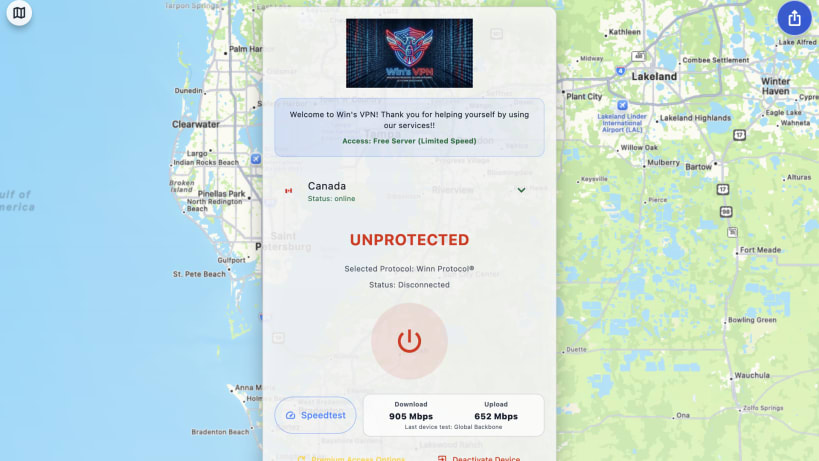
Win's VPN provides a privacy-focused VPN client for users who need reliable access on hostile or unstable networks.
Winn Protocol v3 is the primary tunnel protocol. Winn v1 over AWG then Xray remains available only when the trusted served configuration selects that cover path. A failed Winn v3 security check is a connection refusal, not an implicit fallback.
The app supports free access where available, premium account activation, legal acceptance, server selection, referral sharing, and platform-native tunnel control.
The Privacy Policy is at https://www.winsvpn.org/privacy/. Support is at https://www.winsvpn.org/support/.
| Revision | Channel | Version | Build | Commit | Download SBOM |
|---|
The build and commit information is derived from build infrastructure records.
Install Win's VPN (by Winthos AI) on your Linux distribution
Choose your Linux distribution to get detailed installation instructions. If yours is not shown, get more details on the installing snapd documentation.


