
Install latest/beta of wizardassistant
Ubuntu 16.04 or later?
Make sure snap support is enabled in your Desktop store.
Install using the command line
sudo snap install wizardassistant --betaDon't have snapd? Get set up for snaps.

You are about to open
Do you wish to proceed?
Thank you for your report. Information you provided will help us investigate further.
There was an error while sending your report. Please try again later.
Generate an embeddable card to be shared on external websites.
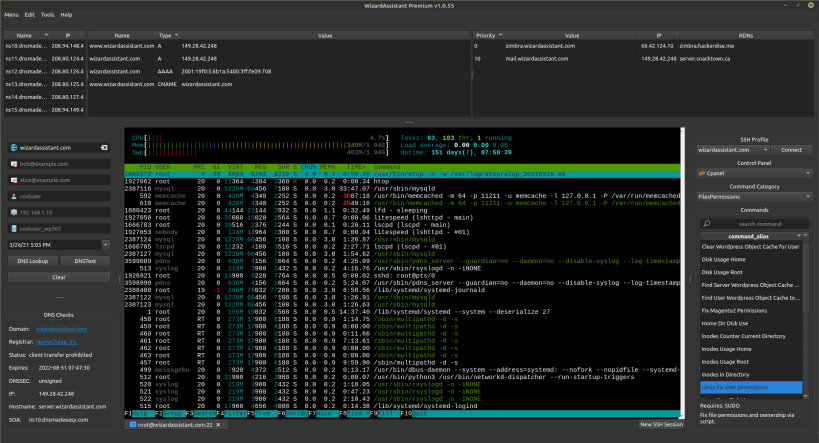
System Administrators dream of a tool that will allow them to find, debug and fix a typical server side problem in less than 1 minute. Wizard Assistant is that dream come true. Wizard Assistant comes with advanced automation tools, preloaded common and special time-saving commands, and a built in SSH terminal. Now you can remotely administer, troubleshoot, and analyze any system with ease. Find and resolve problems faster with an infinitely flexible toolkit. This is the application System Administrators dream of and now it exists.
Choose your Linux distribution to get detailed installation instructions. If yours is not shown, get more details on the installing snapd documentation.












