

Xcasca
Install latest/stable of Xcasca
Ubuntu 16.04 or later?
Make sure snap support is enabled in your Desktop store.
Details for Xcasca
Package name
- xcasca
License
- Proprietary
Last updated
- Today - latest/stable
Websites
Contact
External link warning
You are about to open
Do you wish to proceed?
Report a Snap Store violation
Report Xcasca for a Snap Store violation
Snap Store Violation Report submitted successfully
Thank you for your report. Information you provided will help us investigate further.
Error submitting report
There was an error while sending your report. Please try again later.
Share this snap
Generate an embeddable card to be shared on external websites.
Xcasca - SSH Terminal & SFTP File Client
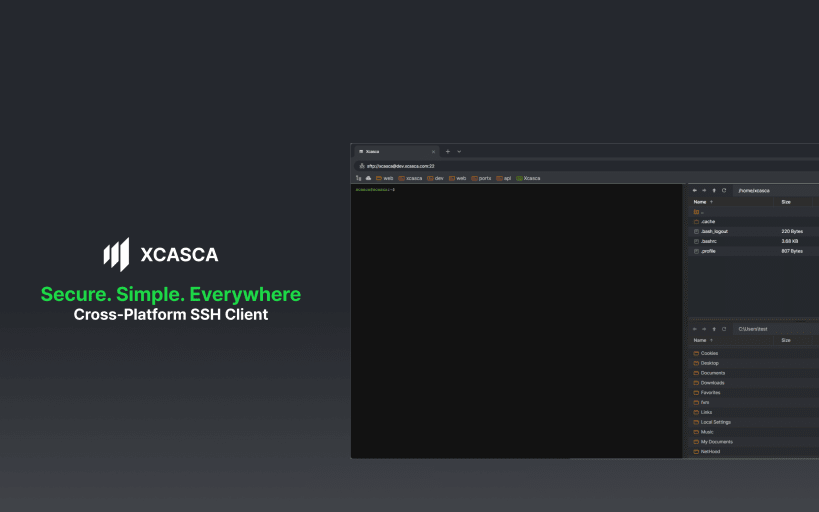
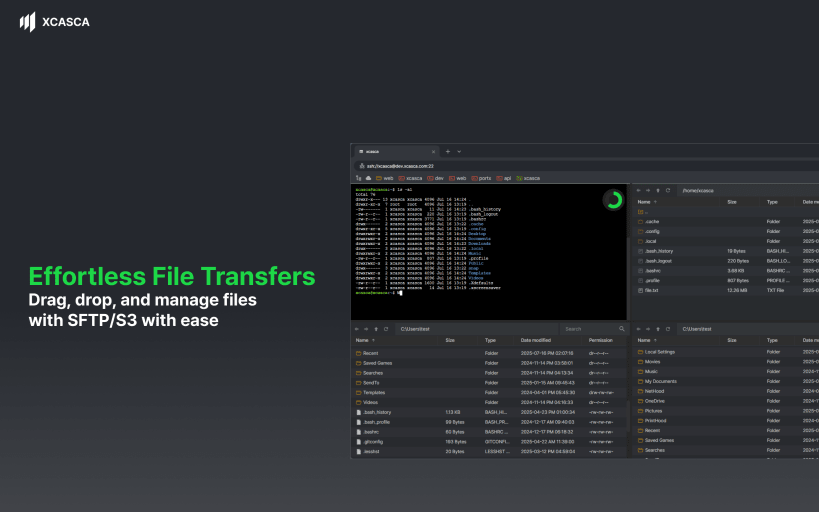
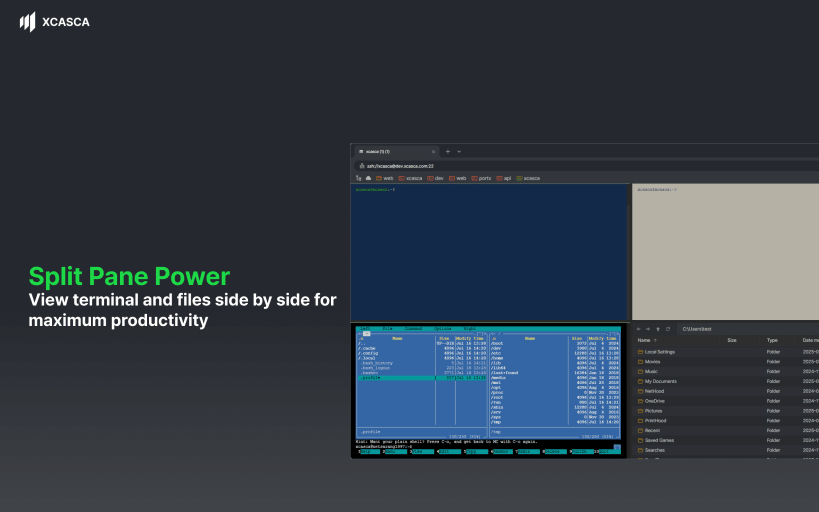
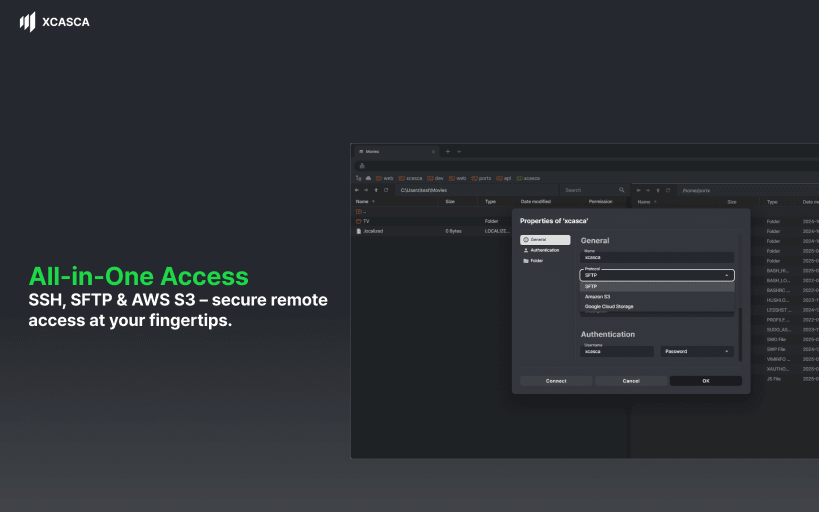
Simple, Lightweight, and Always in Sync. Xcasca is a cross-platform SSH & SFTP Client that gives you access to your sessions wherever and whenever. With a wide variety of features in a lightweight package, manage your remote systems on any device (desktop and mobile) with purity and efficiency.
Available for most desktop and mobile platforms.
Xcasca Features:
Multi-Session Support. Have multiple connections open at once. Access to any of your sessions is just a finger-swipe or click away.
Intuitive Session Management. Organize and edit your sessions with Xcasca’s session management.
Compose Bar. The multi-line Compose Bar allows you to type out, edit, and review your string before sending.
Advanced Keyboard. Quick access to all special characters for whatever the situation calls for.
Multiple Authentication Types. Password, Public Key, and Keyboard Interactive authentication support.
Customizations. Modify appearance, font, and colors.
Ad-Free.
Actively developed with new features coming soon.
Xcasca Plus Plan(Trial):
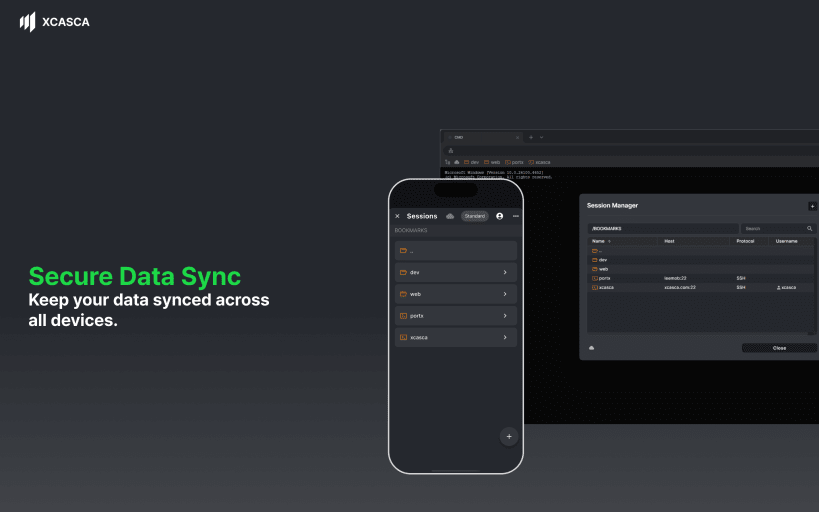
- Secure Data Sync. Seamlessly synchronize your session data across desktop, tablet, and mobile platforms with robust security.
Terms: https://www.xcasca.com/terms
Privacy Policy: https://www.xcasca.com/privacy
Note: Some features Xcasca, including Secure Data Sync are provided as trial features with time-limited access (Xcasca Plus Plan). After the trial period, full functionality is available with a paid subscription. Please review the plan details for specific features during the trial period.
| Revision | Channel | Version | Build | Commit | Download SBOM |
|---|
The build and commit information is derived from build infrastructure records.
Install Xcasca on your Linux distribution
Choose your Linux distribution to get detailed installation instructions. If yours is not shown, get more details on the installing snapd documentation.











