

Xiangqi Lab (xiangqilab)
Install latest/stable of Xiangqi Lab
Ubuntu 16.04 or later?
Make sure snap support is enabled in your Desktop store.
Details for Xiangqi Lab
Package name
- xiangqilab
License
- AGPL-3.0-or-later
Last updated
- 12 June 2026 - latest/stable
Websites
Report a bug
External link warning
You are about to open
Do you wish to proceed?
Report a Snap Store violation
Report Xiangqi Lab for a Snap Store violation
Snap Store Violation Report submitted successfully
Thank you for your report. Information you provided will help us investigate further.
Error submitting report
There was an error while sending your report. Please try again later.
Share this snap
Generate an embeddable card to be shared on external websites.
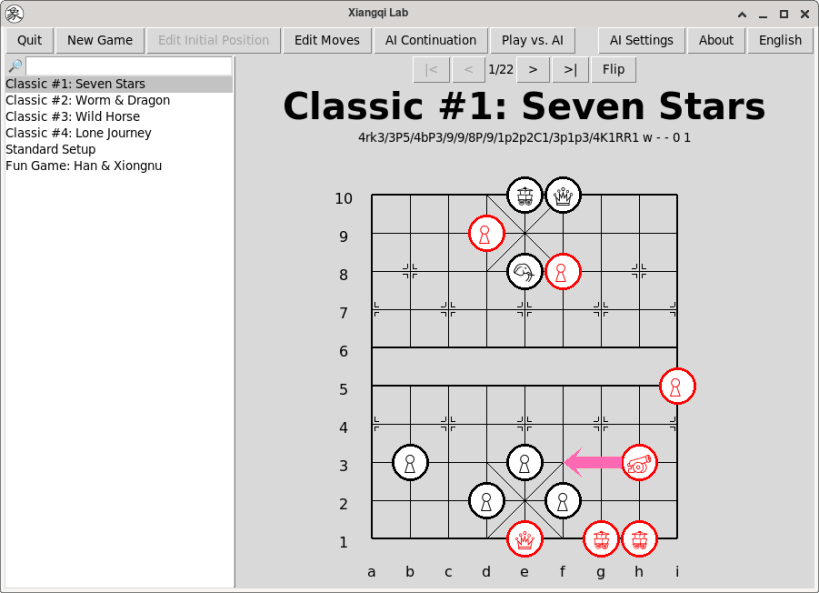
A fully local Xiangqi desktop app
Xiangqi Lab is a fully local and private Xiangqi desktop application.
## Features
- 100% Local & Private — No internet required, no accounts, no data collection. Everything (AI + saved games) runs and stays on your computer.
- Fully Open Source — Licensed under AGPL-3.0 with an additional clause prohibiting use of the code for training AI models.
- Extremely Lightweight — Built with Python and only the built-in Tkinter GUI library.
- Cross-Platform — Works on Windows, macOS, and Linux.
- Multiple Play Modes (requires external engine):
- Player vs AI
- AI vs AI
- AI move suggestions
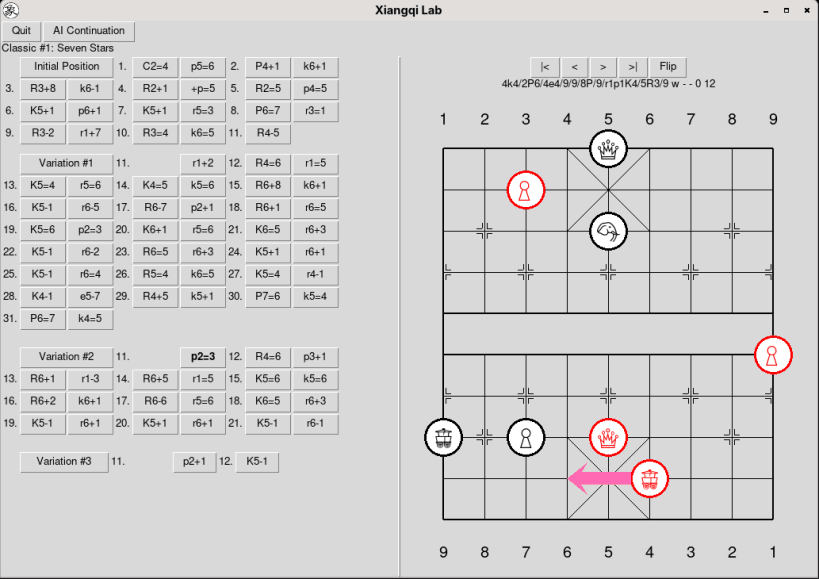
- Easy Navigation — Easily switch between the main line and AI-generated variations.
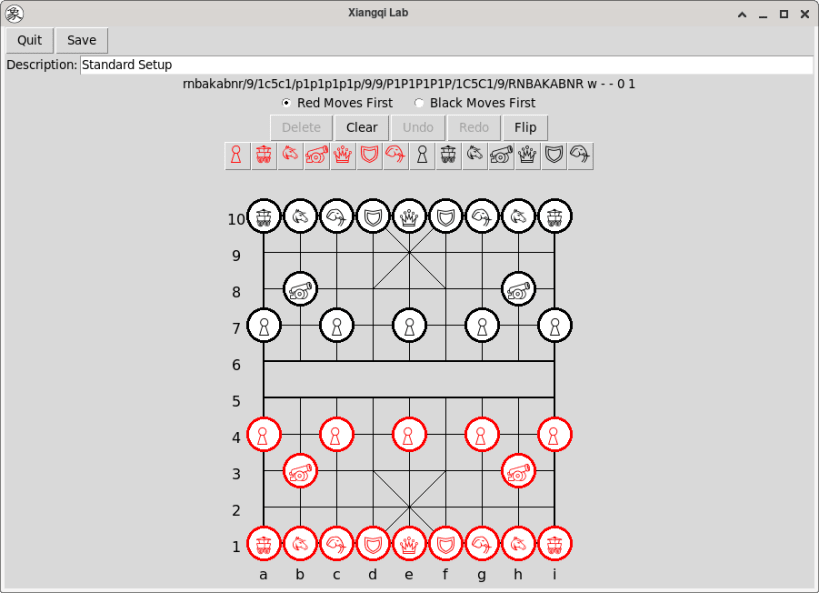
- Powerful Game Editor — Create and edit your own scenarios.
- Compatible with strong engines — Supports Fairy-Stockfish and Pikafish (you must download the engine + neural network separately).
> Xiangqi Lab is designed for study, practice, and experimentation. It is not intended for cheating in online games. Please respect fair play.
| Revision | Channel | Version | Build | Commit | Download SBOM |
|---|
The build and commit information is derived from build infrastructure records.
Install Xiangqi Lab on your Linux distribution
Choose your Linux distribution to get detailed installation instructions. If yours is not shown, get more details on the installing snapd documentation.












