

HEX Generator (xrayhexgenerator)
Install latest/stable of HEX Generator
Ubuntu 16.04 or later?
Make sure snap support is enabled in your Desktop store.
Install using the command line
sudo snap install xrayhexgeneratorDon't have snapd? Get set up for snaps.
Details for HEX Generator
Package name
- xrayhexgenerator
License
- MIT
Last updated
- 18 August 2026 - latest/stable
- 17 August 2026 - latest/edge
Websites
Contact
Source code
Report a bug
External link warning
You are about to open
Do you wish to proceed?
Report a Snap Store violation
Report HEX Generator for a Snap Store violation
Snap Store Violation Report submitted successfully
Thank you for your report. Information you provided will help us investigate further.
Error submitting report
There was an error while sending your report. Please try again later.
Share this snap
Generate an embeddable card to be shared on external websites.
HEX Generator
HEX Generator
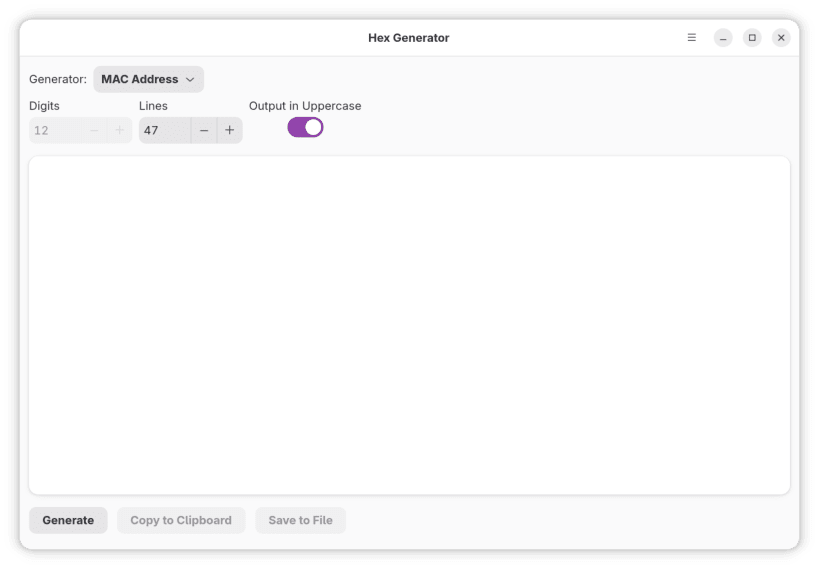
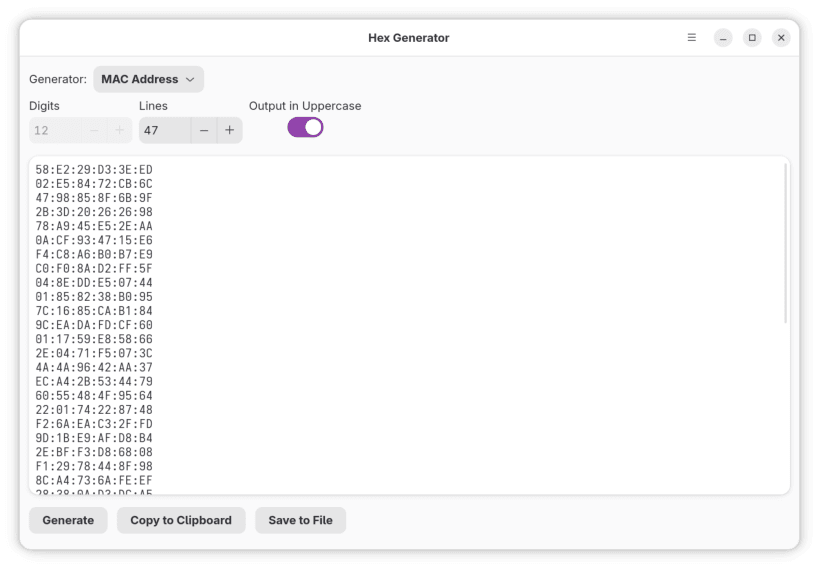
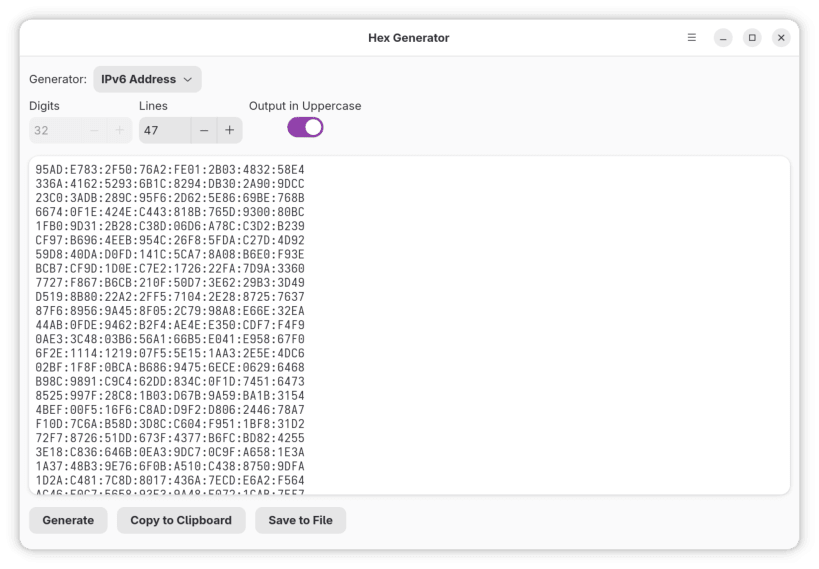
A simple yet versatile HEX Generator application built with Flutter for Linux desktops.
Features
- Theme Support: Adapts to your system's light or dark theme settings for a native look and feel.
- Variety of Generators: Provides several types of data generation:
- Custom: Generate HEX strings with a user-defined number of digits.
- GUID: Generate universally unique identifiers (
UUIDv4). - Mac Address: Generate random MAC addresses.
- HEX Color: Generate random HEX color codes (e.g.,
#RRGGBB). - HEX Color with alpha: Generate random HEX color codes with an alpha channel (e.g.,
#AARRGGBB). - Byte Sequence: Generate sequences of HEX bytes (e.g.,
00 FF 1A). - Prefixed HEX: Generate HEX strings with a "0x" prefix.
- IP4
- IP6
- EUI64 Extended Unique Identifier
- Base32
- Customizable Output: Control the number of lines and digits (for applicable generators) and toggle uppercase output.
- Easy Sharing & Saving: Copy generated data to the clipboard, share it, or save it to a file.
This project is open source and aims to provide a straightforward tool for developers and users who need to quickly generate various HEX-based data.
| Revision | Channel | Version | Build | Commit | Download SBOM |
|---|
The build and commit information is derived from build infrastructure records.
Install HEX Generator on your Linux distribution
Choose your Linux distribution to get detailed installation instructions. If yours is not shown, get more details on the installing snapd documentation.












