

YazSes
Install latest/stable of YazSes
Ubuntu 16.04 or later?
Make sure snap support is enabled in your Desktop store.
Details for YazSes
Package name
- yazses
License
- Apache-2.0
Last updated
- 24 October 2026 - latest/stable
- 24 October 2026 - latest/edge
Websites
Contact
Source code
Report a bug
External link warning
You are about to open
Do you wish to proceed?
Report a Snap Store violation
Report YazSes for a Snap Store violation
Snap Store Violation Report submitted successfully
Thank you for your report. Information you provided will help us investigate further.
Error submitting report
There was an error while sending your report. Please try again later.
Share this snap
Generate an embeddable card to be shared on external websites.
Local, offline voice dictation for Linux
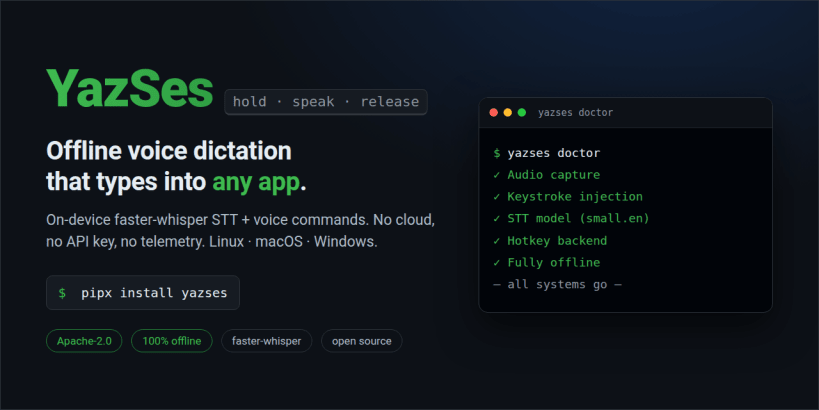
YazSes is offline, on-device voice dictation. Hold a key (Space by default), speak, release — your words are transcribed locally and typed into whatever app has focus. No cloud, no API key, no subscription; nothing leaves your machine.
Features:
- Offline speech-to-text with faster-whisper (CPU, int8) — no GPU needed
- Voice commands for editors and terminals: "undo that", "save file", "go to line 42", "run the tests", "rename this to user_id"
- Personal vocabulary and multi-step macros
- Works in any focused text field — editors, browsers, terminals, chat
INSTALL — all four commands are required. A snap cannot connect its own interfaces, and the daemon starts and looks healthy without them; it simply never hears you, or never sees the key.
sudo snap install yazses sudo snap connect yazses:audio-record sudo snap connect yazses:raw-input yazses setup
- audio-record — the microphone. Without it, dictation hears nothing.
- raw-input — the hold-to-talk key, read from /dev/input/event*. Without it the hotkey does nothing at all.
- yazses setup — provisions the rest, and re-checks both interfaces.
THEN, TO START DICTATING
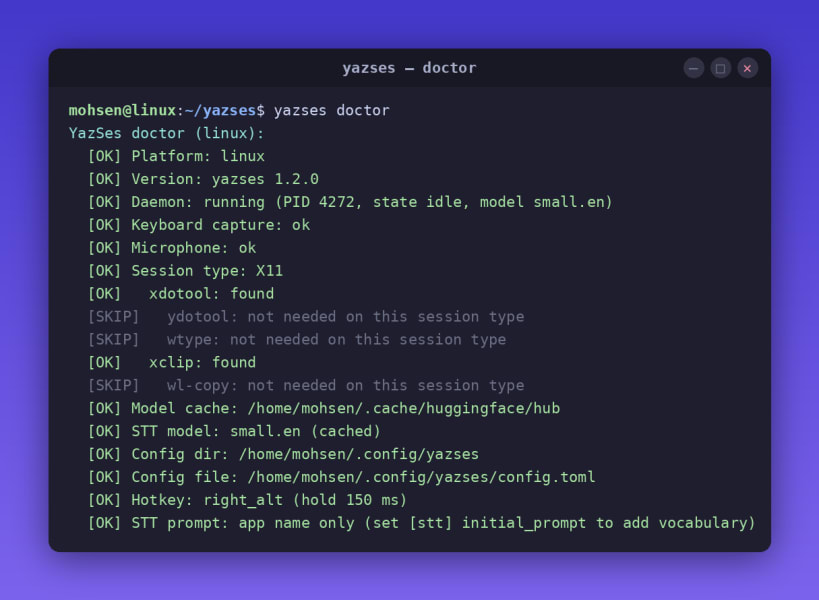
yazses doctor (reports anything still missing) yazses mic-level --set (tune the silence gate to your voice, ~4 s) yazses start (hold Space, speak, release)
First run downloads the speech model (~250 MB–1 GB): one internet connection, then everything after that is offline. Config and models live under ~/snap/yazses/. To remove: sudo snap remove yazses
BEFORE YOU INSTALL
- Architecture: stable is amd64 today. On arm64, run "sudo snap install yazses --edge" (one release behind) or install with pipx.
- Session: this is a strictly-confined snap and keystroke injection works on X11 sessions. For Wayland, or for full input access, install via pipx instead: https://pypi.org/project/yazses/
- A snap ships a fixed set of libraries, so features cannot be added to it later. Included: dictation, voice commands, tray, overlay, Meeting Mode with speaker diarization, the Parakeet English engine, spoken read-back. Not included, and needing a pipx install instead: Cocktail Filter, offline LLM cleanup, Glance-Type, prosody-aware punctuation.
Docs: https://mskazemi.com/yazses/ Issues: https://github.com/MSKazemi/yazses/issues
| Revision | Channel | Version | Build | Commit | Download SBOM |
|---|
The build and commit information is derived from build infrastructure records.
Install YazSes on your Linux distribution
Choose your Linux distribution to get detailed installation instructions. If yours is not shown, get more details on the installing snapd documentation.












