

Zeno (zeno-rest)
Install latest/stable of Zeno
Ubuntu 16.04 or later?
Make sure snap support is enabled in your Desktop store.
Details for Zeno
Package name
- zeno-rest
License
- MIT
Last updated
- Today - latest/stable
Websites
Contact
Source code
Report a bug
External link warning
You are about to open
Do you wish to proceed?
Report a Snap Store violation
Report Zeno for a Snap Store violation
Snap Store Violation Report submitted successfully
Thank you for your report. Information you provided will help us investigate further.
Error submitting report
There was an error while sending your report. Please try again later.
Share this snap
Generate an embeddable card to be shared on external websites.
Tab-less, local-first API client for REST, GraphQL, gRPC and WebSocket
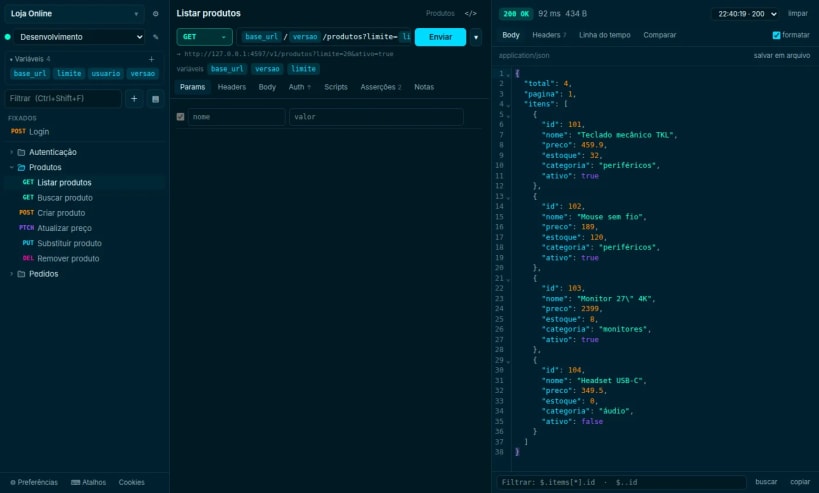
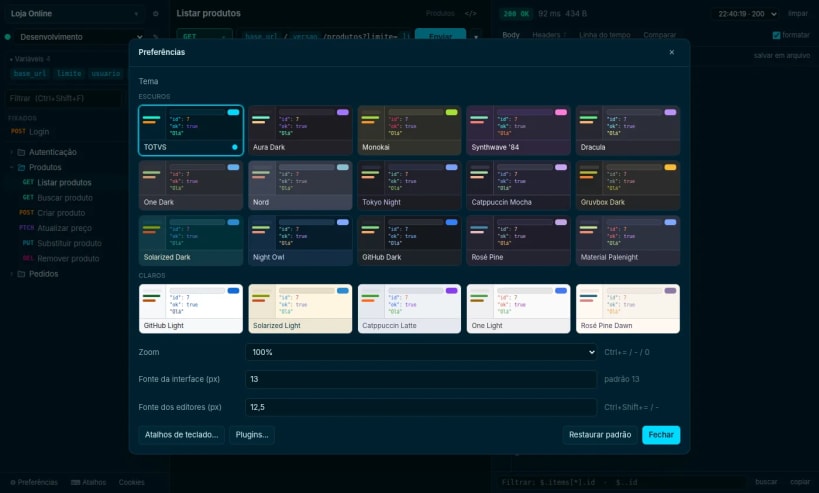
Zeno is a local-first desktop API client with no tabs. Collections live in the sidebar, the request in the middle and the response on the right: clicking a request swaps the content and nothing piles up. There is no account, no cloud and no telemetry.
Each request is a readable YAML file in a folder you choose, so collections can be kept and reviewed in git. Passwords and tokens are encrypted inside the YAML, with the key in the system keyring.
Features:
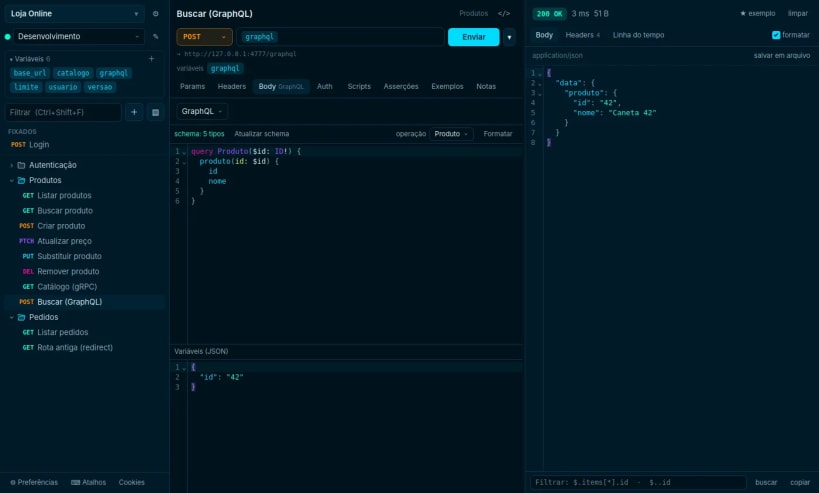
- REST, GraphQL with schema autocomplete, gRPC (reflection or .proto), WebSocket and Server-Sent Events
- Environments with inherited variables, request chaining, scripts and no-code assertions
- Basic, Bearer, API key, Digest, AWS Signature v4 and OAuth 2.0 authentication
- Proxy, custom CA and client certificates (mTLS); local mock server from saved examples
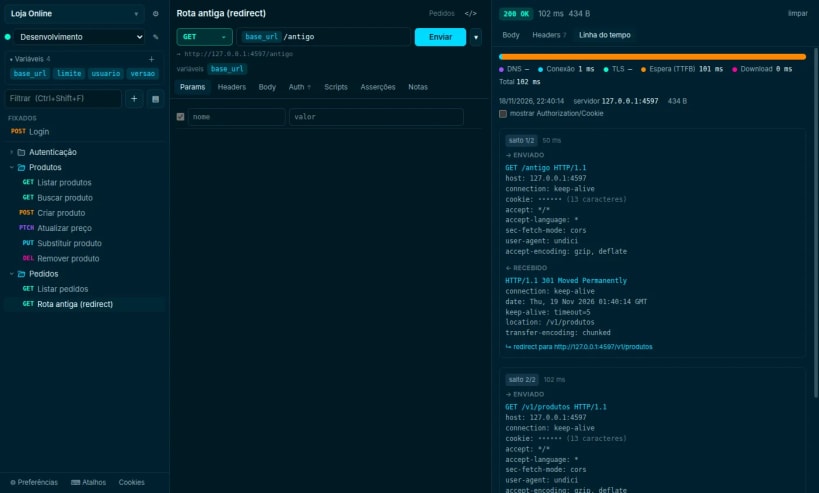
- Folder runner with CSV/JSON data and JUnit report, response compare and timeline
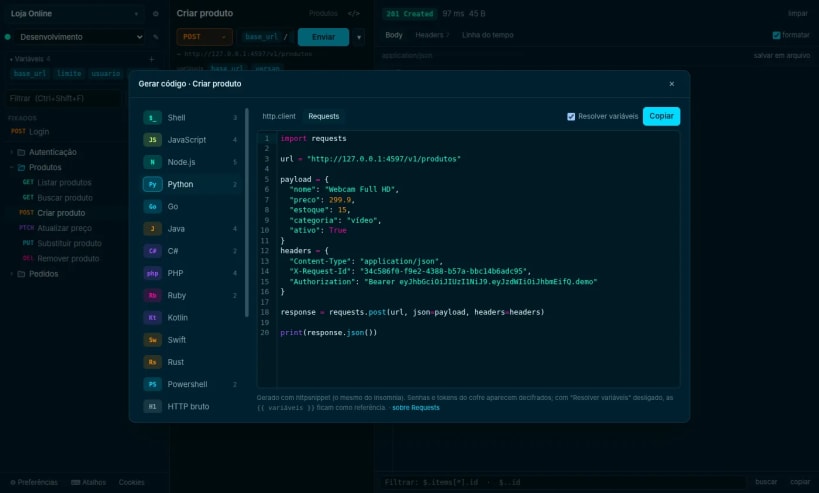
- Import from Insomnia, Postman and OpenAPI; export to Insomnia and Postman; code generation in 20 languages
- English or Portuguese interface, 20 themes and a command palette
| Revision | Channel | Version | Build | Commit | Download SBOM |
|---|
The build and commit information is derived from build infrastructure records.
Install Zeno on your Linux distribution
Choose your Linux distribution to get detailed installation instructions. If yours is not shown, get more details on the installing snapd documentation.











