

Actioneer - Command your CI (actioneer)
Install latest/stable of Actioneer - Command your CI
Ubuntu 16.04 or later?
Make sure snap support is enabled in your Desktop store.
Details for Actioneer - Command your CI
Package name
- actioneer
License
- MIT
Last updated
- Yesterday - latest/stable
- Yesterday - latest/edge
Websites
Contact
Donations
Source code
Report a bug
External link warning
You are about to open
Do you wish to proceed?
Report a Snap Store violation
Report Actioneer - Command your CI for a Snap Store violation
Snap Store Violation Report submitted successfully
Thank you for your report. Information you provided will help us investigate further.
Error submitting report
There was an error while sending your report. Please try again later.
Share this snap
Generate an embeddable card to be shared on external websites.
GitHub Actions desktop client for GNOME
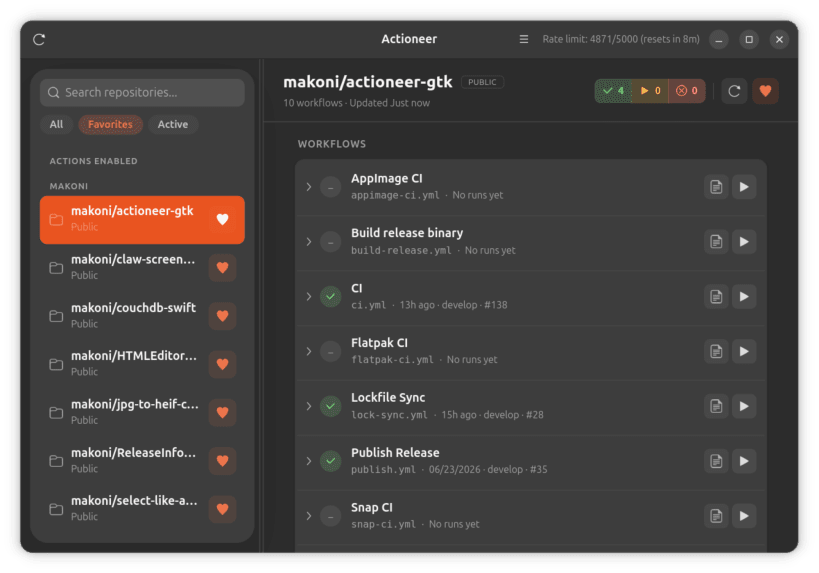
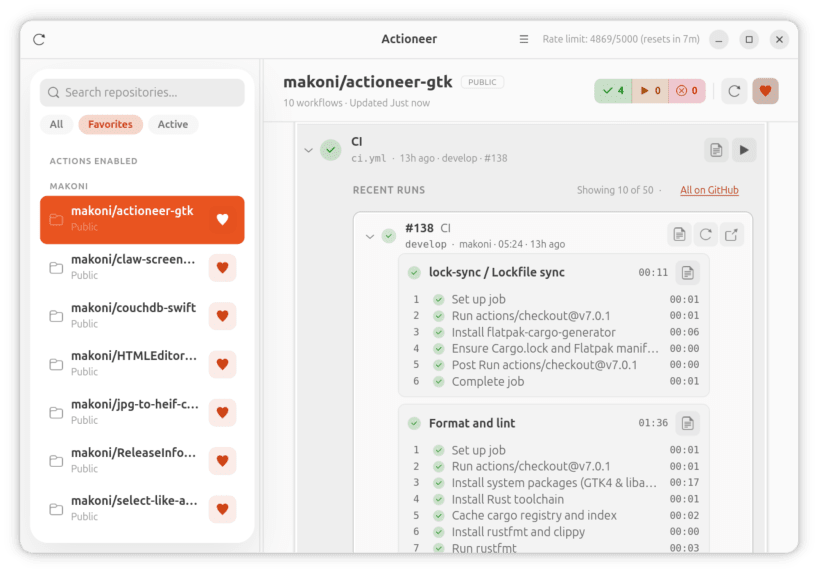
Actioneer is a native GTK4/libadwaita application that lets you browse GitHub repositories, inspect workflow runs, check job logs, and trigger background refreshes without leaving your desktop and integrates with GNOME notifications.
Key features
- Browse your GitHub repositories and view Actions workflows and recent runs quickly.
- Inspect run status (success, failure, queued, in progress) with clear badges and counts.
- Filter runs and focus on what matters most.
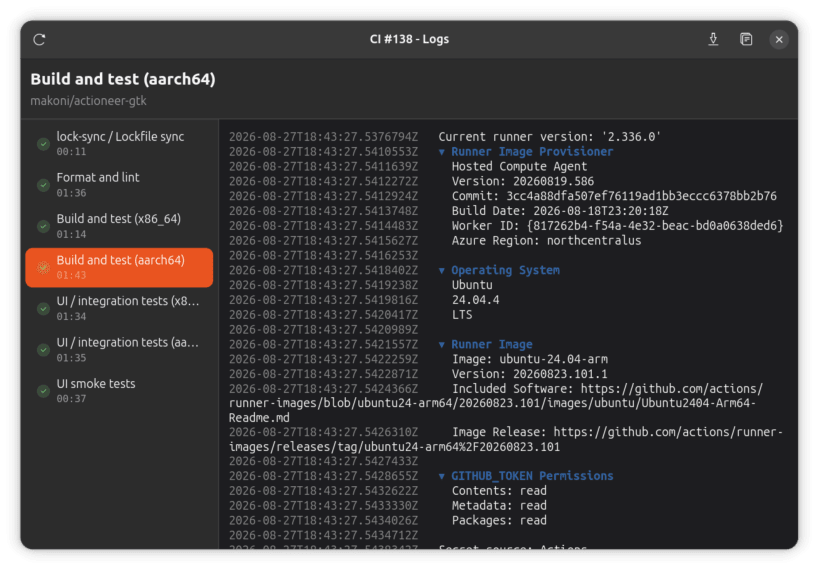
- View job logs: download and preview run logs for quick troubleshooting.
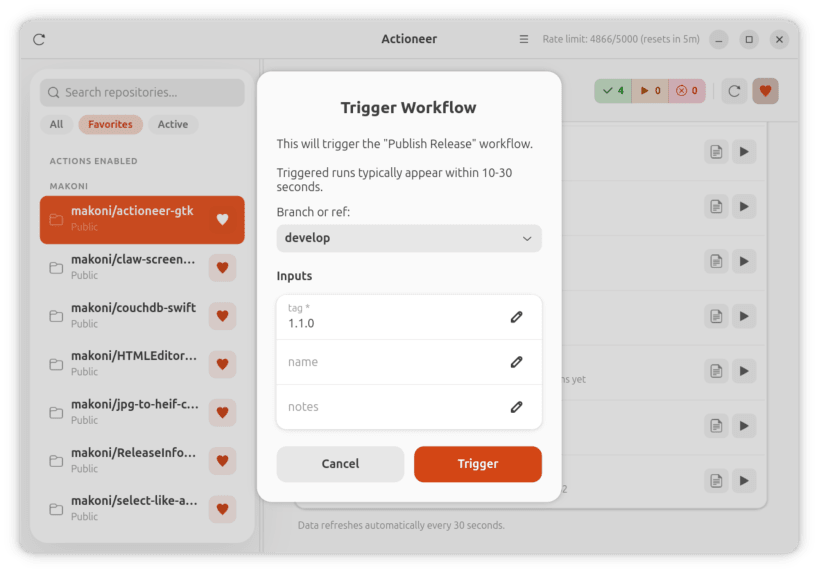
- Dispatch workflows, cancel running workflows, and re-run failed runs directly from the app.
- Favorites and quick search let you focus on the repositories and workflows that matter most.
- Desktop notifications for run completions and failures so you never miss important results.
- In-memory caching and efficient refresh make the app responsive while respecting GitHub rate limits.
| Revision | Channel | Version | Build | Commit | Download SBOM |
|---|
The build and commit information is derived from build infrastructure records.
Install Actioneer - Command your CI on your Linux distribution
Choose your Linux distribution to get detailed installation instructions. If yours is not shown, get more details on the installing snapd documentation.












