

Administrative Assistant
Install latest/stable of Administrative Assistant
Ubuntu 16.04 or later?
Make sure snap support is enabled in your Desktop store.
Install using the command line
sudo snap install administrative-assistantDon't have snapd? Get set up for snaps.
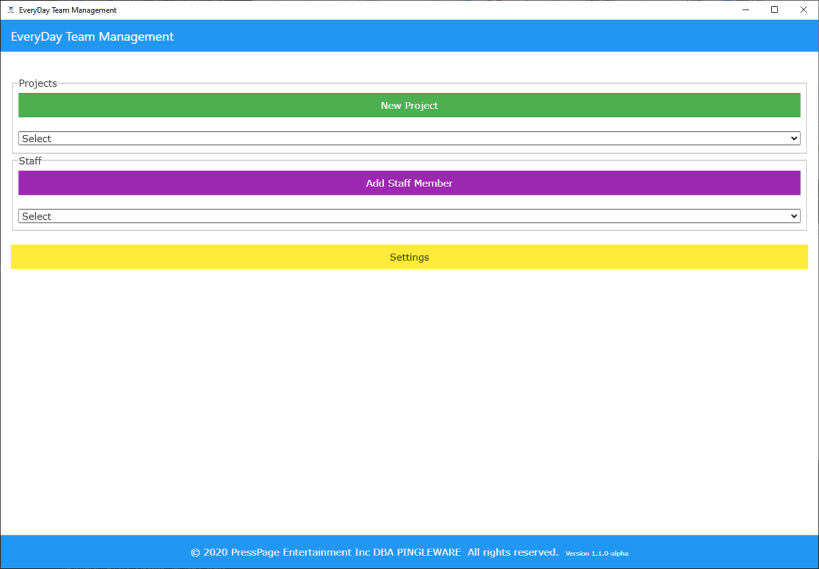
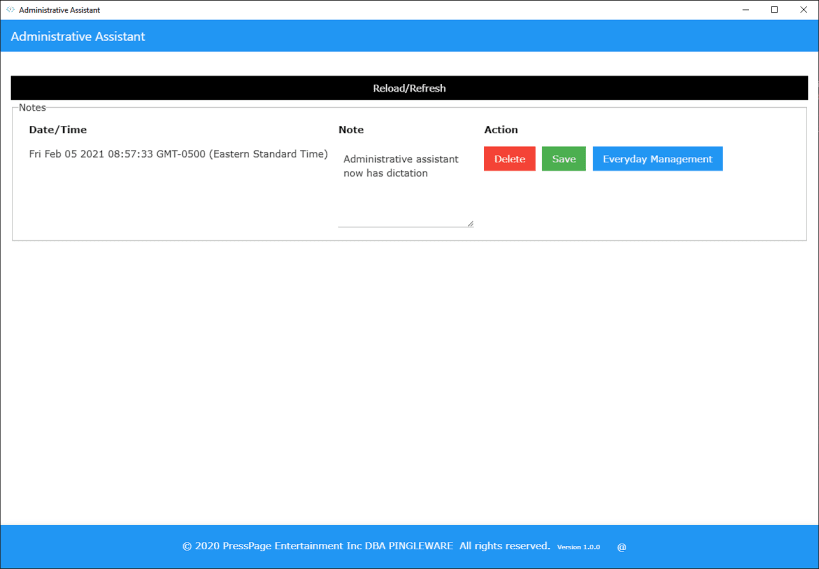
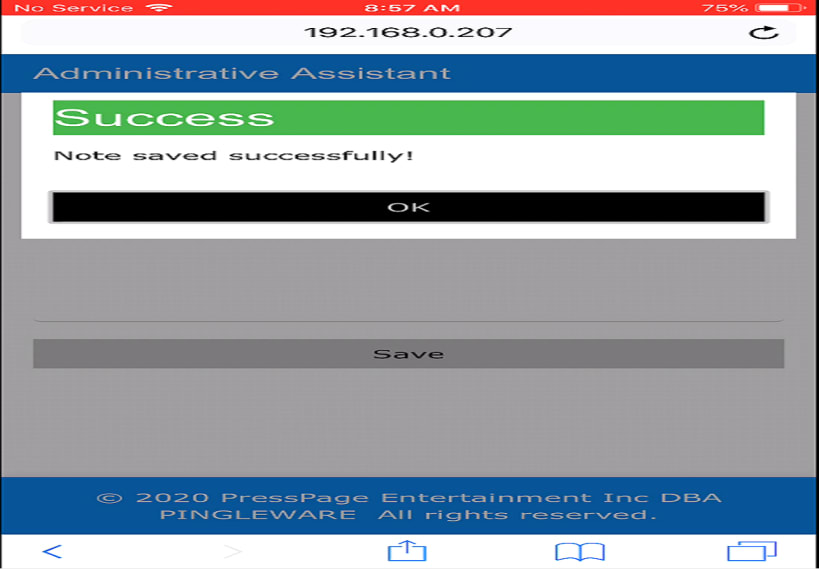
Details for Administrative Assistant
Package name
- administrative-assistant
License
- CC-BY-NC-ND-4.0
Last updated
- 25 October 2022 - latest/stable
Websites
Contact
Donations
Report a bug
External link warning
You are about to open
Do you wish to proceed?
Report a Snap Store violation
Report Administrative Assistant for a Snap Store violation
Snap Store Violation Report submitted successfully
Thank you for your report. Information you provided will help us investigate further.
Error submitting report
There was an error while sending your report. Please try again later.
Share this snap
Generate an embeddable card to be shared on external websites.
Administrative Assistant
An Assistant Administrator provides administrative support to the employees in your company. They perform clerical and administrative duties that help your organization run more efficiently. Assistant Administrators answer phones, direct inquiries to the appropriate person, and take messages. They also schedule appointments and set up staff meetings, sometimes managing catering and audiovisual requirements.
Assistant Administrators are in charge of working with vendors to maintain office equipment and supplies. Editing documents, basic bookkeeping and keeping files or libraries organized are all parts of the Assistant Administrator’s job. The creation of reports, spreadsheets, and presentations may also be included in their job description.
The primary purpose of the Administrative Assistant application will be to maintain a thin, but highly effective upper management corporate tier, in order to support an appreciative workforce through employer-paid healthcare, pension, meals, etc.
After the administrative-assistant.json file is created, edit this file and change the sqlite_fullpathname directory reference of /x1/ to /current/, this ensures your will always reference the current database.
CHANGING timedate column in the following tables to TIMESTAMP versions prior to 1.2.8. 0. Backup your datbase first.
- ALTER TABLE notes DROP column timedate;
- ALTER TABLE notes ADD column timedate TIMESTAMP;
- ALTER TABLE domains DROP column CREATED;
- ALTER TABLE domains DROP column EXPIRES;
- ALTER TABLE domains DROP column RENEWAL;
- ALTER TABLE domains DROP column DISPOSED;
- ALTER TABLE notes ADD column CREATED TIMESTAMP;
- ALTER TABLE notes ADD column EXPIRES TIMESTAMP;
- ALTER TABLE notes ADD column RENEWAL TIMESTAMP;
- ALTER TABLE notes ADD column DISPOSED TIMESTAMP;
- ALTER TABLE procurement_schedule DROP column due_date;
- ALTER TABLE procurement_schedule ADD column due_date TIMESTAMP;
| Revision | Channel | Version | Build | Commit | Download SBOM |
|---|
The build and commit information is derived from build infrastructure records.
Install Administrative Assistant on your Linux distribution
Choose your Linux distribution to get detailed installation instructions. If yours is not shown, get more details on the installing snapd documentation.











