

Calibre

Install latest/stable of Calibre
Ubuntu 16.04 or later?
Make sure snap support is enabled in your Desktop store.
Details for Calibre
Package name
- calibre
License
- GPL-3.0
Last updated
- 11 October 2026 - latest/stable
Websites
Source code
Report a bug
External link warning
You are about to open
Do you wish to proceed?
Report a Snap Store violation
Report Calibre for a Snap Store violation
Snap Store Violation Report submitted successfully
Thank you for your report. Information you provided will help us investigate further.
Error submitting report
There was an error while sending your report. Please try again later.
Share this snap
Generate an embeddable card to be shared on external websites.
The one stop solution to all your e-book needs
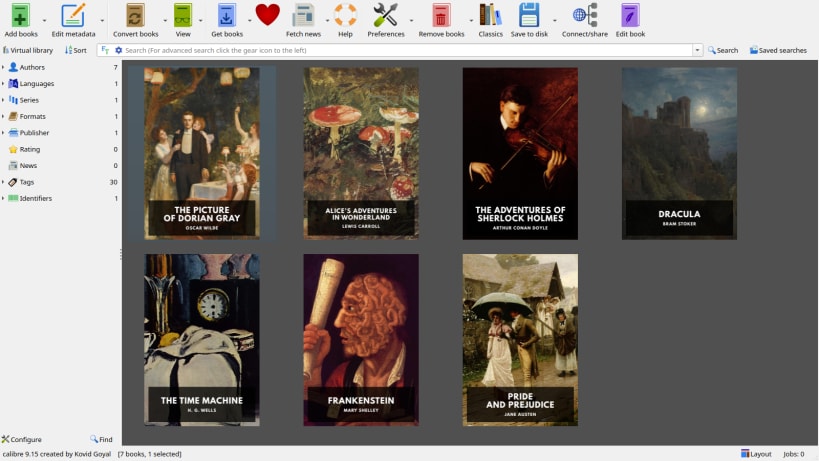
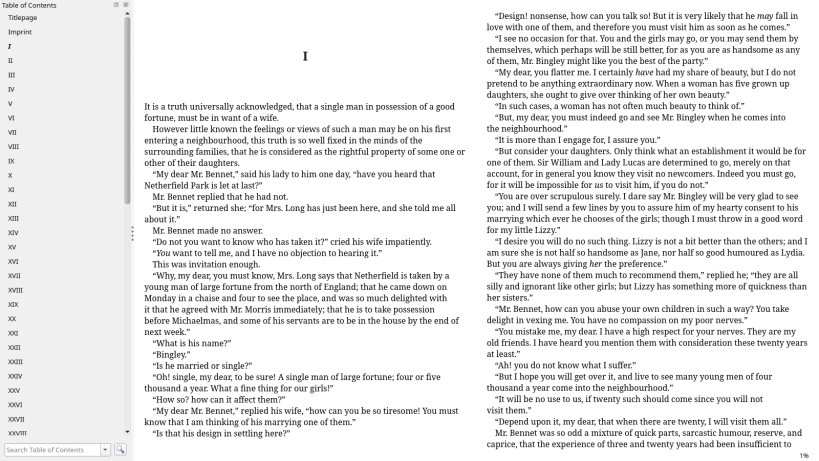
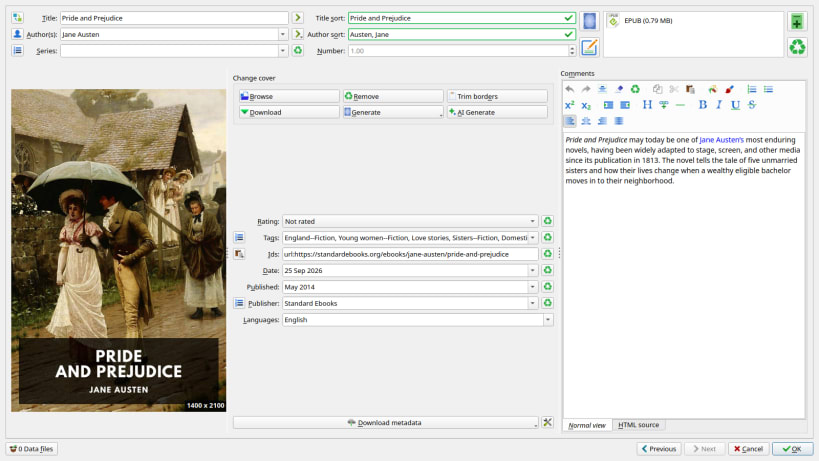
Manage, convert and read your ebooks with Calibre. Organise your library, edit book metadata and covers, convert between popular ebook formats, and read books with the built-in viewer.
Community-maintained snap
This snap packages the official Calibre Linux binaries, but the snap itself is maintained independently and is not endorsed or supported by the Calibre developers.
For installation problems, permissions, device access, or other issues with this snap, please report them to the snap maintainer:
https://github.com/popey/calibre-snap/issues
Please report issues with this package there first, rather than to the upstream Calibre project. The maintainer can help determine whether a problem is specific to the snap.
Connecting ebook readers and external storage
USB device access and access to mounted removable storage are optional permissions. They are not connected automatically.
To allow Calibre to detect and communicate with USB ebook readers:
sudo snap connect calibre:raw-usb
To allow access to mounted readers, USB drives and other removable storage under /media, /run/media and /mnt:
sudo snap connect calibre:removable-media
For a USB reader that appears as a removable drive, you may need both connections. Mount the device using your desktop's file manager, then restart Calibre. These permissions enable access; compatibility with every reader and MTP device has not yet been verified.
Without these connections, you can still manage and read a library stored in an ordinary, non-hidden folder in your home directory.
Using an existing library
Back up your existing Calibre library before switching installations. For an initial migration, use a copy of the complete library folder and select it in Calibre. Do not open the same library in the snap and another Calibre installation at the same time.
Migration guidance and known limitations:
https://github.com/popey/calibre-snap/blob/main/docs/migration.md
| Revision | Channel | Version | Build | Commit | Download SBOM |
|---|
The build and commit information is derived from build infrastructure records.
Install Calibre on your Linux distribution
Choose your Linux distribution to get detailed installation instructions. If yours is not shown, get more details on the installing snapd documentation.











