

Chiaki
Install latest/stable of Chiaki
Ubuntu 16.04 or later?
Make sure snap support is enabled in your Desktop store.
Details for Chiaki
Package name
- chiaki
License
- AGPL-3.0
Last updated
- 1 February 2021 - latest/stable
- 28 May 2021 - latest/edge
Websites
Contact
External link warning
You are about to open
Do you wish to proceed?
Report a Snap Store violation
Report Chiaki for a Snap Store violation
Snap Store Violation Report submitted successfully
Thank you for your report. Information you provided will help us investigate further.
Error submitting report
There was an error while sending your report. Please try again later.
Share this snap
Generate an embeddable card to be shared on external websites.
Free and Open Source Client for PlayStation Remote Play
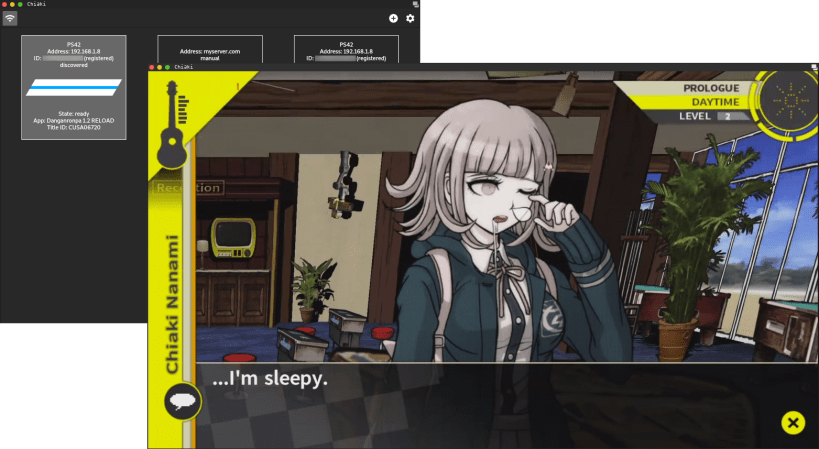
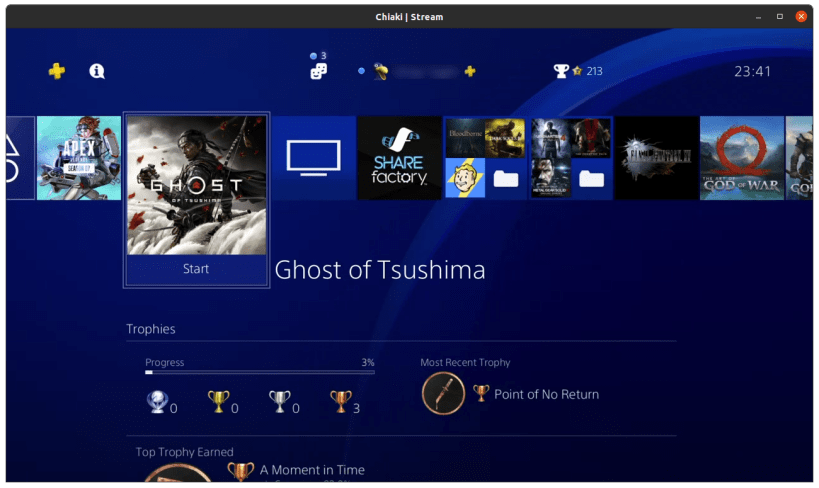
Chiaki is a Free and Open Source Client for PlayStation 4 and PlayStation 5 Remote Play. It can be used to play in real time on a PlayStation as long as there is a network connection.
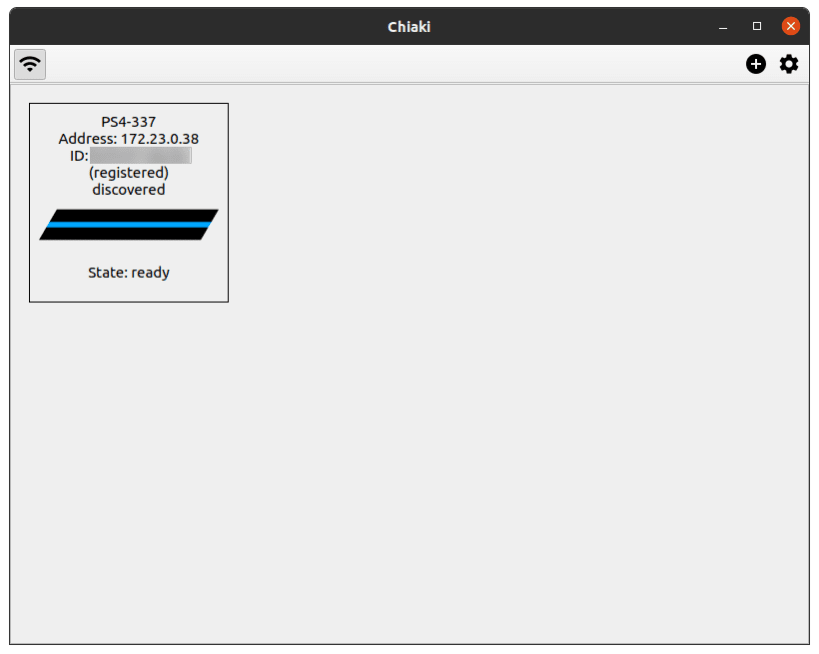
Usage: If your Console is on your local network, is turned on or in standby mode and does not have Discovery explicitly disabled, Chiaki should find it. Otherwise, you can add it manually. To do so, click the "+" icon in the top right, and enter your Console's IP address.
You will then need to register your Console with Chiaki. You will need two more pieces of information to do this.
Obtaining your PSN AccountID:
Starting with PS4 7.0, it is necessary to use a so-called "AccountID" as opposed to the
"Online-ID" for registration (streaming itself did not change).
This ID seems to be a unique identifier for a PSN Account and it can be obtained from the PSN
after logging in using OAuth.
A Python 3 script which does this is provided as part of this snap. Simply run it in a terminal
with chiaki.psn-account-id and follow the instructions.
Once you know your ID, write it down. You will likely never have to do this process again.
Obtaining a Registration PIN: To register a Console with a PIN, it must be put into registration mode. To do this on a PS4, simply go to: Settings -> Remote Play -> Add Device, or on a PS5: Settings -> System -> Remote Play -> Link Device.
You can now double-click your Console in Chiaki's main window to start Remote Play.
--
Disclaimer: This snap is not necessarily endorsed or officially maintained by the upstream developers.
- Upstream Project: https://github.com/thestr4ng3r/chiaki
- snapcraft.yaml Build Definition: https://github.com/Nightmayr-snaps/chiaki-snap/blob/master/snap/snapcraft.yaml
Please report any bugs/issues with this snap here: https://github.com/Nightmayr-snaps/chiaki-snap/issues
| Revision | Channel | Version | Build | Commit | Download SBOM |
|---|
The build and commit information is derived from build infrastructure records.
Install Chiaki on your Linux distribution
Choose your Linux distribution to get detailed installation instructions. If yours is not shown, get more details on the installing snapd documentation.











