
Install latest/stable of Clean My Dev Stuff Now
Ubuntu 16.04 or later?
Make sure snap support is enabled in your Desktop store.
Install using the command line
sudo snap install cleanmydevstuffnowDon't have snapd? Get set up for snaps.
You are about to open
Do you wish to proceed?
Thank you for your report. Information you provided will help us investigate further.
There was an error while sending your report. Please try again later.
Generate an embeddable card to be shared on external websites.
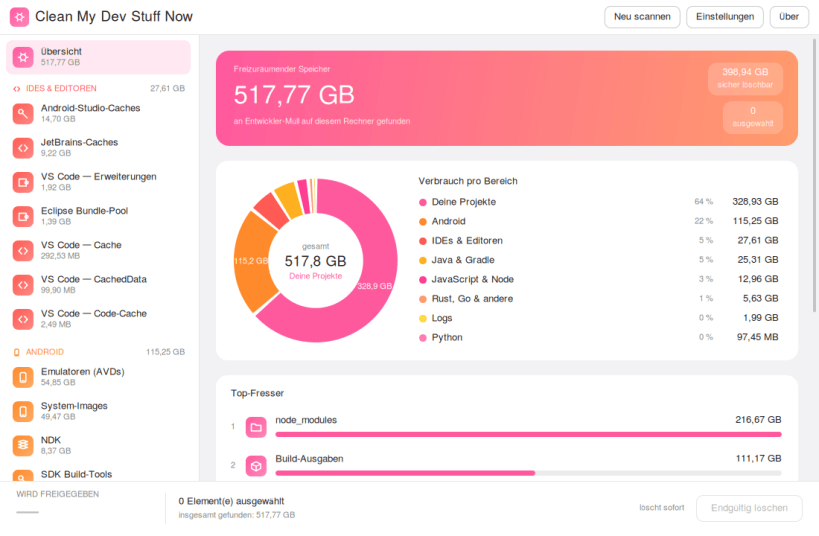
Development tools quietly fill your disk. Android SDKs and emulators, Gradle and Maven caches, npm and Yarn packages, IDE caches for every version you have ever run, and a dependency folder in every project you have ever built.
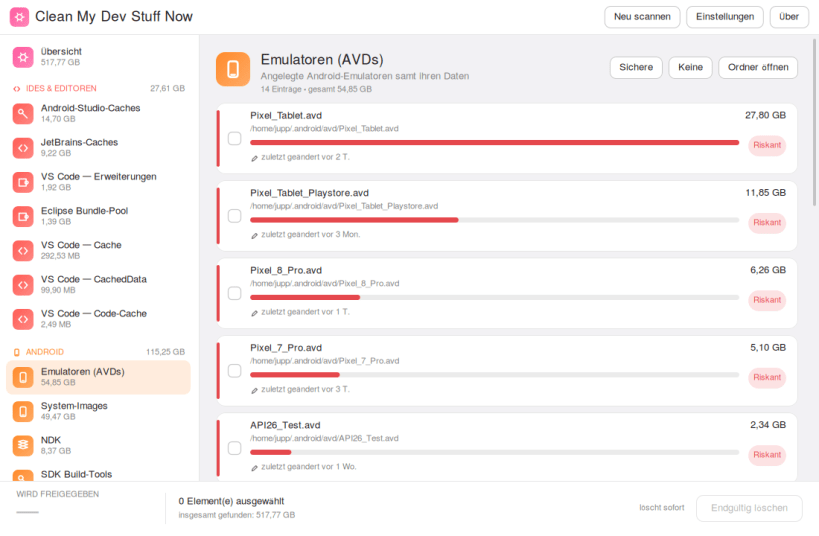
This shows you all of it at once: which area is the worst, which single folders are the biggest, and — for every entry — whether removing it costs you nothing, a download, or something you cannot get back.
What it does:
▶ ONE-TIME SETUP
sudo snap connect cleanmydevstuffnow:dev-caches
Developer caches live in hidden folders — ~/.gradle, ~/.npm, ~/.cache — and a confined app is kept out of those until you allow it. The command above grants access to those folders and nothing else; your keys, mail and documents stay out of reach. No reboot, just restart the app.
Supported systems:
Developed by Josef Sejrek / Budbrain Software Contact: cleanmydevstuffnow@budbrain.de | www.budbrain.de
Choose your Linux distribution to get detailed installation instructions. If yours is not shown, get more details on the installing snapd documentation.












