

Game Server and RCON Manager (dedicated-server-panel)
Install latest/stable of Game Server and RCON Manager
Ubuntu 16.04 or later?
Make sure snap support is enabled in your Desktop store.
Install using the command line
sudo snap install dedicated-server-panelDon't have snapd? Get set up for snaps.
Details for Game Server and RCON Manager
Package name
- dedicated-server-panel
License
- MIT
Last updated
- Yesterday - latest/stable
Websites
Contact
External link warning
You are about to open
Do you wish to proceed?
Report a Snap Store violation
Report Game Server and RCON Manager for a Snap Store violation
Snap Store Violation Report submitted successfully
Thank you for your report. Information you provided will help us investigate further.
Error submitting report
There was an error while sending your report. Please try again later.
Share this snap
Generate an embeddable card to be shared on external websites.
Manage Linux dedicated game servers, RCON consoles, configs, logs, and ports
An independent open-source Linux management suite for dedicated game servers and Valve Source RCON administration, offering a clean alternative to classic dedicated server GUI launchers. Not affiliated with or endorsed by Valve Corporation or any game publisher.
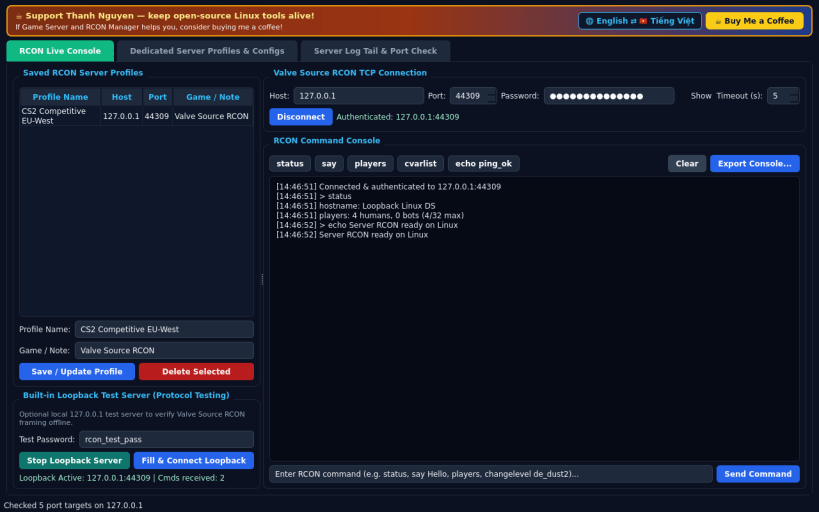
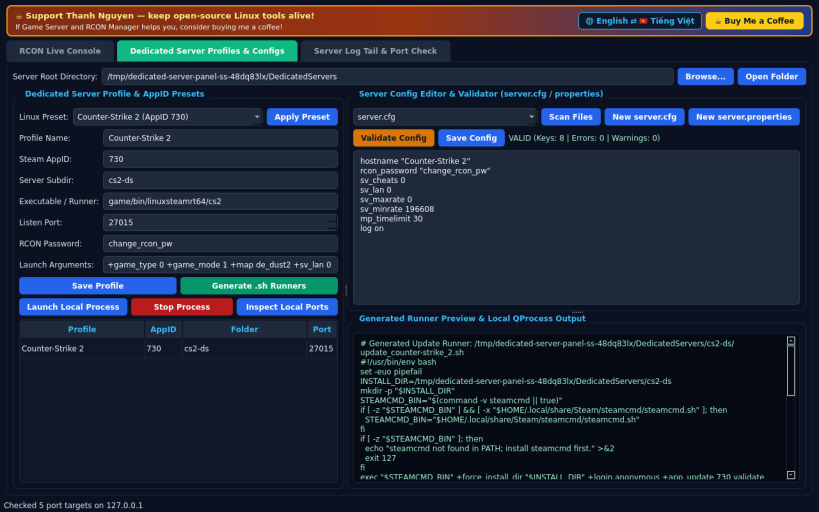
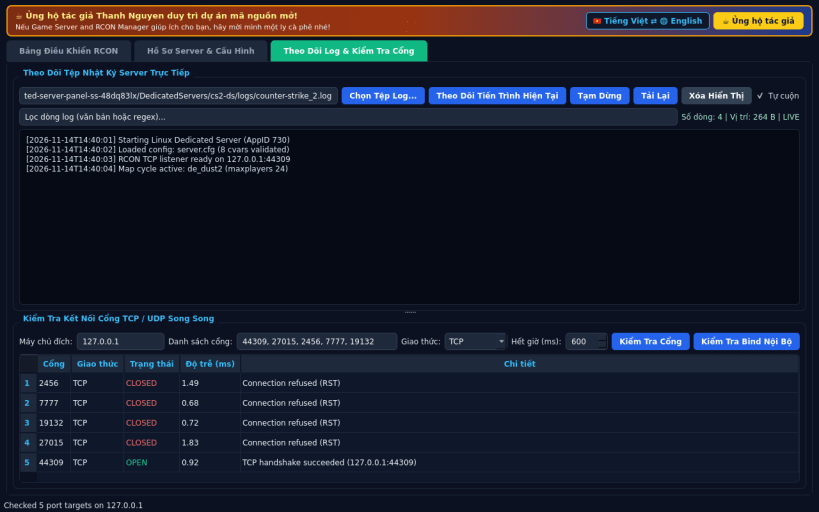
FEATURES • Live Valve Source RCON TCP Console: connect to game servers using password authentication, run admin commands (status, say, players, cvar queries), manage saved server endpoints, and test locally with a built-in loopback RCON test server. • Dedicated Server Profiles & Config Validation: organize server folders in your home directory, select Linux AppID presets (CS2 730, Valheim 896660, Terraria, Bedrock, Left 4 Dead 2 222860, Team Fortress 2 232250), generate clean .sh launch runners, validate server.cfg and properties files, and launch local server processes. • Live Log Tail & Port Connectivity Checker: follow real-time server log files with line filtering and run concurrent TCP/UDP port checks. • Bilingual Interface: defaults to English with instant Vietnamese toggle.
SUPPORT & DONATE • Created by Thanh Nguyen — https://buymeacoffee.com/thanhnv128b
| Revision | Channel | Version | Build | Commit | Download SBOM |
|---|
The build and commit information is derived from build infrastructure records.
Install Game Server and RCON Manager on your Linux distribution
Choose your Linux distribution to get detailed installation instructions. If yours is not shown, get more details on the installing snapd documentation.


