

Hinata
Install latest/stable of Hinata
Ubuntu 16.04 or later?
Make sure snap support is enabled in your Desktop store.
Details for Hinata
Package name
- hinata
License
- GPL-3.0-only
Last updated
- 25 October 2026 - latest/stable
- 21 August 2026 - latest/edge
Websites
Contact
Source code
Report a bug
External link warning
You are about to open
Do you wish to proceed?
Report a Snap Store violation
Report Hinata for a Snap Store violation
Snap Store Violation Report submitted successfully
Thank you for your report. Information you provided will help us investigate further.
Error submitting report
There was an error while sending your report. Please try again later.
Share this snap
Generate an embeddable card to be shared on external websites.
Open-source, self-hosted project and issue tracking
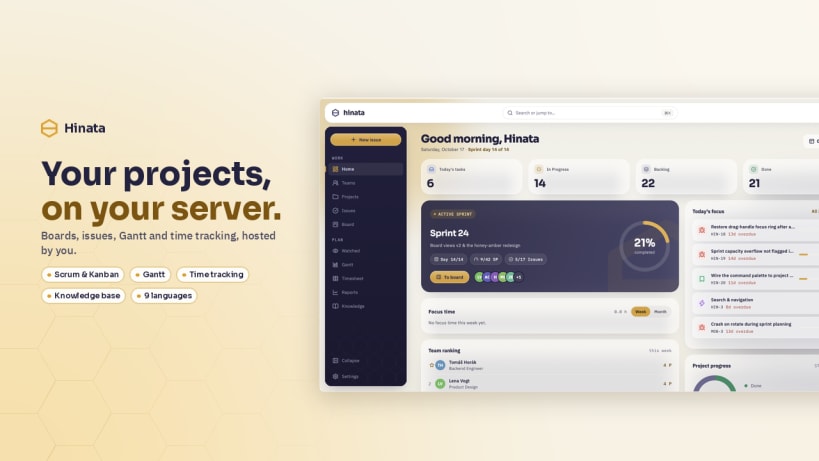
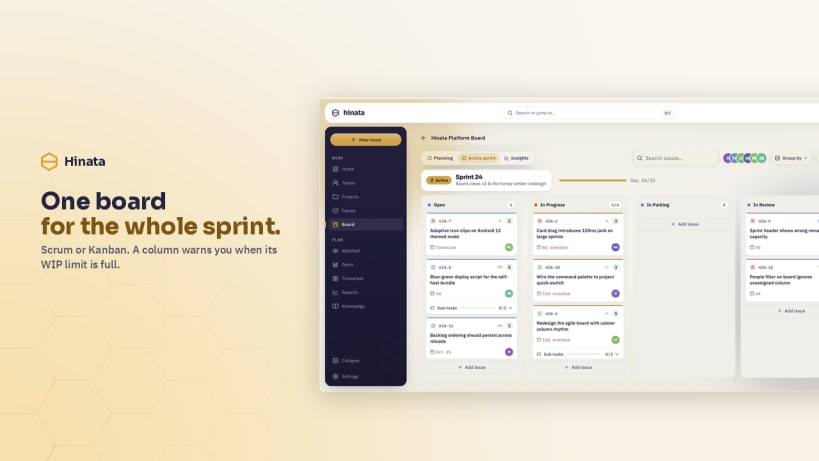
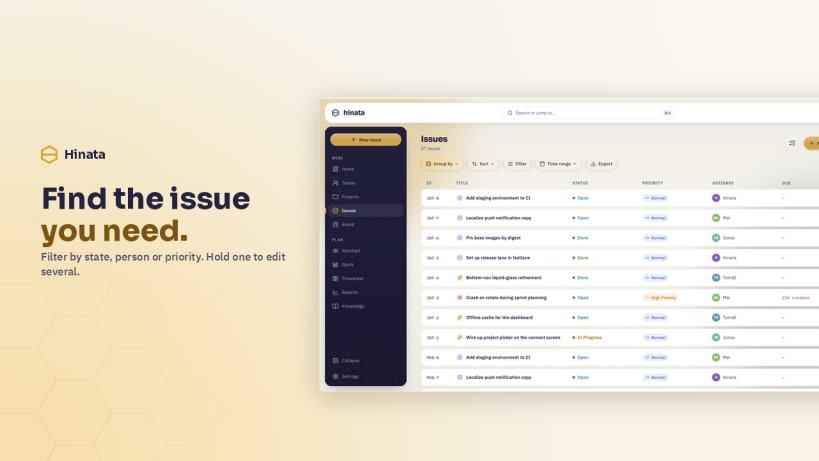
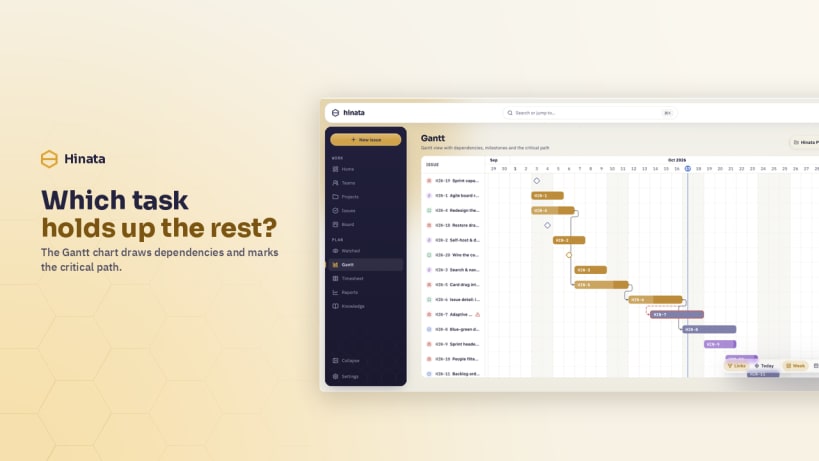
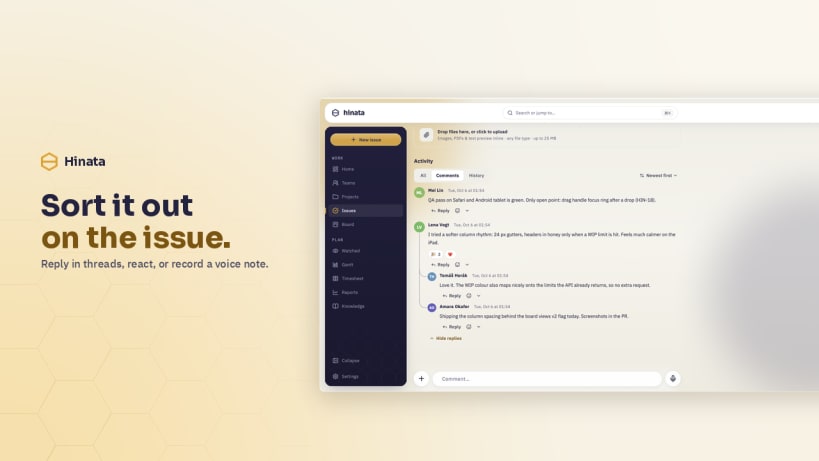
Hinata is the desktop client for a self-hosted Hinata server: projects and teams, an issue hierarchy from epic down to sub-task, agile boards, sprints, a Gantt timeline, timesheets, reports, a knowledge base and threaded comments with reactions and voice notes. Nothing is hosted for you — on first start the app asks for your server URL, and it keeps as many servers side by side as you like, each with its own tokens.
Two of its permissions do not connect themselves, because snapd wants you to grant them deliberately:
 snap connect hinata:password-manager-service
 snap connect hinata:audio-record
Without the first, signing in works but the session only lasts until you quit and the next start asks for your password again. Without the second, the sound server refuses the microphone and a voice comment records nothing.
Some capabilities differ from the other desktops. Push notifications are not available — Firebase has no Linux client, so notifications arrive by e-mail and in the app's own notification centre. Capturing a photo or video from a webcam is not offered; existing files attach as usual. Downloaded attachments land in your ~/Downloads folder, the same place every other packaging of this app puts them.
The interface is available in English and German.
| Revision | Channel | Version | Build | Commit | Download SBOM |
|---|
The build and commit information is derived from build infrastructure records.
Install Hinata on your Linux distribution
Choose your Linux distribution to get detailed installation instructions. If yours is not shown, get more details on the installing snapd documentation.












