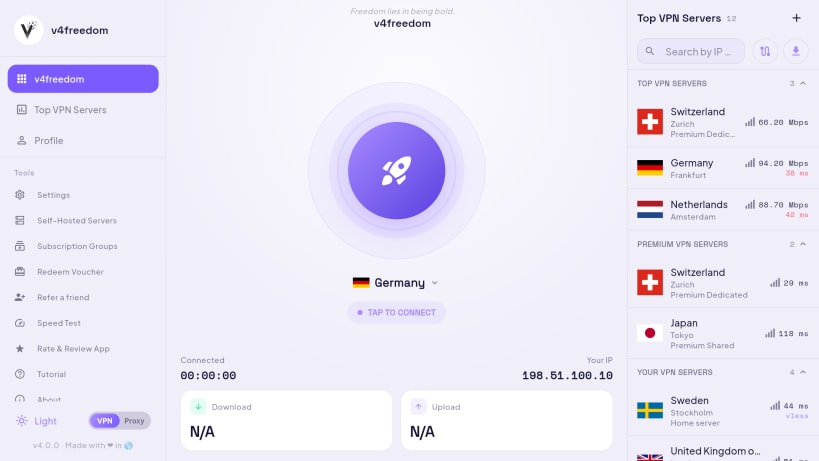
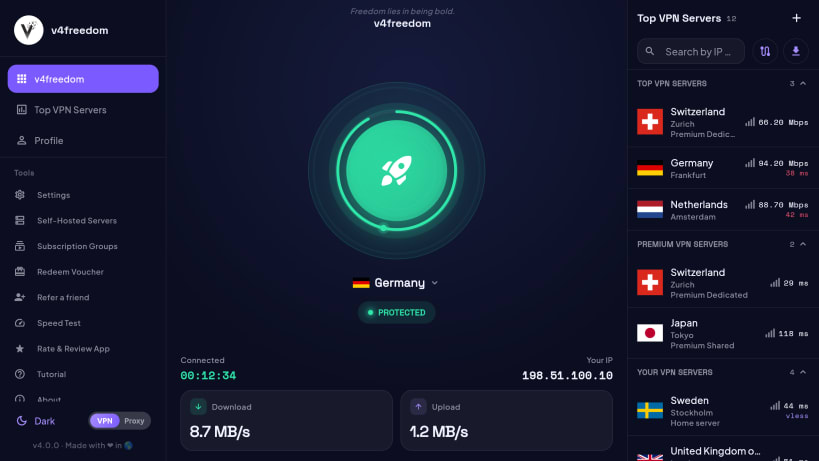
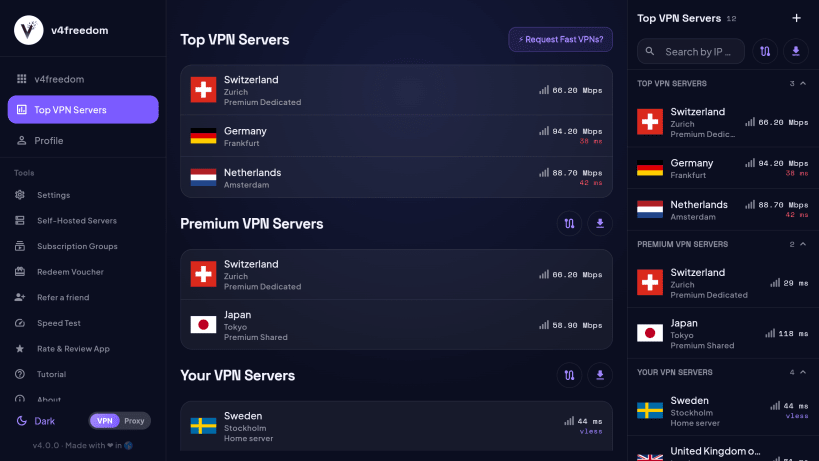
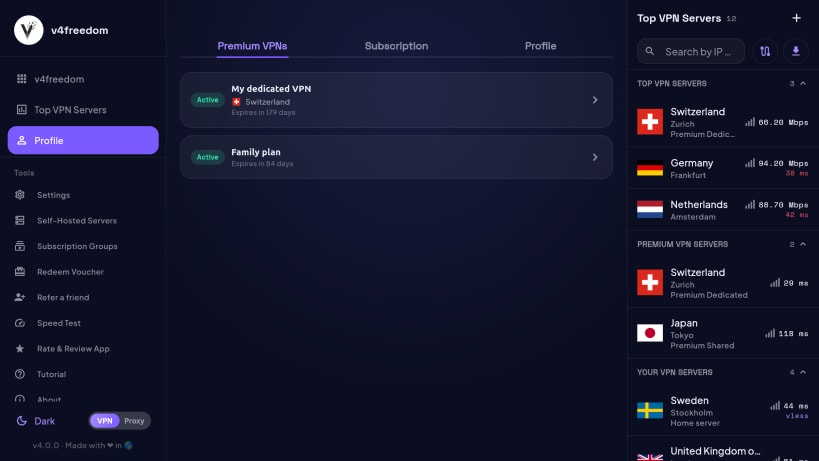
v4freedom is a VPN app for Mac and is free to download. Connect to a free server in one click, choose a Premium VPN plan, or set up a VPN on your own server. Import your existing configurations and manage your servers and subscriptions in one place.
FREE AND PREMIUM VPN OPTIONS
• Connect to free servers or choose an optional paid Premium VPN plan for access to premium servers. The price and duration are shown before purchase.
• Eligible users can try Premium VPN for free. The trial ends automatically without a charge.
SMART CONNECTION AND SPEED TESTS
• v4freedom finds a server for your network and checks that the connection carries traffic and reaches your Site Checker websites. If a connection fails, the app can try another server.
• With automatic server switching enabled, v4freedom can switch to another server if your active connection slows down.
• Compare servers using TCP Ping, Proxy Delay, and Download Speed tests. Sort servers by speed and set a time limit for download measurements.
• Use Connection Optimizer to compare DNS, Mux, and TLS fragmentation settings on your current network. Built-in diagnostics help you check internet access, DNS, and website reachability.
PROTOCOLS AND CONFIGURATION IMPORTS
• Use Xray and sing-box profiles, including VLESS, VMess, Trojan, Shadowsocks, SOCKS, WireGuard, WARP, SSH, Hysteria2, TUIC, AnyTLS, OpenVPN, OpenConnect, MASQUE, and the v4freedom protocol.
• The Mac app also supports Tor, AmneziaWG, GooseRelay, and DNS tunnels such as Soar, VayDNS, and MasterDnsVPN.
• Import connections from links or files, including .v4f files, OpenVPN profiles, compatible SlipNet dnstt profiles, and Aether links for WARP over MASQUE.
VPN, PROXY, ROUTING, AND DNS
• Choose VPN or Proxy mode. Use bypass and proxy rules to control which traffic goes through the VPN.
• Set a routing region, configure DNS over HTTPS (DoH), and block known advertising domains with the built-in ad blocker.
• Share your active connection with other devices on the same local network.
SERVER MANAGEMENT AND CLOUD SYNC
• View details and usage for individual servers, expand or collapse server groups, and organize subscriptions into groups with automatic updates.
• Sync your configurations and subscriptions across devices with encrypted cloud storage protected by your own passphrase. Per-device keys help protect account access.
• Discover servers shared by the v4freedom community, or share your own and check its submission status.
REWARDS, NOTIFICATIONS, AND APPEARANCE
• Invite friends through the referral and loyalty program and earn rewards for qualifying referrals. Rewards depend on your plan.
• Receive account notifications by email or Telegram. Choose light or dark mode and use the app in your preferred language.
Questions or feedback? Contact us at contact@v4freedom.com