

Linux Clipboard
Install latest/stable of Linux Clipboard
Ubuntu 16.04 or later?
Make sure snap support is enabled in your Desktop store.
Install using the command line
sudo snap install linux-clipboardDon't have snapd? Get set up for snaps.


Details for Linux Clipboard
Package name
- linux-clipboard
License
- MIT
Last updated
- 13 September 2026 - latest/stable
- 13 September 2026 - latest/beta
Websites
External link warning
You are about to open
Do you wish to proceed?
Report a Snap Store violation
Report Linux Clipboard for a Snap Store violation
Snap Store Violation Report submitted successfully
Thank you for your report. Information you provided will help us investigate further.
Error submitting report
There was an error while sending your report. Please try again later.
Share this snap
Generate an embeddable card to be shared on external websites.
Clipboard history, pinning, images, and a Windows-style emoji & symbol picker.
inux Clipboard is a powerful productivity tool designed to enhance your copy-paste workflow on Linux. Unlike standard clipboard managers, this application provides a rich visual history for both text and images, plus a dedicated picker for special characters.
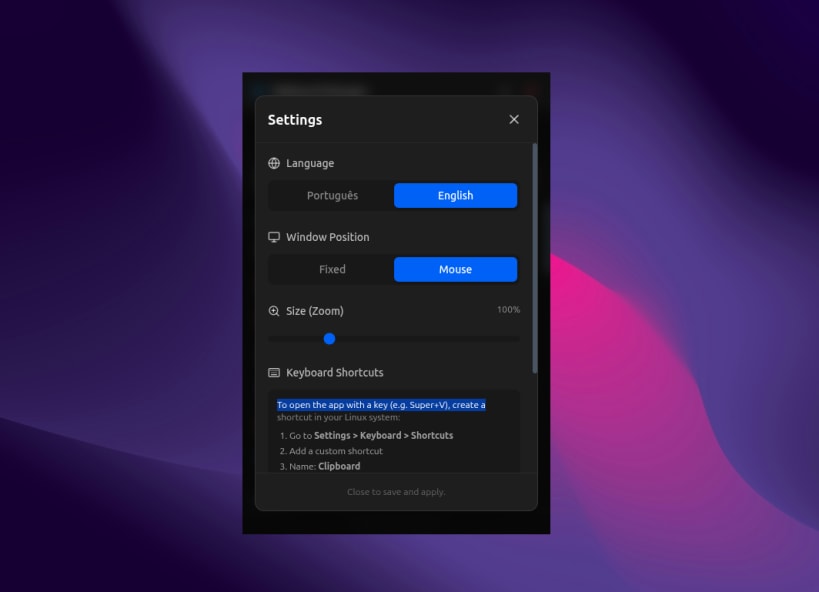
It operates as a non-intrusive floating window that appears instantly near your cursor or at a fixed position, allowing you to paste items without losing focus on your current task.
Key Features:
Visual History: View previews of copied images and text snippets instantly.
Emoji & Symbol Picker: Built-in tool to easily insert emojis and symbols, similar to the Windows feature (Win + .).
Pin Favorites: Keep frequently used items permanently at the top of your list.
Smart Window: Opens as a floating dialog that doesn't clutter your taskbar.
Drag & Drop: Easily reorder your clipboard history.
Search: Quickly find specific text clips within your history.
Customizable: Includes both Dark and Light themes to match your desktop environment.
| Revision | Channel | Version | Build | Commit | Download SBOM |
|---|
The build and commit information is derived from build infrastructure records.
Install Linux Clipboard on your Linux distribution
Choose your Linux distribution to get detailed installation instructions. If yours is not shown, get more details on the installing snapd documentation.











