

Lockbook (lockbook-desktop)
Install latest/stable of Lockbook
Ubuntu 16.04 or later?
Make sure snap support is enabled in your Desktop store.
Install using the command line
sudo snap install lockbook-desktopDon't have snapd? Get set up for snaps.
Details for Lockbook
Package name
- lockbook-desktop
License
- Unlicense
Last updated
- Yesterday - latest/stable
Websites
Contact
Source code
Report a bug
External link warning
You are about to open
Do you wish to proceed?
Report a Snap Store violation
Report Lockbook for a Snap Store violation
Snap Store Violation Report submitted successfully
Thank you for your report. Information you provided will help us investigate further.
Error submitting report
There was an error while sending your report. Please try again later.
Share this snap
Generate an embeddable card to be shared on external websites.
We built a notebook we can't read.
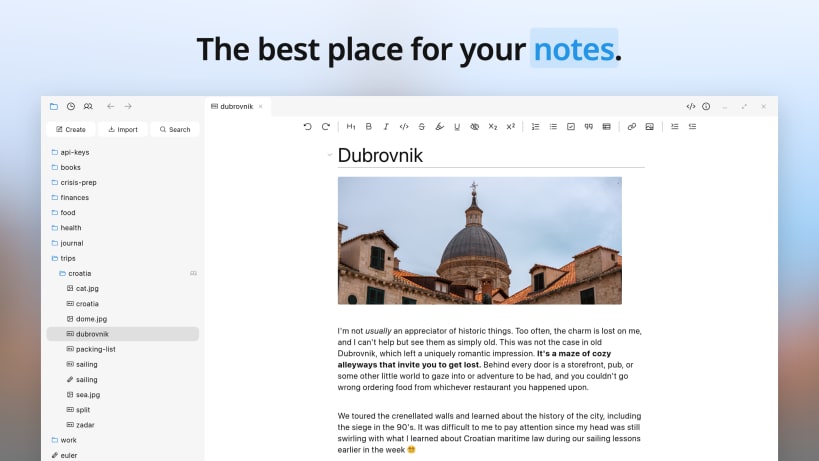
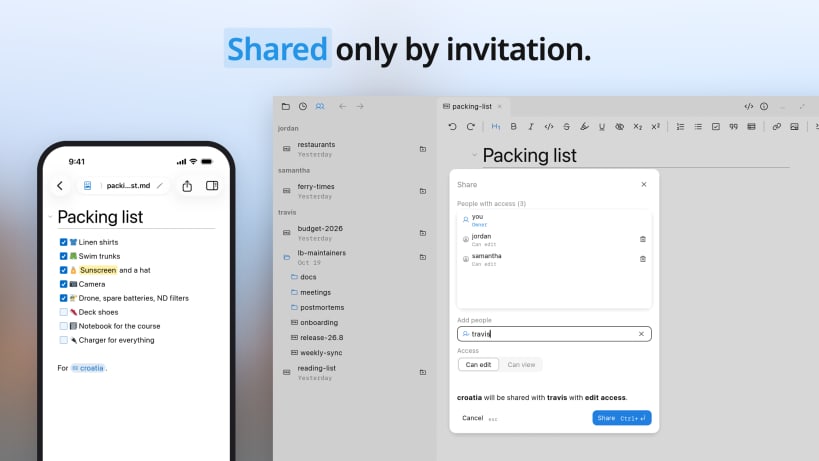
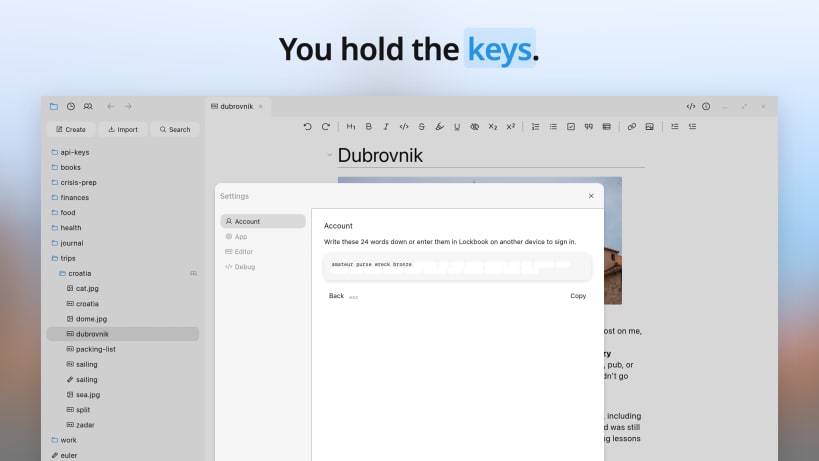
Lockbook is an open-source notebook for Markdown notes and drawings, encrypted on your device and shared only by invitation.
Notes are .md files and drawings are .svg files, kept in ordinary folders. Open them in any other app and you'll find nothing missing.
What's inside
- Markdown editor: Type punctuation and watch plain text turn into headings, lists, tables, and
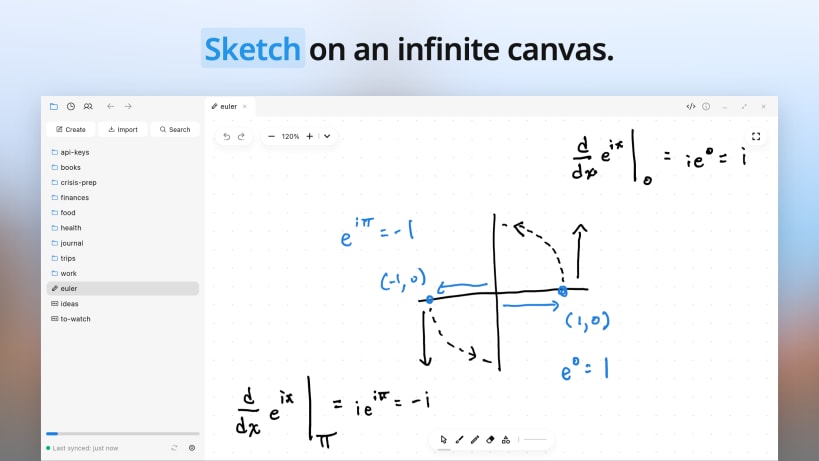
code. The toolbar knows every style so you don't have to. - Drawing: Sketch, handwrite, and diagram on an infinite canvas with pen, highlighter, and shapes. Drawings are SVG and look sharp at any size, in any app.
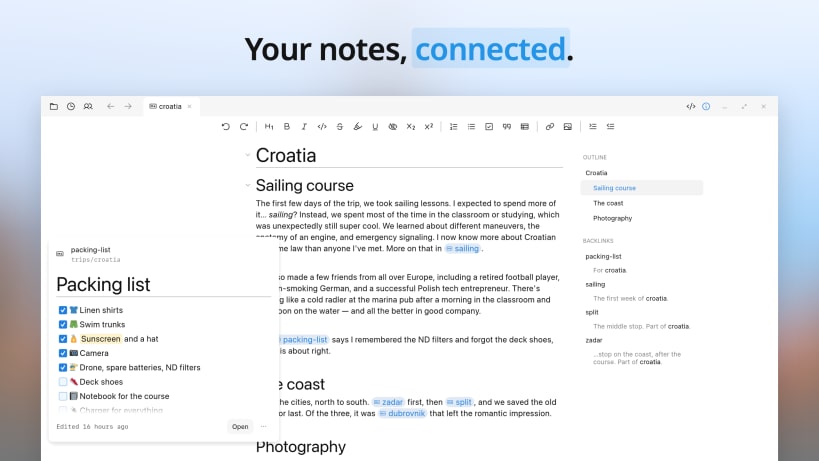
- Links and backlinks: Mention one note in another and see which notes mention it back. Start typing a title and pick the note. Links stay intact when notes are renamed or moved.
- Search: Find a note by its name or by what's in it. Search runs on your device: quickly, privately, and offline.
- Images, PDFs, and everything else: One app for everything worth keeping. Photos and PDFs open in the app. Everything else is still private and synced to every device.
- Sharing: Share any note or folder with read or write access. Work in the same note at the same time. Shared files are private to the people you invite and count only toward the owner's storage.
- Offline: Your notes are always on your device. Read, write, draw, and organize wherever you are, without worrying about whether you're connected.
- Sync: Edits to your notes are never dropped, duplicated, or clobbered. You'd think that would go without saying, but it doesn't. Sync is unreasonably hard, so we took it seriously and built it first.
- Every device: Linux, Windows, Mac, iPhone, iPad, and Android, each built for its platform so Lockbook opens fast and works like the other apps on your device.
- Command line: Search your notes with
fzf, edit them withvim, and schedule backups withcron. The Lockbook CLI fits right into your favorite chain of piped-together Unix commands: https://snapcraft.io/lockbook
Private by design
Your notes are encrypted on your device, so no one else can read them, not even us. Sign up with just a username and Lockbook generates your account key. Keep it secret and don't lose it: anyone with the key can read your notes, and anyone without it can't. We never ask for an email, a phone number, or a name.
Open source
You don't have to trust us. Lockbook's code is public and has been since 2020. Check our work or trust the people who have: https://github.com/lockbook/lockbook
Free to start
The free tier includes every feature and holds years of plain notes. For room to add images and PDFs, upgrade to premium for $2.99 a month.
We built Lockbook for everyday use because we use Lockbook every day. In our Discord community you can ask us anything or just see what people are saying: https://discord.gg/lockbook
| Revision | Channel | Version | Build | Commit | Download SBOM |
|---|
The build and commit information is derived from build infrastructure records.
Install Lockbook on your Linux distribution
Choose your Linux distribution to get detailed installation instructions. If yours is not shown, get more details on the installing snapd documentation.











