

Molly Meeting Notes
Install latest/stable of Molly Meeting Notes
Ubuntu 16.04 or later?
Make sure snap support is enabled in your Desktop store.
Install using the command line
sudo snap install molly-meeting-notesDon't have snapd? Get set up for snaps.
Details for Molly Meeting Notes
Package name
- molly-meeting-notes
License
- Proprietary
Last updated
- 11 November 2026 - latest/stable
- 11 November 2026 - latest/beta
Websites
Contact
Report a bug
External link warning
You are about to open
Do you wish to proceed?
Report a Snap Store violation
Report Molly Meeting Notes for a Snap Store violation
Snap Store Violation Report submitted successfully
Thank you for your report. Information you provided will help us investigate further.
Error submitting report
There was an error while sending your report. Please try again later.
Share this snap
Generate an embeddable card to be shared on external websites.
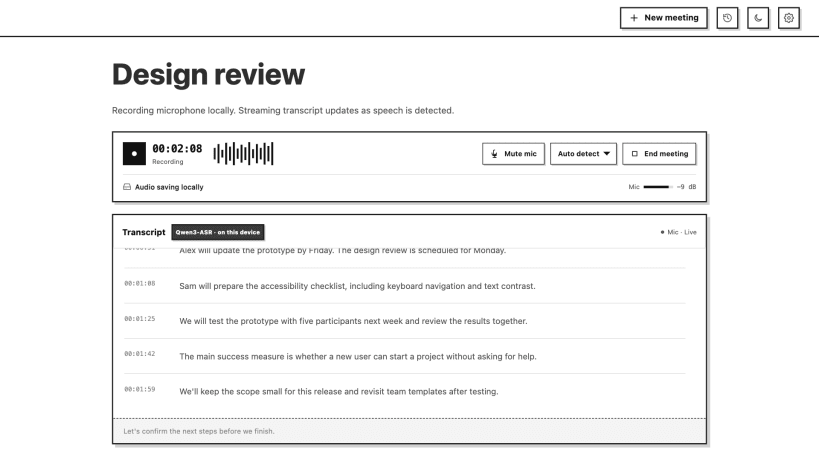
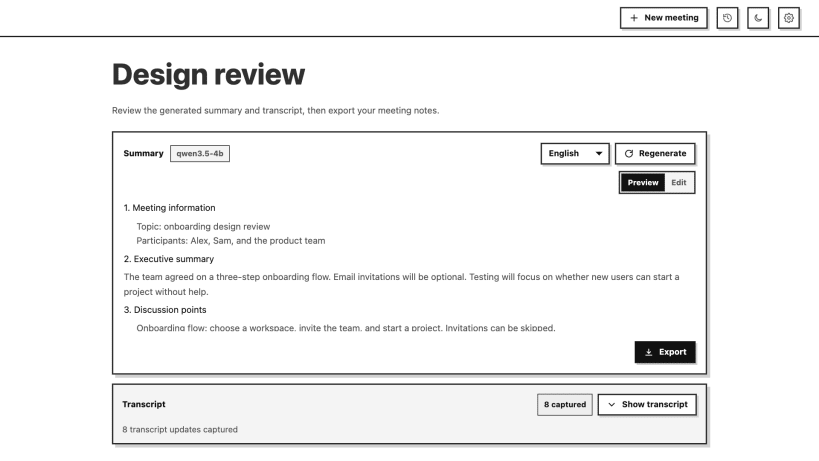
Record meetings, transcribe speech, and create notes
Molly records your microphone, transcribes speech, and creates meeting notes. Use local Qwen models, your own Molly server, or your own OpenAI API account.
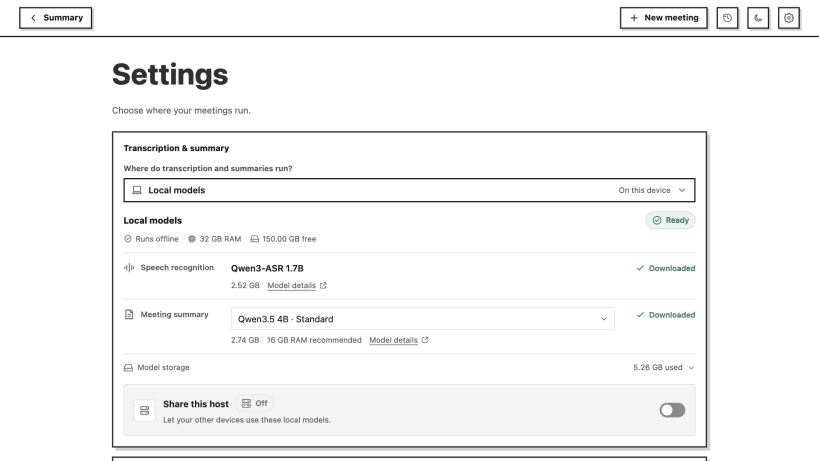
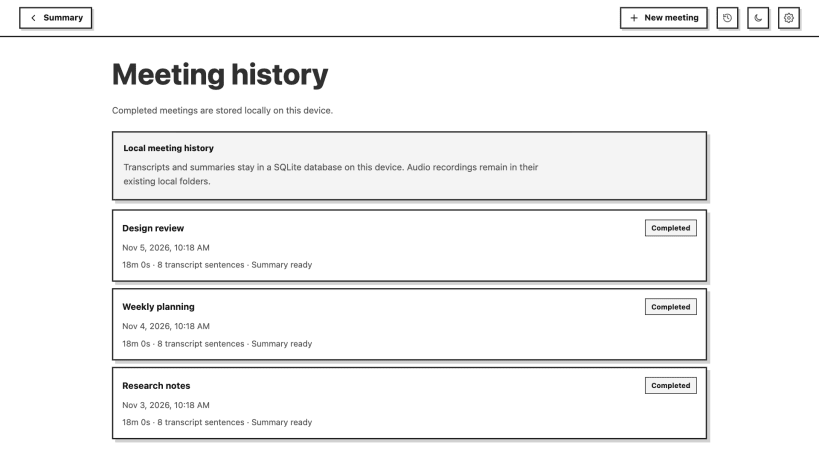
Local models run on your CPU. Download model weights in Settings after installation. The default speech and summary models need about 5.3 GB. Recordings and meeting history stay on this device. Cloud modes send audio or transcript text to the provider you select and use your own API credits.
Enable microphone and password-manager permissions in App Center before recording or saving a key. You can also run: sudo snap connect molly-meeting-notes:audio-record sudo snap connect molly-meeting-notes:password-manager-service
This Linux release captures the default microphone. System audio capture and automatic enumeration of Tailscale devices are not included in this Snap package. Add remote Molly servers with a connection code or address.
| Revision | Channel | Version | Build | Commit | Download SBOM |
|---|
The build and commit information is derived from build infrastructure records.
Install Molly Meeting Notes on your Linux distribution
Choose your Linux distribution to get detailed installation instructions. If yours is not shown, get more details on the installing snapd documentation.


