

ONLYOFFICE Desktop Editors (onlyoffice-desktopeditors)

Install latest/stable of ONLYOFFICE Desktop Editors
Ubuntu 16.04 or later?
Make sure snap support is enabled in your Desktop store.
Install using the command line
sudo snap install onlyoffice-desktopeditorsDon't have snapd? Get set up for snaps.

Details for ONLYOFFICE Desktop Editors
Package name
- onlyoffice-desktopeditors
License
- AGPL-3.0
Last updated
- 22 May 2026 - latest/stable
- Yesterday - latest/beta
Websites
Contact
Source code
Report a bug
External link warning
You are about to open
Do you wish to proceed?
Report a Snap Store violation
Report ONLYOFFICE Desktop Editors for a Snap Store violation
Snap Store Violation Report submitted successfully
Thank you for your report. Information you provided will help us investigate further.
Error submitting report
There was an error while sending your report. Please try again later.
Share this snap
Generate an embeddable card to be shared on external websites.
An office suite that allows to create, view and edit local documents.
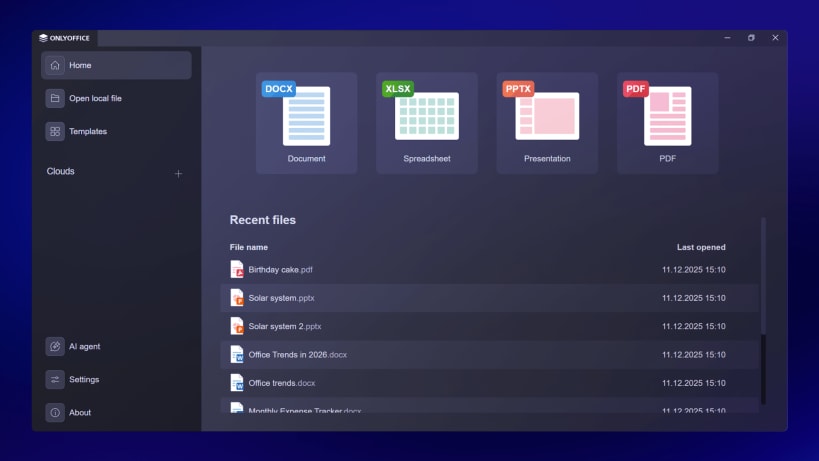
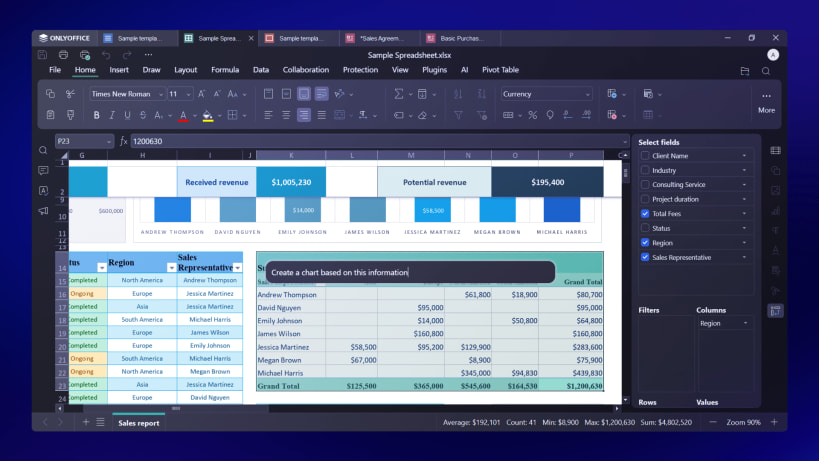
ONLYOFFICE Desktop Editors is a free and open-source office suite pack that comprises editors for text documents, spreadsheets, presentations, PDFs and PDF forms, along with a Diagram Viewer. It allows you to create, view and edit office docs stored on your Windows/Linux PC or Mac without an Internet connection. The suite is fully compatible with Office Open XML formats: .docx, .xlsx, .pptx.
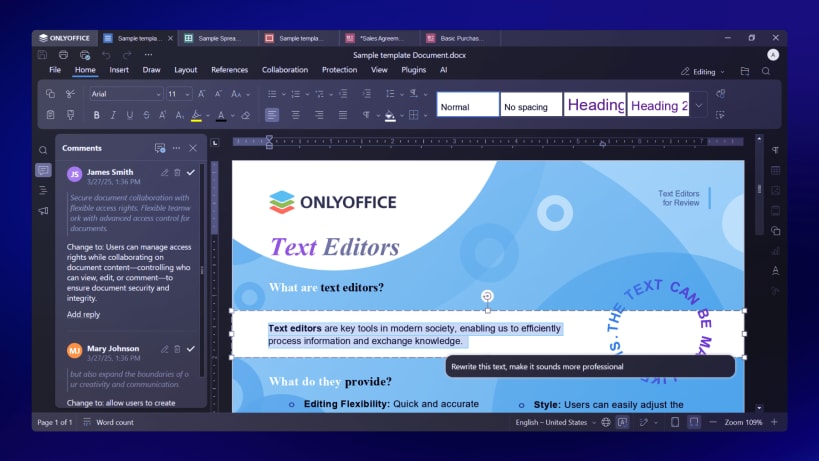
Thanks to the tab-based user interface, you can deal with multiple files within one and the same window. Multiple plugins allow adding any extra functionality you might need. Password protection and digital signatures ensure a higher level of security while working with files.
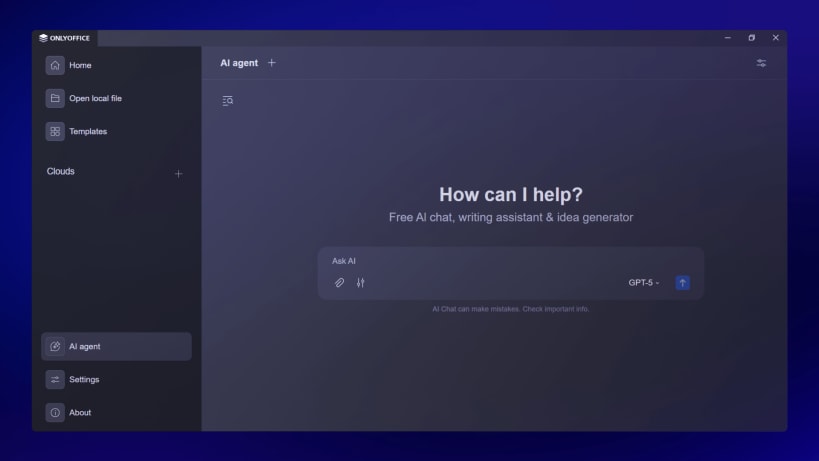
Boost productivity with AI integration. Connect any AI model (local or cloud-based) for tasks like chatbot requests, translation, OCR, etc. Use AI agents to generate new files, list folder contents, preview file details without opening them in the editor, auto-fill forms with provided data, and much more.
Switch between various interface themes to comfortably work in any environment. Extend your capabilities further with plugins to add any extra functionality you might need: edit images and photos, highlight code, convert docs to Markdown or HTML, etc.
Along with offline work, it’s possible to connect the application to the cloud for online document collaboration. Available options include ONLYOFFICE cloud, Moodle, Nextcloud, Seafile, ownCloud, kDrive, and Liferay.
| Revision | Channel | Version | Build | Commit | Download SBOM |
|---|
The build and commit information is derived from build infrastructure records.
Install ONLYOFFICE Desktop Editors on your Linux distribution
Choose your Linux distribution to get detailed installation instructions. If yours is not shown, get more details on the installing snapd documentation.












