
Paint98
Install latest/stable of Paint98
Ubuntu 16.04 or later?
Make sure snap support is enabled in your Desktop store.
Details for Paint98
Package name
- paint98
License
- MIT
Last updated
- 13 October 2026 - latest/stable
- 13 October 2026 - latest/candidate
Websites
Contact
Source code
Report a bug
External link warning
You are about to open
Do you wish to proceed?
Report a Snap Store violation
Report Paint98 for a Snap Store violation
Snap Store Violation Report submitted successfully
Thank you for your report. Information you provided will help us investigate further.
Error submitting report
There was an error while sending your report. Please try again later.
Share this snap
Generate an embeddable card to be shared on external websites.
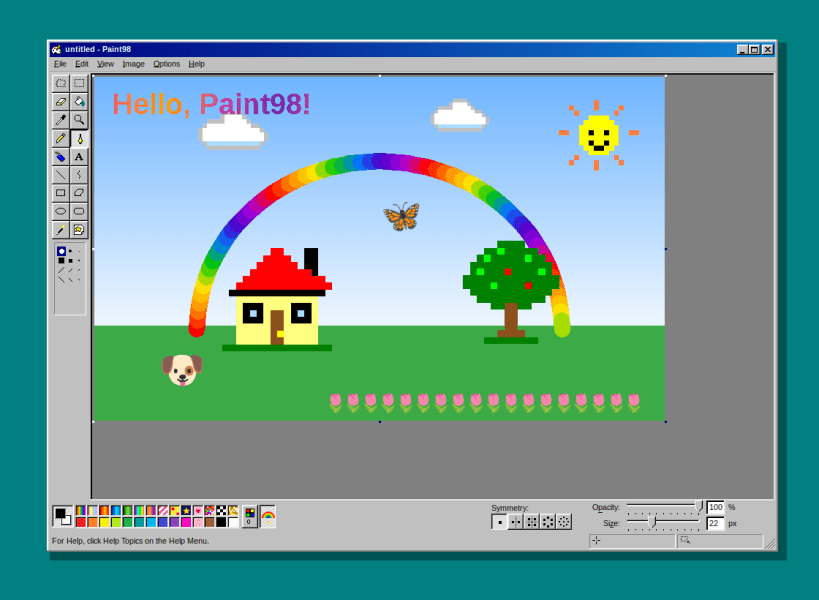
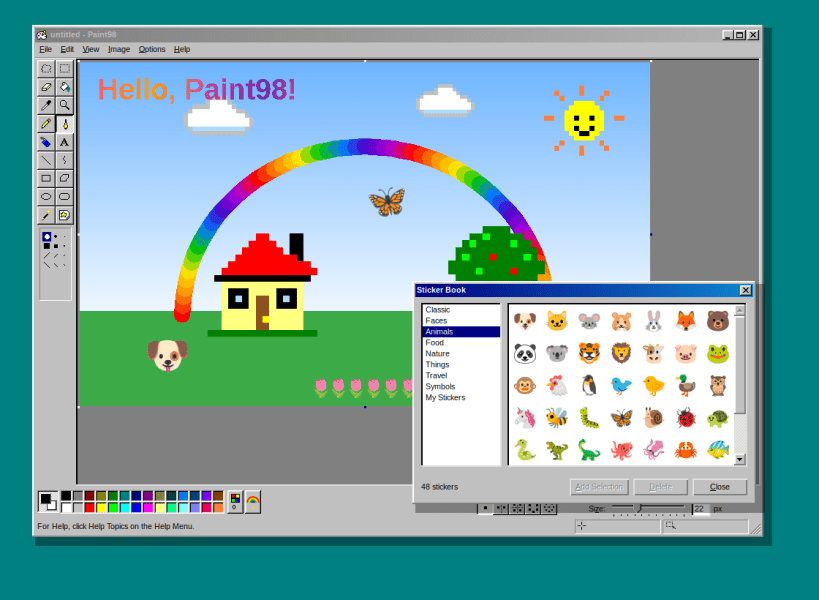
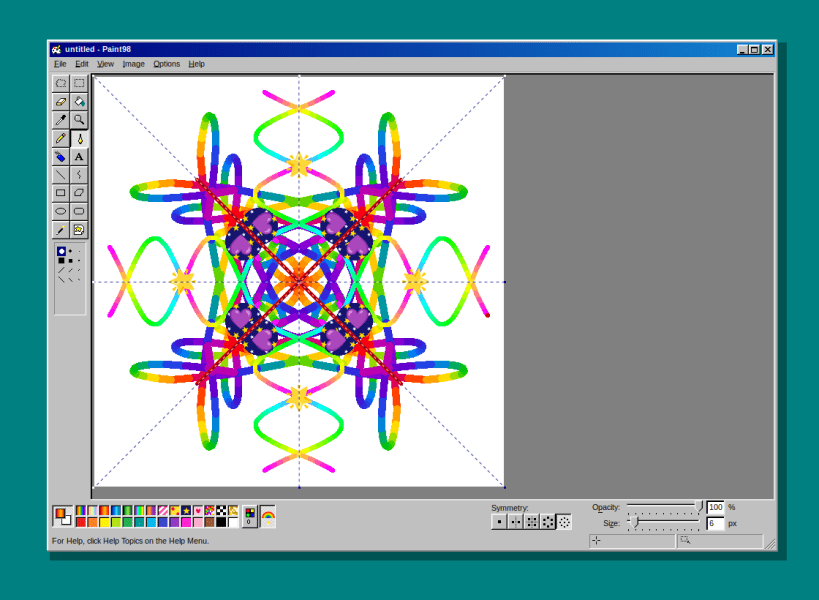
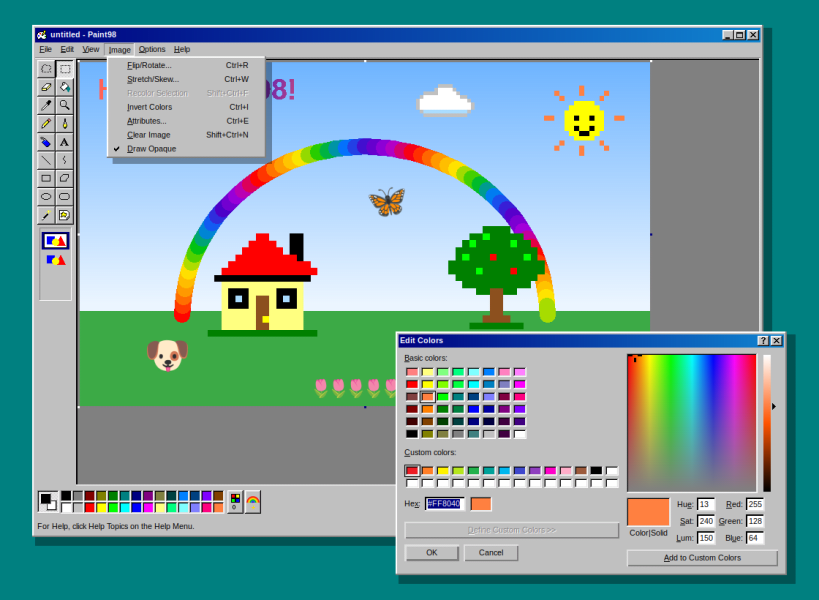
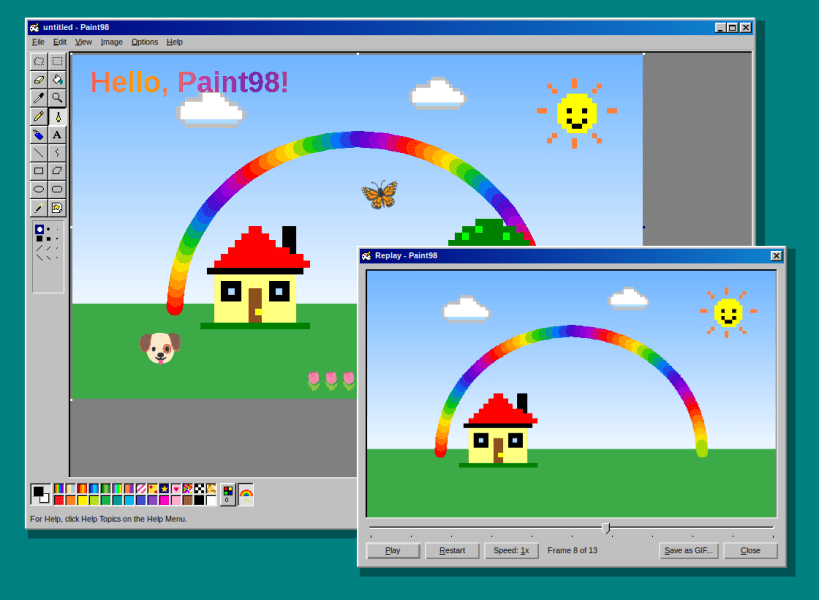
The classic paint program, pixel for pixel, on the GNOME desktop plus some additional things.
Paint98 brings back the look and feel of the classic Windows 98 paint program: the 3D grey chrome, the sixteen-tool tool box, the 28-colour palette and the same menus and dialogs, built natively with GTK for GNOME.
Features:
- Free-form and rectangular selections with move, copy (Ctrl+drag), smear (Shift+drag), stretch handles and transparent mode
- Eraser / colour eraser, flood fill, colour picker and magnifier
- Pencil, brush (12 shapes), airbrush and text with a fonts toolbar
- Line, curve, rectangle, polygon, ellipse and rounded rectangle with outline / fill styles
- Flip/rotate, stretch/skew, invert colours, attributes, zoom with grid and thumbnail, view bitmap
- Edit colours, load and save .pal palettes
- Opens and saves PNG, BMP, JPEG and TIFF; copy and paste with other apps
- Set your picture as the GNOME desktop wallpaper (tiled or centred)
| Revision | Channel | Version | Build | Commit | Download SBOM |
|---|
The build and commit information is derived from build infrastructure records.
Install Paint98 on your Linux distribution
Choose your Linux distribution to get detailed installation instructions. If yours is not shown, get more details on the installing snapd documentation.











