

ParrotIA
Install latest/stable of ParrotIA
Ubuntu 16.04 or later?
Make sure snap support is enabled in your Desktop store.
Details for ParrotIA
Package name
- parrotia
License
- AGPL-3.0-or-later
Last updated
- Yesterday - latest/stable
- Yesterday - latest/edge
Websites
Contact
Source code
Report a bug
External link warning
You are about to open
Do you wish to proceed?
Report a Snap Store violation
Report ParrotIA for a Snap Store violation
Snap Store Violation Report submitted successfully
Thank you for your report. Information you provided will help us investigate further.
Error submitting report
There was an error while sending your report. Please try again later.
Share this snap
Generate an embeddable card to be shared on external websites.
Private, local audio and video transcription with Whisper
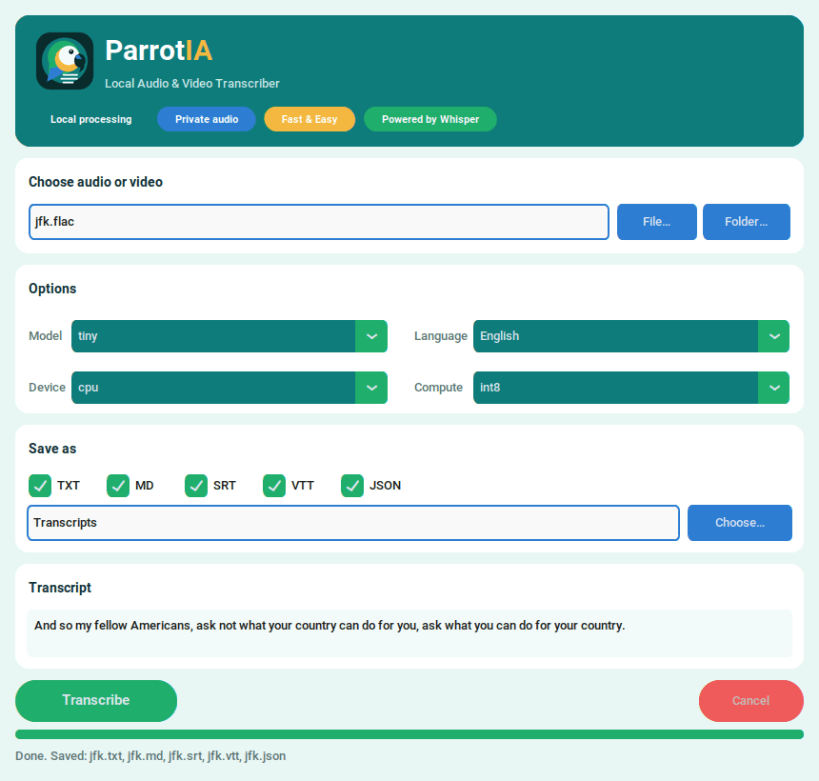
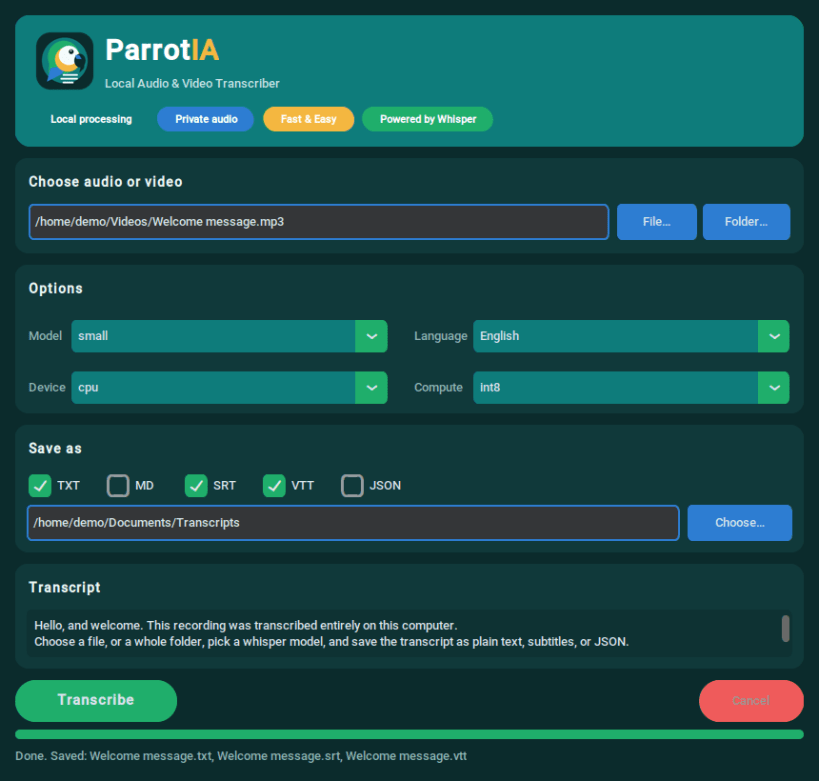
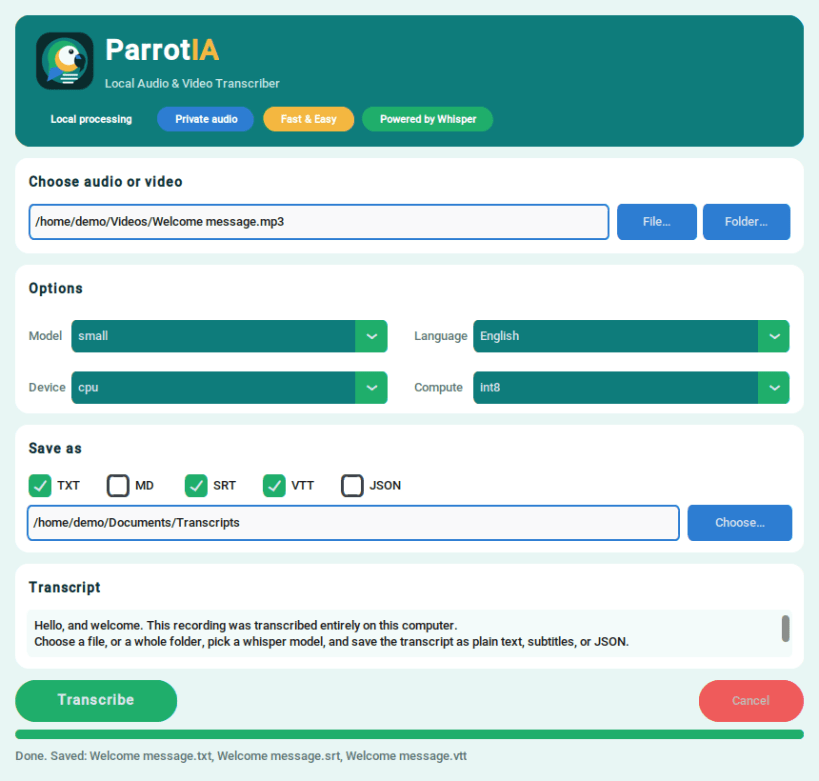
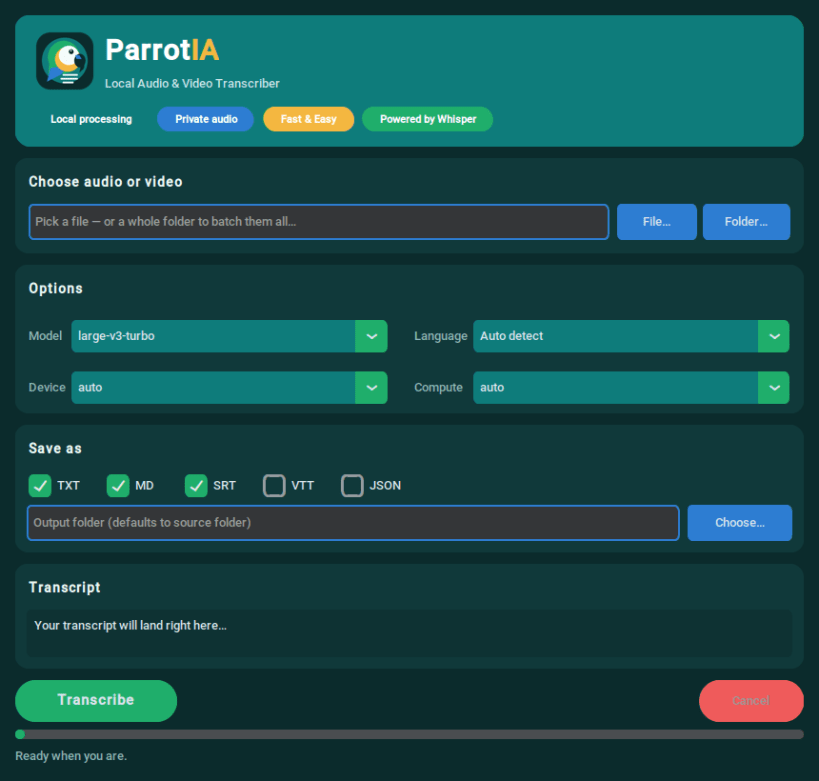
ParrotIA turns audio and video recordings into text on your own computer. Choose a file or a whole folder, pick a Whisper model and a language, and save the transcript as plain text, Markdown, subtitles or JSON. Your recordings never leave your machine.
What it does
- Transcribes MP3, WAV, FLAC, M4A, AAC, Ogg, Opus, WMA, MP4, MKV, MOV, AVI and WebM files
- Exports TXT, Markdown, SRT and WebVTT subtitles, and JSON with timestamps
- Detects the spoken language automatically, or lets you choose one of 17 common languages
- Offers seven Whisper models, from the fast tiny to large-v3; the default large-v3-turbo balances speed and accuracy
- Processes whole folders in one go; a damaged file does not stop the rest of the batch
- Includes a command line (
parrotia) for scripts, and a benchmark mode to compare models on your own recordings
Privacy and downloads
Transcription runs locally on your CPU. Audio is not uploaded to any transcription service, and no account or API key is needed. The first time you use a model, ParrotIA downloads it from Hugging Face (about 75 MB for tiny up to 3.1 GB; the default model is about 1.6 GB). Models are kept under ~/snap/parrotia/common/huggingface/, survive updates and work offline afterwards.
Getting started
Open ParrotIA from your application menu, or run parrotia.gui. For the command line, run parrotia --help.
Files in your home folder are accessible. To transcribe from external drives, connect the optional interface:
sudo snap connect parrotia:removable-media
If the source folder is read-only, choose a writable output folder.
Requirements
64-bit Intel/AMD Linux. The interface uses X11 or XWayland. This package runs on the CPU; NVIDIA GPU acceleration is not included.
License
ParrotIA is free software under AGPL-3.0-or-later. It uses shared FFmpeg libraries under LGPL-2.1-or-later. Source archives, build settings and third-party notices are included in the snap under /snap/parrotia/current/share/doc/parrotia/ and /snap/parrotia/current/share/licenses/parrotia/.
Source code, issues and support: https://github.com/igorbispo99/ParrotIA
| Revision | Channel | Version | Build | Commit | Download SBOM |
|---|
The build and commit information is derived from build infrastructure records.
Install ParrotIA on your Linux distribution
Choose your Linux distribution to get detailed installation instructions. If yours is not shown, get more details on the installing snapd documentation.


