

pomotroid
Install latest/stable of pomotroid
Ubuntu 16.04 or later?
Make sure snap support is enabled in your Desktop store.
Details for pomotroid
Package name
- pomotroid
License
- MIT
Last updated
- 9 February 2021 - latest/stable
- 9 February 2021 - latest/edge
Websites
Contact
External link warning
You are about to open
Do you wish to proceed?
Report a Snap Store violation
Report pomotroid for a Snap Store violation
Snap Store Violation Report submitted successfully
Thank you for your report. Information you provided will help us investigate further.
Error submitting report
There was an error while sending your report. Please try again later.
Share this snap
Generate an embeddable card to be shared on external websites.
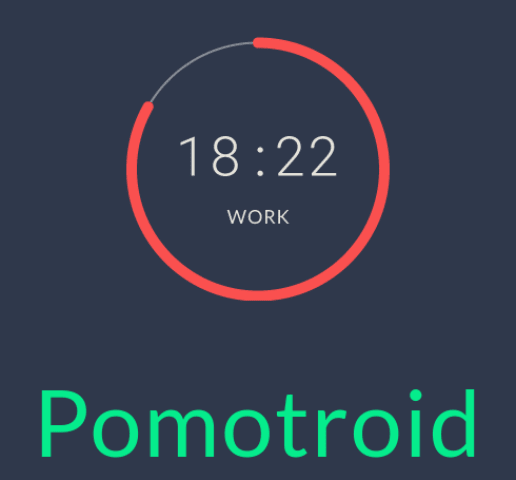
Pomotroid is a simple and visually-pleasing Pomodoro timer.
Pomotroid: A simple and visually-pleasing Pomodoro timer.
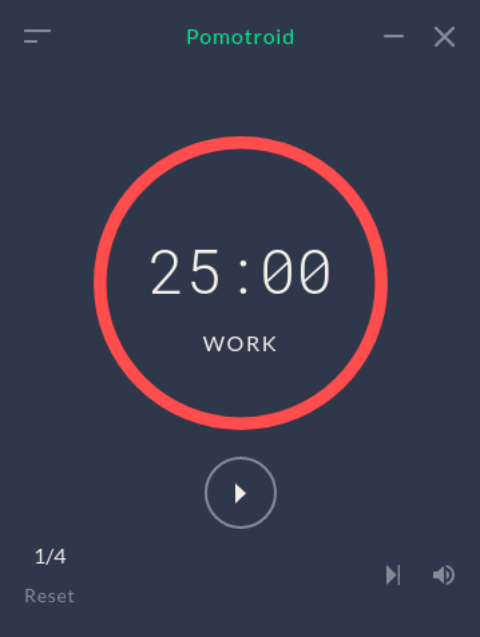
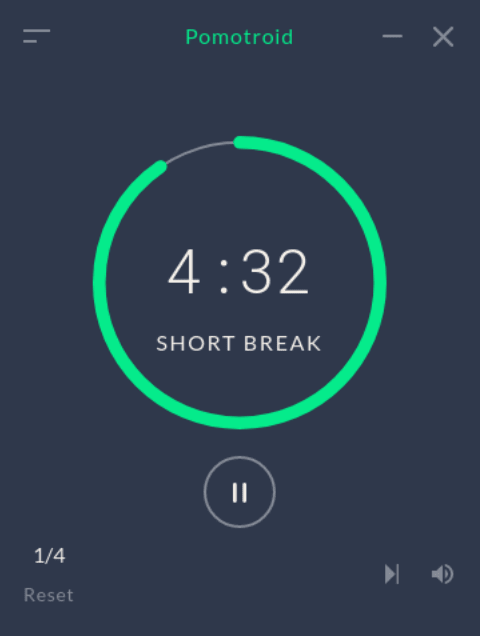
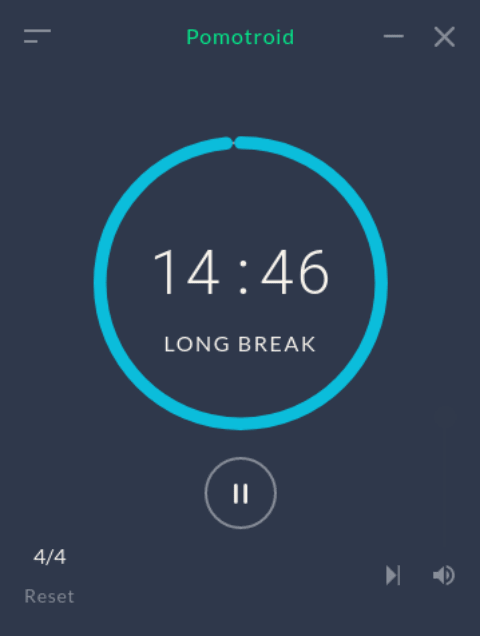
Pomotroid alerts by default on a 25 minute interval to help keep you focused and remind you to take a 5 minute break. Every 4th interval, pomotroid will alert with a 15 minute longer-duration break to ensure that you take the time to reset your focus.
Pomotroid boasts the following features:
Custom Times & Rounds: Customize work, short break, long break, and rounds to fit your workflow.
Charming Sound Notifications: Pleasing chimes let you know when it’s time to take a break or get back to work.
Simple & Easy to Use: Pomotroid is simple and straightforward, making it incredibly easy to use.
| Revision | Channel | Version | Build | Commit | Download SBOM |
|---|
The build and commit information is derived from build infrastructure records.
Install pomotroid on your Linux distribution
Choose your Linux distribution to get detailed installation instructions. If yours is not shown, get more details on the installing snapd documentation.











