
RadioPod
Install latest/stable of RadioPod
Ubuntu 16.04 or later?
Make sure snap support is enabled in your Desktop store.


Details for RadioPod
Package name
- radiopod
License
- GPL-3.0+
Last updated
- 17 October 2026 - latest/stable
Websites
Contact
Source code
Report a bug
External link warning
You are about to open
Do you wish to proceed?
Report a Snap Store violation
Report RadioPod for a Snap Store violation
Snap Store Violation Report submitted successfully
Thank you for your report. Information you provided will help us investigate further.
Error submitting report
There was an error while sending your report. Please try again later.
Share this snap
Generate an embeddable card to be shared on external websites.
Privacy-first internet radio and podcast player.
RadioPod https://gjwgit.github.io/radiopod/ plays internet radio and podcasts. Find stations in the community-run Radio-Browser https://www.radio-browser.info database and podcasts in Podcast Index https://podcastindex.org, group them into playlists, and listen — at your desk, on your phone, or in the car through Apple CarPlay or Android Auto.
A podcast sits in your list besides the stations. Tap it to resume the episode you were part way through or else start with the newest episode for that podcast. Each episode remembers where you stopped, so you can pick it up on another device, and you can skip back and forward or mark it played.
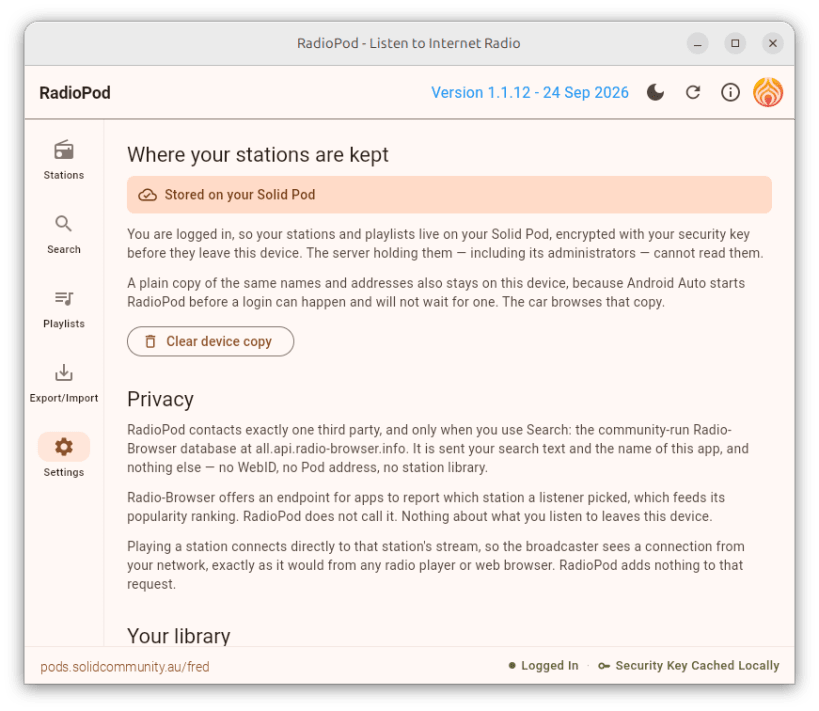
Your stations, podcasts, playlists and listening progress are stored locally by default. Once you are ready they can be encrypted and privately stored in your own personal online data store Pod https://solidproject.org/about within a Data Vault hosted by a Solid Server of your choice. Pod-stored data is available on any of your devices to share your station library and playlists while being protected against server administrator access and server breaches.
Playlists can be imported and exported using the M3U or PLS open formats that every other radio player reads and writes. Podcasts import and export as OPML, so you can bring your subscriptions from another podcast app.
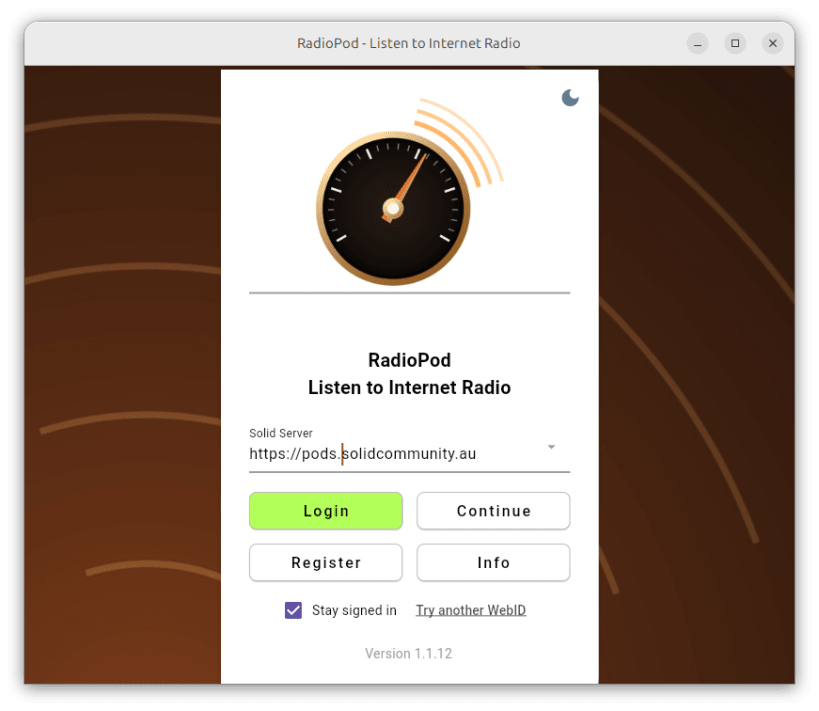
Solid Pods are a new approach to handling your personal data on the World Wide Web and is the latest innovation from the inventor of the WWW, Sir Tim Berners-Lee. Obtain a Pod for yourself on any Solid server and link it to your app. You do not need a Solid Pod to use this app in local-only mode. If you would like to register for a new Pod on a Solid server, choose a server and tap the Register button on the Login screen (tap Not Logged In in the footer or in the top left menu drawer). You will be prompted for an email address (username), a password, and a pod name. On logging in to your Pod for the first time you will be asked for a security key to protect your data on the server.
| Revision | Channel | Version | Build | Commit | Download SBOM |
|---|
The build and commit information is derived from build infrastructure records.
Install RadioPod on your Linux distribution
Choose your Linux distribution to get detailed installation instructions. If yours is not shown, get more details on the installing snapd documentation.











