

Schema ERD Designer
Install latest/stable of Schema ERD Designer
Ubuntu 16.04 or later?
Make sure snap support is enabled in your Desktop store.
Install using the command line
sudo snap install schema-erd-designerDon't have snapd? Get set up for snaps.
Details for Schema ERD Designer
Package name
- schema-erd-designer
License
- MIT
Last updated
- Today - latest/stable
Websites
Contact
External link warning
You are about to open
Do you wish to proceed?
Report a Snap Store violation
Report Schema ERD Designer for a Snap Store violation
Snap Store Violation Report submitted successfully
Thank you for your report. Information you provided will help us investigate further.
Error submitting report
There was an error while sending your report. Please try again later.
Share this snap
Generate an embeddable card to be shared on external websites.
Visual ERD database designer, SQLite reverse engineer & SQL DDL generator
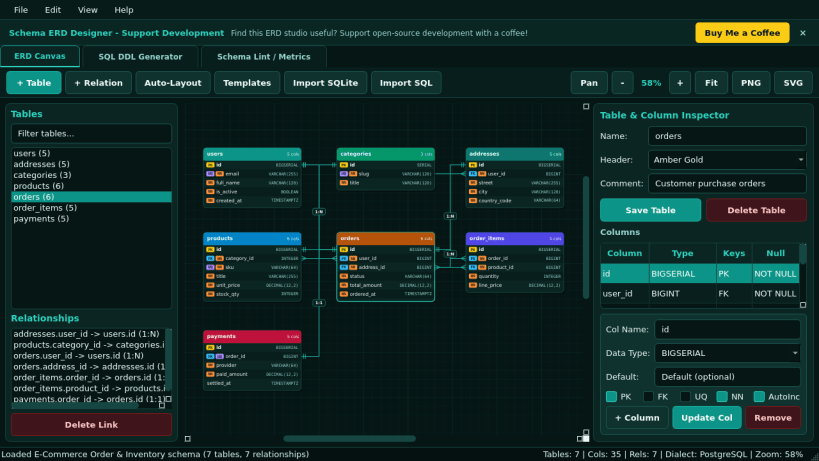
Schema ERD Designer is a fast, offline visual database modeling, SQLite reverse-engineering, and multi-dialect SQL DDL generation studio for Linux desktops. Design entity-relationship diagrams on a crisp interactive dark canvas with draggable table cards, live PK/FK/UQ/NN column badges, and dynamically routed orthogonal Crow's-Foot connectors (1:1, 1:N, N:M).
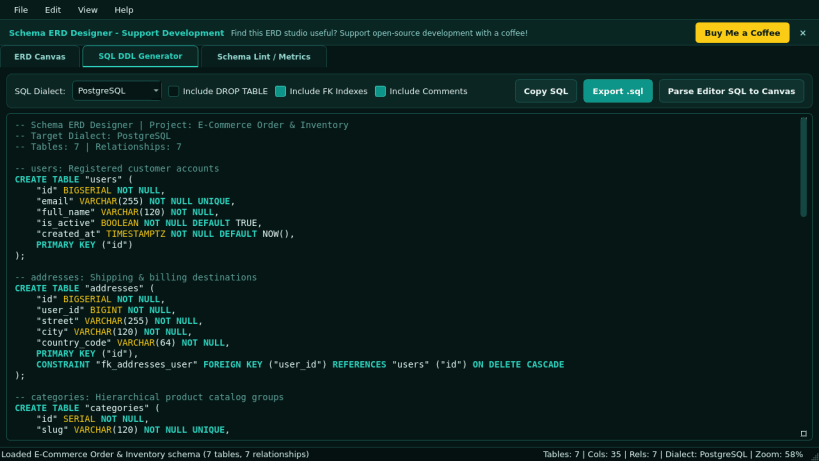
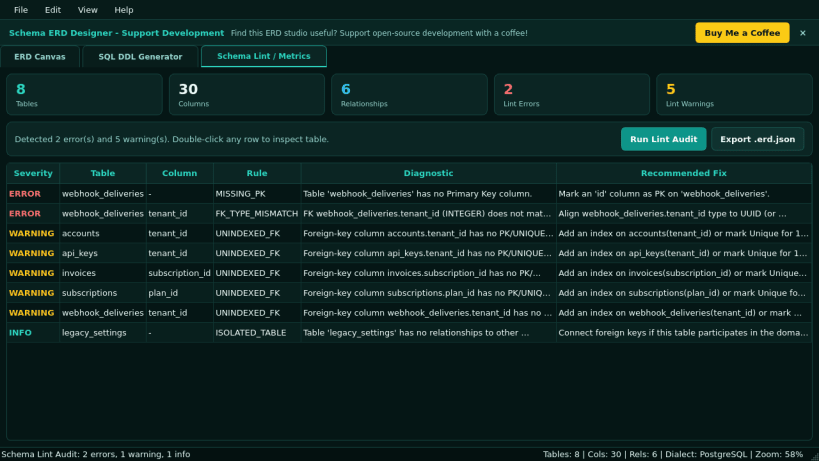
Reverse-engineer existing SQLite databases directly from real .sqlite or .db files by inspecting table schemas, unique indexes, and foreign-key metadata, or parse CREATE TABLE SQL DDL files into an organized visual diagram with automatic grid layout. Generate clean forward SQL DDL for PostgreSQL, MySQL, MariaDB, and SQLite, audit schemas with the built-in Lint Analyzer for missing primary keys, unindexed foreign keys, or column type mismatches, and export diagrams to .erd.json, .sql, high-DPI .png, or crisp vector .svg.
Released under the MIT License.
| Revision | Channel | Version | Build | Commit | Download SBOM |
|---|
The build and commit information is derived from build infrastructure records.
Install Schema ERD Designer on your Linux distribution
Choose your Linux distribution to get detailed installation instructions. If yours is not shown, get more details on the installing snapd documentation.











