

Screen Shot 9000 (screen-shot-app)
Install latest/stable of Screen Shot 9000
Ubuntu 16.04 or later?
Make sure snap support is enabled in your Desktop store.
Install using the command line
sudo snap install screen-shot-appDon't have snapd? Get set up for snaps.
Details for Screen Shot 9000
Package name
- screen-shot-app
License
- Proprietary
Last updated
- Yesterday - latest/stable
Websites
Contact
Report a bug
External link warning
You are about to open
Do you wish to proceed?
Report a Snap Store violation
Report Screen Shot 9000 for a Snap Store violation
Snap Store Violation Report submitted successfully
Thank you for your report. Information you provided will help us investigate further.
Error submitting report
There was an error while sending your report. Please try again later.
Share this snap
Generate an embeddable card to be shared on external websites.
Take screenshots, mark them up with arrows, text and blur, and share them
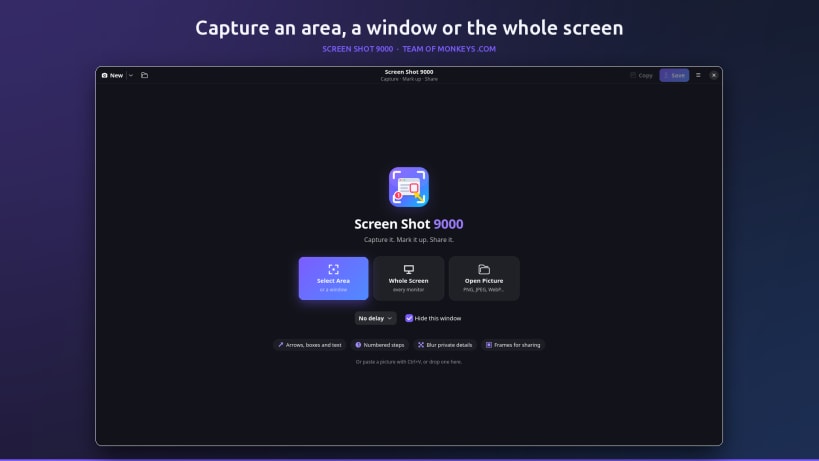
Take a screenshot. Explain it. Share it. Screen Shot 9000 by Team of Monkeys .com takes a screenshot and gives you everything you need to explain it: point at things with arrows, number the steps, blur what is private and shine a spotlight on what matters. Then copy it straight into a chat, an email or a document, or save it. It is the snipping tool and markup editor in one clean, dark window.
Made for the screenshots you send every day: showing a colleague which button to press, reporting a bug, writing a how-to, answering "where is that setting?", or sharing something funny without your name and email in it.
★ Capture
- Select an area or a window, or grab the whole screen (every monitor)
- An optional 3, 5 or 10 second delay, for menus and tooltips
- The window gets out of the way while you capture
- Or open a picture, paste one with Ctrl+V or drop one on the window
★ Mark it up
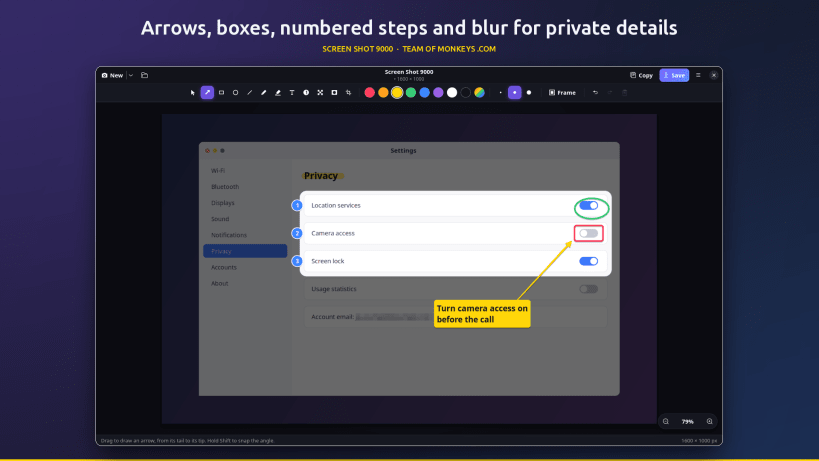
- Arrows, boxes, circles, lines, a pen and a highlighter
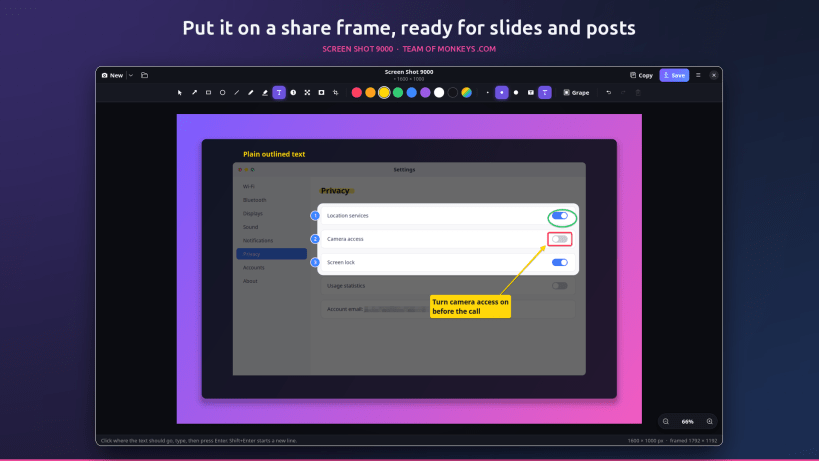
- Text on a colour label, or outlined text that reads on any background
- Numbered steps (1, 2, 3...) that renumber themselves when you remove one
- Blur: pixelate names, email addresses, passwords and anything private
- Spotlight: dim everything except what matters
- Crop, undo and redo; every mark stays editable, movable and recolourable until you share
- Eight bold colours (or any colour), three sizes, and Shift to snap angles
★ Share
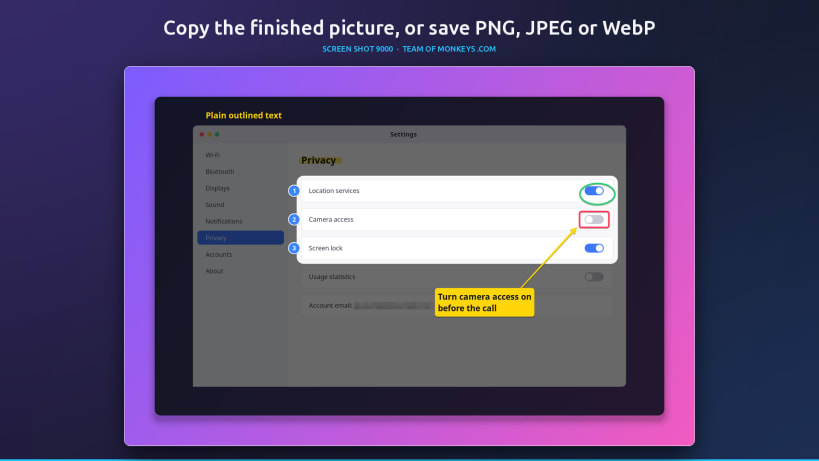
Copy the finished picture with one click and paste it anywhere, or save it as PNG, JPEG or WebP. Add a share frame to put the screenshot on a gradient backdrop with padding, rounded corners and a soft shadow, ready for slides, docs, blog posts and social media.
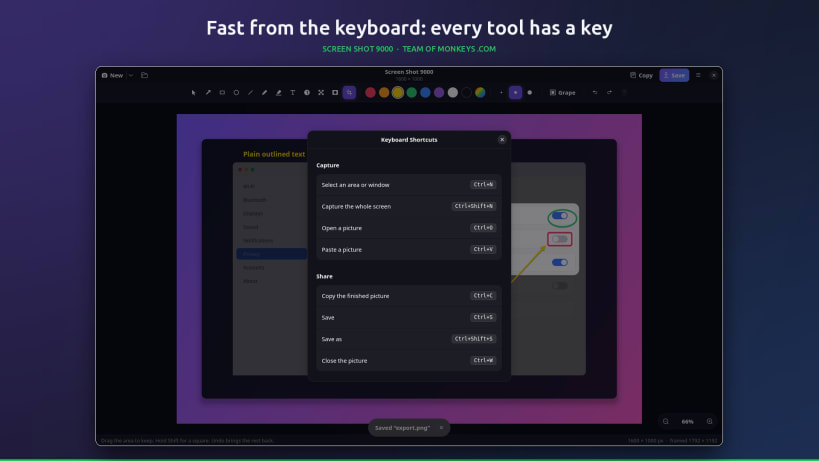
★ Fast from the keyboard
Ctrl+N captures an area, Ctrl+Shift+N the whole screen, Ctrl+C copies, Ctrl+S saves and Ctrl+Z undoes. V A R E L P H T N B S C pick a tool, 1 2 3 the size, Delete removes the selected mark and Ctrl+? lists every shortcut.
★ Private by design
No accounts, no ads, no telemetry and no internet connection. Screenshots are taken through your desktop's screenshot portal, so it works on Wayland and X11, and pictures are opened and saved through your desktop's file chooser, so the app only ever sees the files you pick.
| Revision | Channel | Version | Build | Commit | Download SBOM |
|---|
The build and commit information is derived from build infrastructure records.
Install Screen Shot 9000 on your Linux distribution
Choose your Linux distribution to get detailed installation instructions. If yours is not shown, get more details on the installing snapd documentation.


