

SleepMix
Install latest/stable of SleepMix
Ubuntu 16.04 or later?
Make sure snap support is enabled in your Desktop store.
Details for SleepMix
Package name
- sleepmix
License
- Proprietary
Last updated
- Today - latest/stable
Websites
Contact
External link warning
You are about to open
Do you wish to proceed?
Report a Snap Store violation
Report SleepMix for a Snap Store violation
Snap Store Violation Report submitted successfully
Thank you for your report. Information you provided will help us investigate further.
Error submitting report
There was an error while sending your report. Please try again later.
Share this snap
Generate an embeddable card to be shared on external websites.
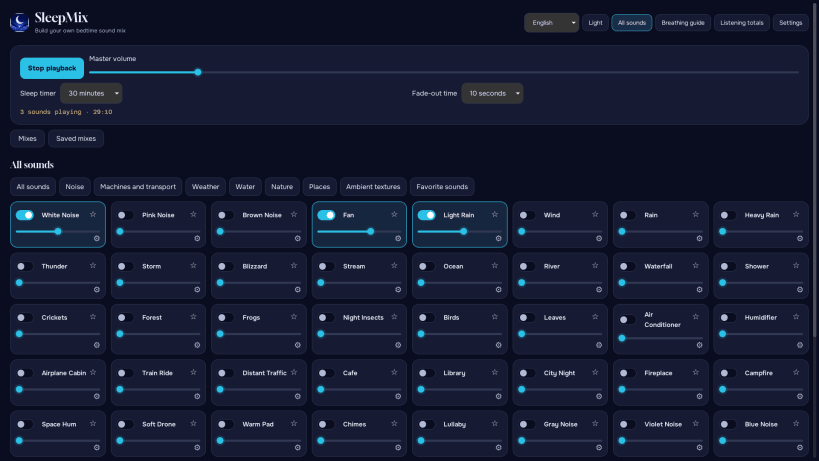
Mix sounds, save presets, and set a sleep timer with fade-out.
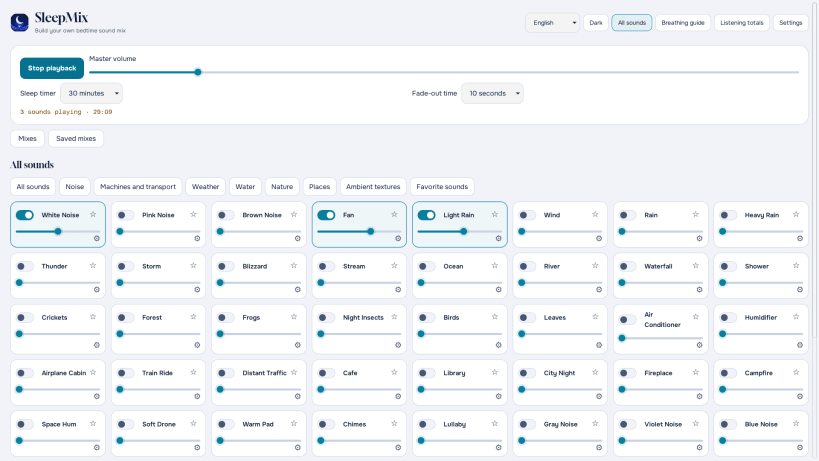
Make a sound mix for bedtime, reading, or quiet time with SleepMix. This free edition for desktop, Amazon, and browser extensions offers 60 sound entries built from 18 shared recordings. Pick from rain, fans, water, nature, room sounds, and more. Play one sound or combine several, then adjust the volume to suit your space.
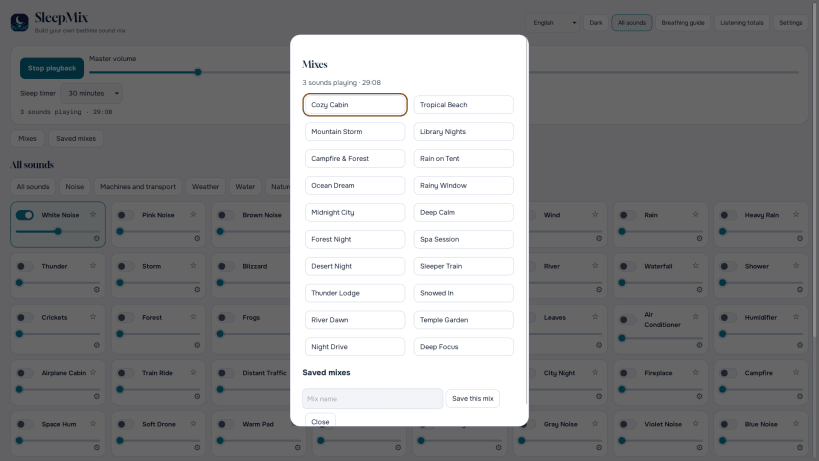
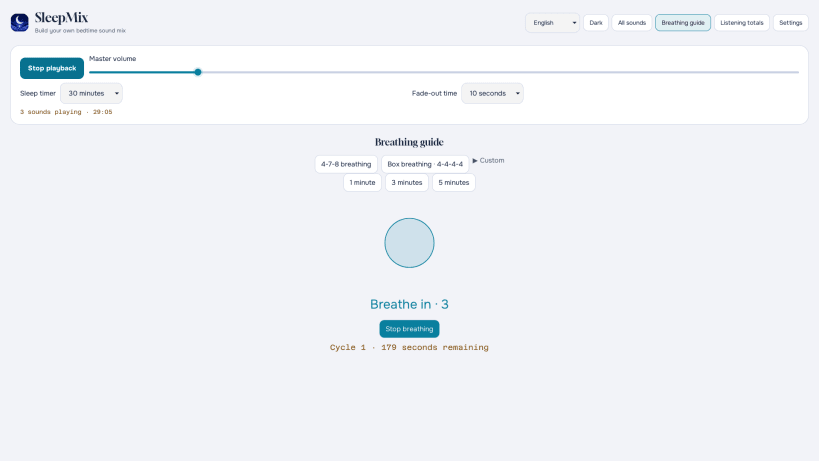
Start with any of 20 ready-made mixes, or build your own and save it as a preset for later. A sleep timer can stop playback after the time you choose, with an optional fade-out. The app also includes a 4-7-8 breathing guide that you can start or stop when you want. Local listening totals show your completed sessions and minutes listened.
SleepMix has no ads or purchases in this edition. Your mixes, presets, and listening totals stay on your device. Start at a quiet volume and adjust by ear; the volume slider cannot tell you how loud the sound is at your ears.
Want SleepMix on your phone? Visit https://whitenoisegeneratoronline.com/ for links to the iPhone and Android apps.
| Revision | Channel | Version | Build | Commit | Download SBOM |
|---|
The build and commit information is derived from build infrastructure records.
Install SleepMix on your Linux distribution
Choose your Linux distribution to get detailed installation instructions. If yours is not shown, get more details on the installing snapd documentation.


