

SRL SIM – Smart Robo Lab Simulator (srl-sim)
Install latest/stable of SRL SIM – Smart Robo Lab Simulator
Ubuntu 16.04 or later?
Make sure snap support is enabled in your Desktop store.
Details for SRL SIM – Smart Robo Lab Simulator
Package name
- srl-sim
License
- MIT
Last updated
- Today - latest/stable
Websites
Contact
External link warning
You are about to open
Do you wish to proceed?
Report a Snap Store violation
Report SRL SIM – Smart Robo Lab Simulator for a Snap Store violation
Snap Store Violation Report submitted successfully
Thank you for your report. Information you provided will help us investigate further.
Error submitting report
There was an error while sending your report. Please try again later.
Share this snap
Generate an embeddable card to be shared on external websites.
Build circuits, code Arduino, ESP32 and Pico, simulate, and upload to a board
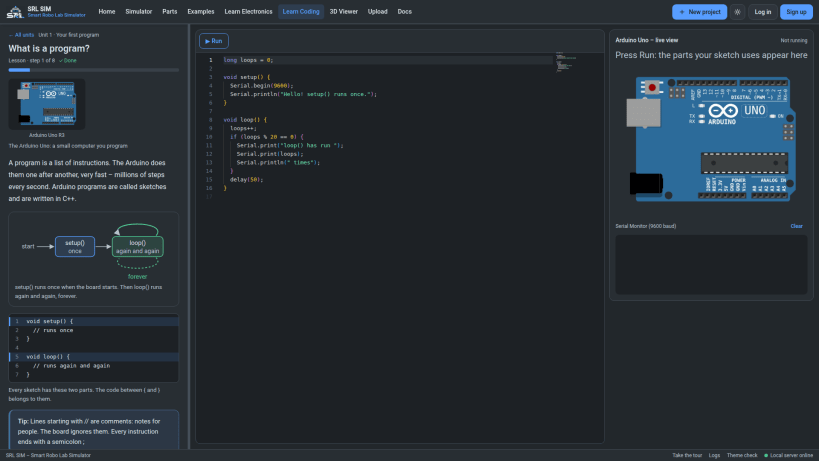
SRL SIM, the Smart Robo Lab Simulator, is a desktop app for learning electronics and embedded coding. Wire a circuit on the canvas, write the code, press Start and watch it run – then upload the same code to a real board.
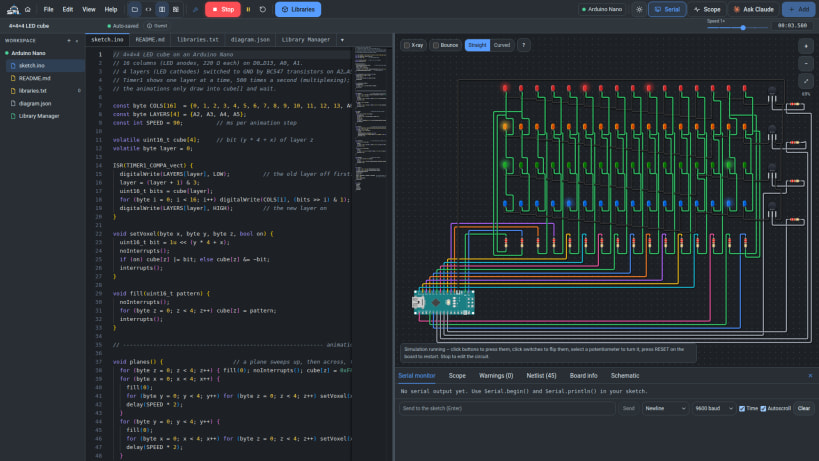
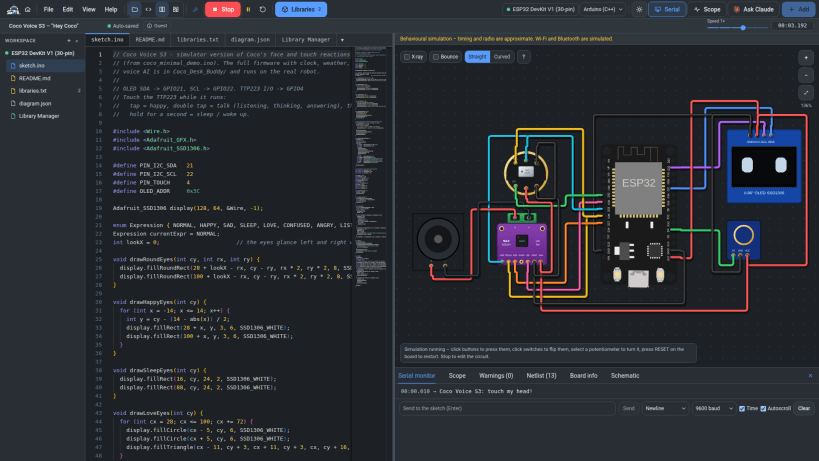
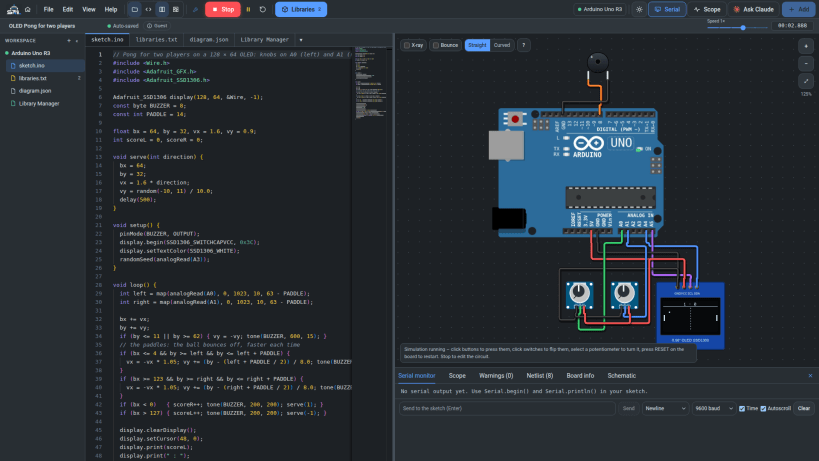
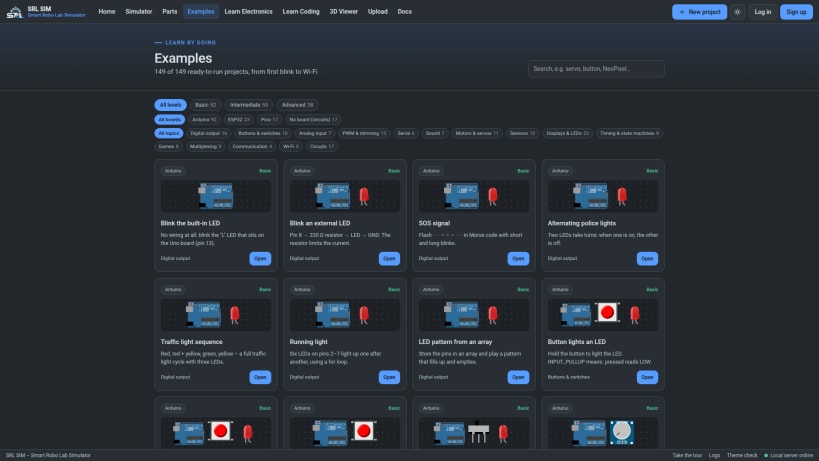
WHAT YOU CAN DO • Build circuits from 260+ parts: LEDs, resistors, buttons, potentiometers, sensors, motors, servos, NeoPixels, 7-segment displays, OLED and LCD displays, shift registers, transistors, power supplies and meters. • Write Arduino C++ for the Uno, Nano and Pro Mini (real firmware on a cycle-accurate simulated ATmega328P), the Raspberry Pi Pico (real RP2040 firmware), and ESP32 / XIAO boards; or MicroPython and CircuitPython on ESP32 and Pico. • See it run: LEDs light, displays draw, servos turn, the serial monitor prints; press buttons and turn knobs while it runs. Scope, netlist, schematic and circuit warnings (missing resistors, short circuits, floating inputs, pin overloads). • Check your code without running it: errors with plain-language tips, warnings, and how much flash and RAM it uses. Libraries named by your #include lines are added and installed by themselves. • Upload to a real board over USB (Arduino, ESP32, Pico) with a clear step-by-step progress view. • 150+ ready examples, from "Blink an LED" to a 4×4×4 LED cube, OLED Pong, LCD projects and the Coco desk buddy robot. • Learn Electronics and Learn Coding: lessons and exercises checked on a simulated board. • 3D Viewer for STL, OBJ, 3MF and glTF files (each part of an STL in its own colour). • Ask Claude: your own Claude account can explain, fix or build the project with you (optional). • Your projects stay on your computer. Export all of them at once, import many files at once, open Wokwi projects and diagram.json files, and let an AI chat draw a circuit for you.
USB BOARDS To upload to a real board, allow USB access once: sudo snap connect srl-sim:raw-usb
Made by Smart Robo Lab – https://smart-robo-lab.vercel.app
| Revision | Channel | Version | Build | Commit | Download SBOM |
|---|
The build and commit information is derived from build infrastructure records.
Install SRL SIM – Smart Robo Lab Simulator on your Linux distribution
Choose your Linux distribution to get detailed installation instructions. If yours is not shown, get more details on the installing snapd documentation.


