
Install latest/stable of ubuntu-budgie-welcome
Ubuntu 16.04 or later?
Make sure snap support is enabled in your Desktop store.
Install using the command line
sudo snap install ubuntu-budgie-welcome --classicDon't have snapd? Get set up for snaps.
You are about to open
Do you wish to proceed?
Thank you for your report. Information you provided will help us investigate further.
There was an error while sending your report. Please try again later.
Generate an embeddable card to be shared on external websites.
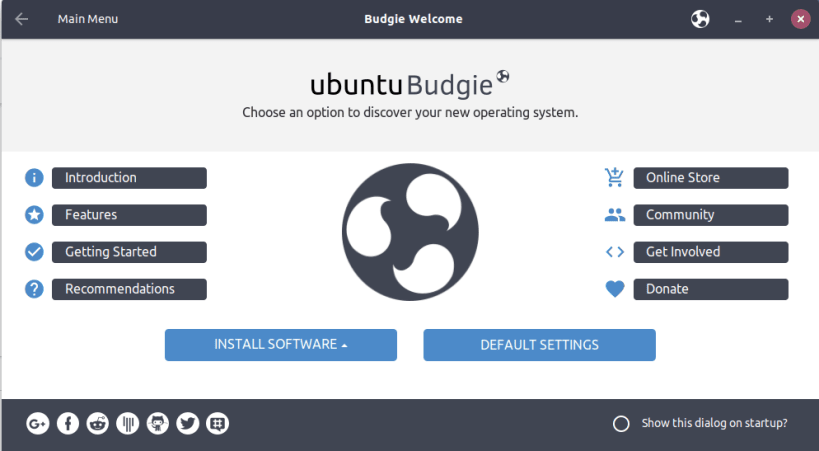
The ubuntu-budgie-welcome application was designed to greet a new user at the first run after installing Ubuntu Budgie. This app will show you around the official Ubuntu flavour, make a few recommendations, showcase some of the available budgie applets (to personalize your desktop), and ease the installation effort around a few common applications.
| Revision | Channel | Version | Build | Commit |
|---|
The build and commit information is derived from build infrastructure records.
Choose your Linux distribution to get detailed installation instructions. If yours is not shown, get more details on the installing snapd documentation.













