
IntelliJ IDEA Ultimate

Install latest/stable of IntelliJ IDEA Ultimate
Ubuntu 16.04 or later?
Make sure snap support is enabled in your Desktop store.
Install using the command line
sudo snap install intellij-idea-ultimate --classicDon't have snapd? Get set up for snaps.


Details for IntelliJ IDEA Ultimate
Package name
- intellij-idea-ultimate
License
- Proprietary
Last updated
- Yesterday - latest/stable
- Yesterday - 2026.3/edge
Websites
Contact
External link warning
You are about to open
Do you wish to proceed?
Report a Snap Store violation
Report IntelliJ IDEA Ultimate for a Snap Store violation
Snap Store Violation Report submitted successfully
Thank you for your report. Information you provided will help us investigate further.
Error submitting report
There was an error while sending your report. Please try again later.
Share this snap
Generate an embeddable card to be shared on external websites.
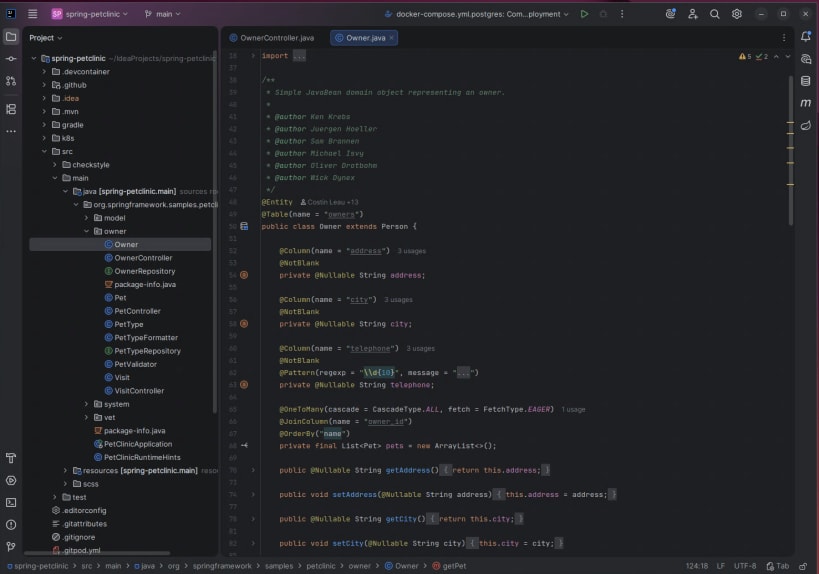
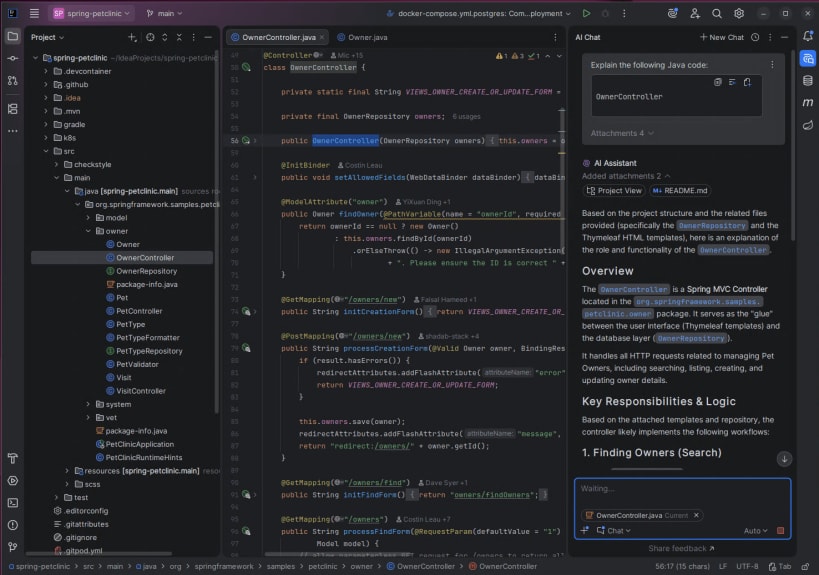
IntelliJ IDEA – The Leading IDE for Professional Development in Java and Kotlin
IntelliJ IDEA is now distributed as a single, unified product, replacing the separate Community Edition and Ultimate snaps for a simpler and more convenient experience.
From the 2025.3 release onward, the IntelliJ IDEA Ultimate snap will download the unified IntelliJ IDEA instead. You can also get the unified IntelliJ IDEA directly from https://snapcraft.io/intellij-idea.
Existing IntelliJ IDEA Ultimate users will continue to enjoy full access to all advanced features, with fallback licensing also remaining unchanged. New users can explore the full IntelliJ IDEA experience with a free 30-day Ultimate subscription trial to try all advanced tools and integrations.
Even without a subscription, IntelliJ IDEA remains fully functional for Java and Kotlin development, and free to use for both commercial and non-commercial projects.
| Revision | Channel | Version | Build | Commit | Download SBOM |
|---|
The build and commit information is derived from build infrastructure records.
Install IntelliJ IDEA Ultimate on your Linux distribution
Choose your Linux distribution to get detailed installation instructions. If yours is not shown, get more details on the installing snapd documentation.