

Install latest/stable of upsignon
Ubuntu 16.04 or later?
Make sure snap support is enabled in your Desktop store.


Details for upsignon
Package name
- upsignon
License
- unset
Last updated
- 14 September 2026 - latest/stable
Websites
External link warning
You are about to open
Do you wish to proceed?
Report a Snap Store violation
Report upsignon for a Snap Store violation
Snap Store Violation Report submitted successfully
Thank you for your report. Information you provided will help us investigate further.
Error submitting report
There was an error while sending your report. Please try again later.
Share this snap
Generate an embeddable card to be shared on external websites.
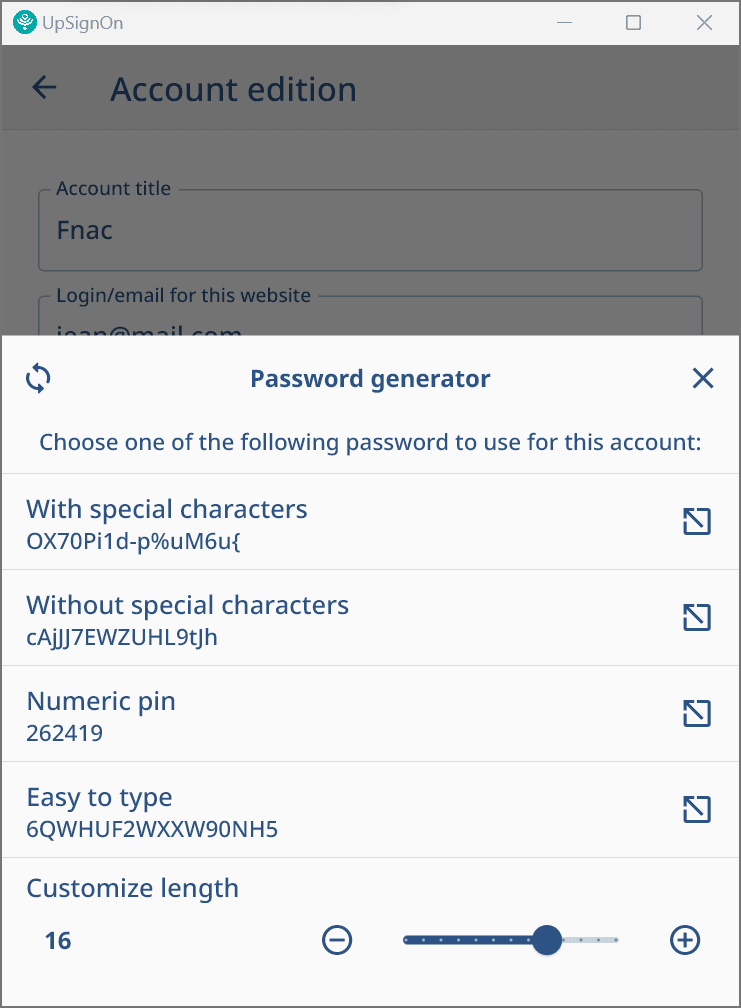
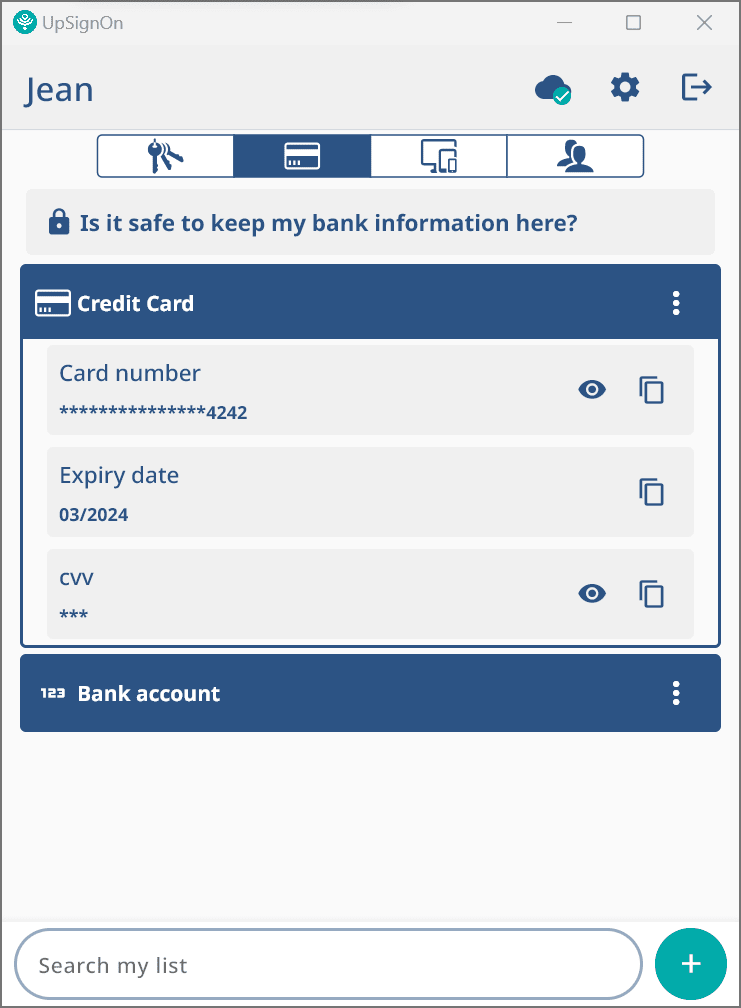
A cross platform password manager for personal and professional usage.
UpSignOn by Septeo is a secure password manager designed for both individuals and professionals, with a particular focus on data confidentiality and ease of use.
It is based on a zero-knowledge architecture: your data is encrypted from end to end and never leaves your devices without encryption.
Key features:
- Locally encrypted personal vaults
- Multi-platform access: browser extension, desktop, mobile
- Biometric authentication, MFA (multi-factor authentication by design)
- Secure sharing of passwords and data
- Security audit and IT supervision for administrators
For professionals:
- Individual vaults for each user, linked to their work email
- Collaborative sharing with fine-grained access rights management
- Administrator oversight: auditing, revocation, GDPR compliance
Compatibility:
- Linux (x64) – Snap package
- Windows, macOS, Android & iOS also available
- Supported browsers: Chrome, Firefox, Edge, Brave, Opera, Safari
Easy import
Native support for CSV exports, import from Dashlane, 1Password, Bitwarden, iCloud, Chrome, etc.
Security & compliance
- AES-256 end-to-end encryption
- Multi-factor authentication
- GDPR compliance – hosted in France (sovereign cloud)
| Revision | Channel | Version | Build | Commit | Download SBOM |
|---|
The build and commit information is derived from build infrastructure records.
Install upsignon on your Linux distribution
Choose your Linux distribution to get detailed installation instructions. If yours is not shown, get more details on the installing snapd documentation.












