

kodi-omega
Install latest/stable of kodi-omega
Ubuntu 16.04 or later?
Make sure snap support is enabled in your Desktop store.



Details for kodi-omega
Package name
- kodi-omega
License
- GPL-3.0-or-later
Last updated
- 4 August 2026 - latest/stable
Websites
Source code
Report a bug
External link warning
You are about to open
Do you wish to proceed?
Report a Snap Store violation
Report kodi-omega for a Snap Store violation
Snap Store Violation Report submitted successfully
Thank you for your report. Information you provided will help us investigate further.
Error submitting report
There was an error while sending your report. Please try again later.
Share this snap
Generate an embeddable card to be shared on external websites.
kodi-omega
Kodi is an open-source media center that lets you play movies, music, TV shows and more. This is an unofficial build which includes all available plugins from the official repository. This Snap contains the Omega branch and supports x11 and wayland.
You can start Kodi via terminal using kodi-omegaor by selecting it from the menu.
On the first start, Kodi will prompt you to enable or disable available addons , this may take a few minutes. Alternatively, you can simply _press "s" _, exit Kodi, then restart kodi-omega. This will disable all addons by default, allowing you to activate only the ones you actually need afterward.
Make sure to enable the necessary permissions for this Snap in GNOME (Settings → Apps) or KDE (Discover → Kodi-Omega → Change Permissions), otherwise Kodi may not work as expected.
You can also manage permissions via terminal by listing them with " snap connections kodi-omega " and enabling missing ones using " snap connect kodi-omega:dvb " for DVB access .
Or simply connect all :
snap connections kodi-omega | awk '$3 == "-" {print $2}' | while read plug; do sudo snap connect $plug; done
Or try my snap-permissions-manager script: https://github.com/Tibsun75/snap-permission-manager
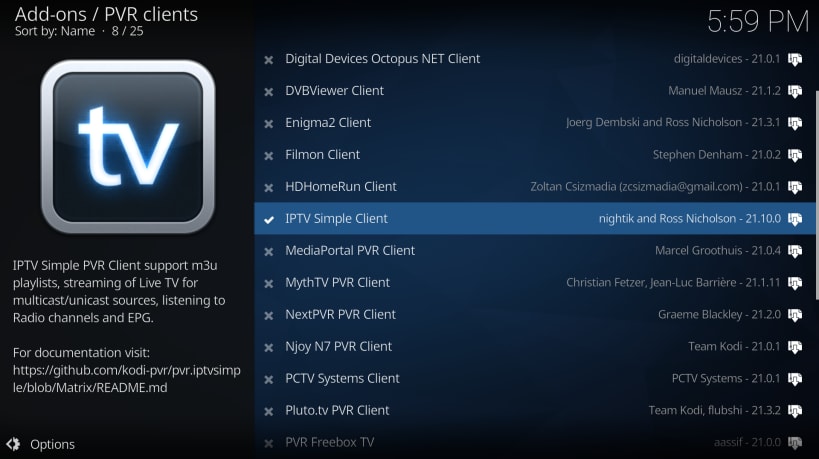
For IPTV, you will need an M3U playlist file or a membership with services such as Zattoo, Waipu, Pluto or similar providers.
Bluray KEYDB.cfg must be here : ~/snap/kodi-omega/current/.config/aacs/ , because of lack support bd+ for linux ... maybe will not work for all
Enjoy your media with Kodi Omega!
| Revision | Channel | Version | Build | Commit | Download SBOM |
|---|
The build and commit information is derived from build infrastructure records.
Install kodi-omega on your Linux distribution
Choose your Linux distribution to get detailed installation instructions. If yours is not shown, get more details on the installing snapd documentation.











